As an experienced electrical engineer, I often encounter situations where proximity sensor switches need to be removed for maintenance, replacement, or system upgrades. Proximity sensors are critical components in automation and control systems, detecting the presence or absence of objects without physical contact. Proper removal is essential to avoid damage to the sensor, wiring, or machinery. Here’s a step-by-step guide based on industry best practices.
First, ensure safety by disconnecting all power sources to the equipment. Lock out and tag out (LOTO) the circuit to prevent accidental re-energization. Verify that the system is de-energized using a multimeter or voltage tester. This step is non-negotiable, as working on live circuits can lead to electrical shocks or equipment failure.
Next, identify the type of proximity sensor. Common variants include inductive, capacitive, and ultrasonic sensors, each with specific mounting and connection methods. Check the manufacturer’s documentation for details on disassembly. Typically, sensors are mounted with brackets, threaded housings, or bolts. For threaded sensors, use an appropriate wrench to loosen the housing, turning counterclockwise. Avoid excessive force, as this can strip threads or damage the sensor body.
After loosening the mount, disconnect the electrical connections. Most proximity sensors have a cable or connector attached. If it’s a pre-wired sensor, note the wiring configuration—often color-coded or labeled (e.g., brown for +V, blue for 0V, black for output). Use a screwdriver to loosen terminal screws or gently unplug the connector. Never pull on wires directly; instead, grip the connector body to prevent wire breakage. If the sensor is integrated into a junction box, label each wire before disconnecting to simplify reinstallation.
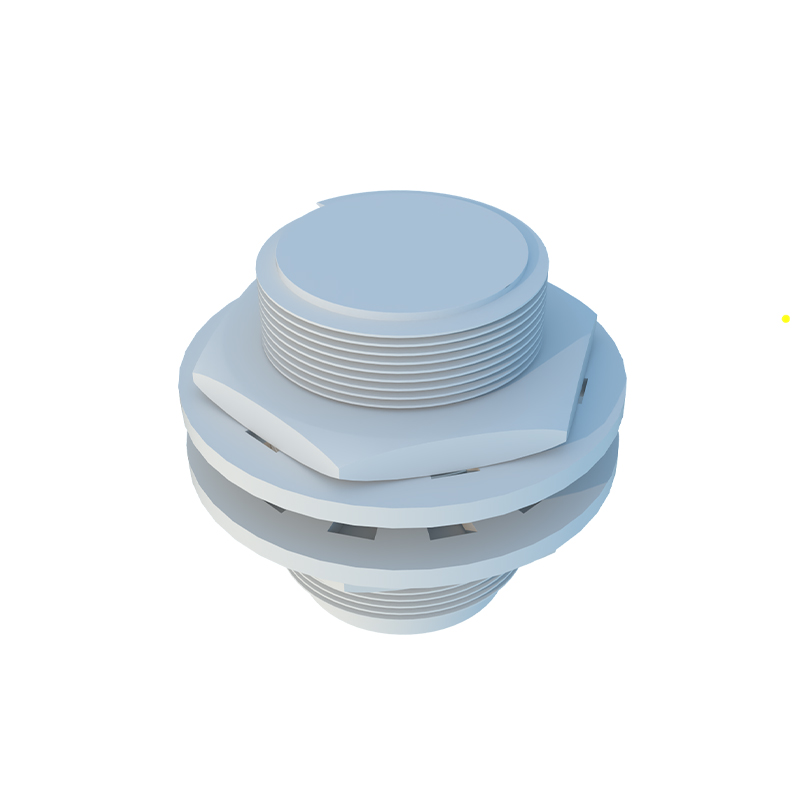
Once disconnected, carefully remove the sensor from its mounting location. Inspect the area for any signs of wear, corrosion, or debris that might affect a new sensor’s performance. Clean the mounting surface if necessary, but avoid using harsh chemicals that could degrade materials.
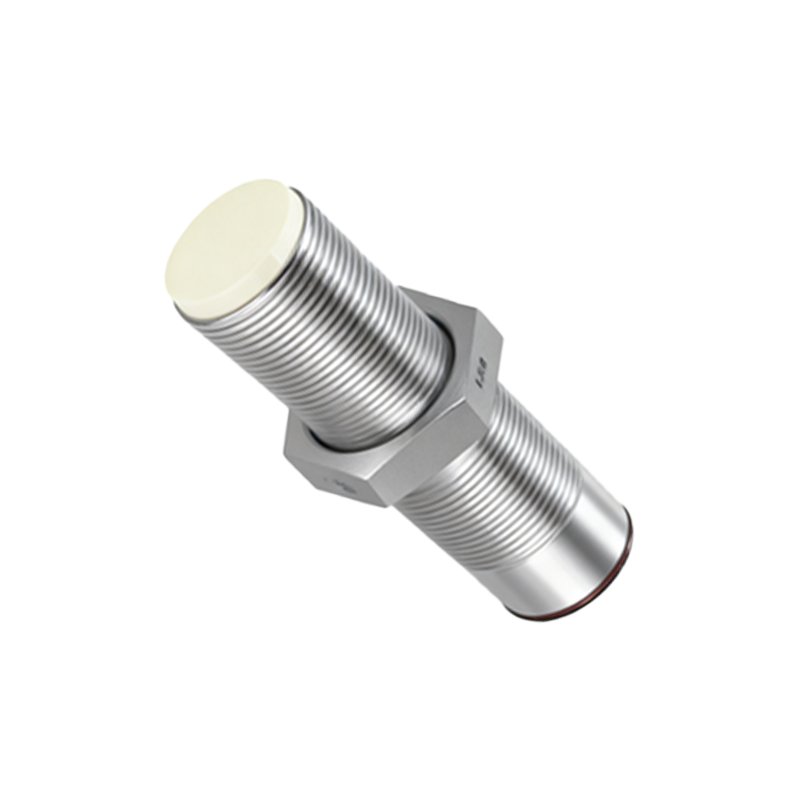
For sensors embedded in tight spaces or harsh environments, additional precautions may be needed. In dusty or wet areas, seal openings temporarily to prevent contamination. If the sensor is part of a safety-critical system, document the removal process and test the system afterward to ensure functionality.
Finally, store the removed sensor properly if it will be reused. Place it in an anti-static bag or protective case to shield it from physical and electrostatic damage. Record any observations, such as fault codes or performance issues, for future reference.
By following these steps, you can minimize downtime and extend the lifespan of your equipment. Always prioritize safety and consult technical manuals when in doubt. Regular maintenance and correct handling of proximity sensors contribute to reliable and efficient industrial operations.