In the rapidly evolving landscape of automotive and industrial electronics, the central control screen has become the primary human-machine interface (HMI). A critical, yet often underappreciated, component that significantly elevates the functionality and user experience of these screens is the proximity sensor. This article delves into the technology, applications, and benefits of proximity sensors integrated into central control panels, exploring how they contribute to smarter, more intuitive, and energy-efficient systems.
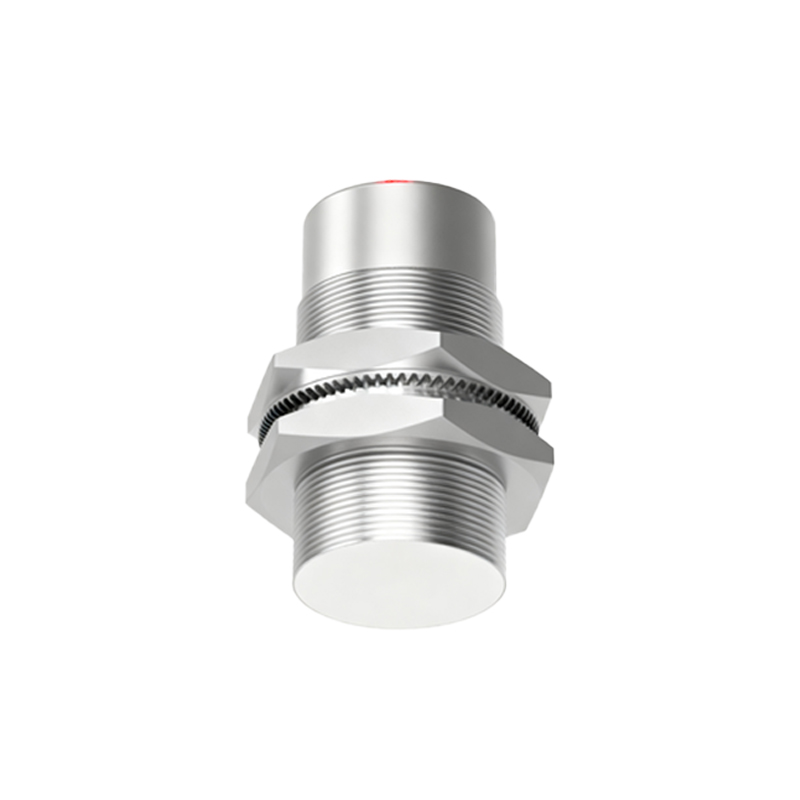
At its core, a proximity sensor is a non-contact device that detects the presence or absence of an object within a specific range. In the context of a central control screen, this "object" is typically the user's hand or finger. The most common technologies employed are capacitive and infrared (IR) sensing. Capacitive sensors work by detecting changes in an electrostatic field caused by the conductive properties of the human body. When a hand approaches the screen, the sensor triggers a predefined action. Infrared sensors, on the other hand, emit an invisible beam of light; the reflection of this beam from a nearby object is measured to determine proximity.
The integration of these sensors serves multiple pivotal functions. The most immediate is display management. When a user's hand approaches the screen, the proximity sensor can automatically wake the display from a sleep or dimmed state, ensuring information is instantly visible without the need for physical contact. Conversely, when the hand is withdrawn, the sensor can command the display to dim or turn off after a short delay. This feature is paramount for power conservation, especially in battery-operated devices or electric vehicles where every watt-hour counts. It also reduces screen burn-in on OLED displays and minimizes nighttime glare in vehicle cabins, enhancing driver safety.
Beyond simple on/off control, proximity sensing enables more sophisticated interactive layers. For instance, as a hand nears the screen, the UI can dynamically change, presenting larger touch targets or context-sensitive menus before contact is even made. This pre-touch interaction creates a fluid, anticipatory user experience. In automotive applications, this can mean bringing critical climate or audio controls to the forefront as the driver's hand moves toward the center console, reducing distraction.

Furthermore, proximity sensors play a crucial role in preventing accidental touch inputs. In a moving vehicle, bumps and vibrations can cause a passenger's knee or arm to brush against the screen. A well-calibrated proximity sensor can distinguish between an intentional approach and incidental contact, temporarily disabling the touch-sensitive layer to prevent unintended commands like changing the navigation destination or adjusting the volume unexpectedly. This "palm rejection" feature is essential for maintaining system integrity and user trust.
The implementation requires careful engineering. Sensor placement, typically around the bezel of the screen, must ensure a consistent and reliable detection zone. The firmware algorithms must be tuned to differentiate between a deliberate user gesture and environmental noise, such as passing shadows or a passenger moving in the adjacent seat. Response time is also critical; the delay between detection and system reaction must be imperceptible to the user to maintain the illusion of seamless interaction.
Looking forward, the role of proximity sensors is expanding with advancements in sensor fusion and machine learning. By combining data from proximity sensors with cameras or time-of-flight (ToF) sensors, systems can gain a more nuanced understanding of user intent, such as distinguishing between a driver's or passenger's hand. This allows for personalized interface responses. Additionally, gesture recognition, built upon a foundation of proximity sensing, is enabling control through simple hand waves or finger points, pushing the boundaries of contactless interaction.
In conclusion, the proximity sensor is a silent workhorse within modern central control screens. It transforms a static touch panel into a responsive, intelligent interface that conserves energy, prevents errors, and delivers a smoother, more intuitive user experience. As HMIs continue to evolve towards greater autonomy and contextual awareness, the humble proximity sensor will remain a fundamental enabler, bridging the gap between human intention and digital response with remarkable efficiency and reliability.