In industrial automation and control systems, proximity sensors are indispensable components, providing non-contact detection of metallic and, in some cases, non-metallic objects. Their reliability is critical for process integrity, safety, and efficiency. However, a common and often perplexing issue faced by engineers and maintenance personnel is the failure of a proximity sensor to detect a target object. This failure can lead to production stoppages, quality defects, or even hazardous situations. Understanding the root causes requires a systematic examination of the sensor's operating principles, environmental factors, and application-specific parameters.
At its core, a proximity sensor operates by generating an electromagnetic field or a beam of light. Inductive sensors detect ferrous and non-ferrous metals by changes in oscillation amplitude when a target enters the field. Capacitive sensors detect both metallic and non-metallic materials by sensing changes in capacitance. Ultrasonic sensors use sound waves, while photoelectric sensors rely on light beams. A failure to detect fundamentally means the sensor's output state does not change as expected when the target is present.
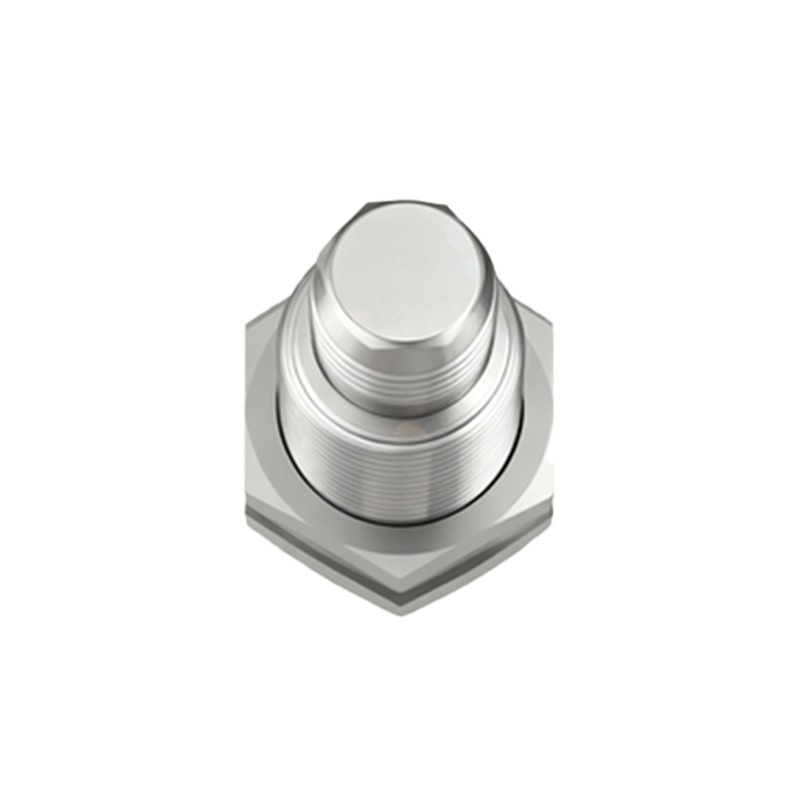
The primary technical reasons for detection failure can be categorized as follows:
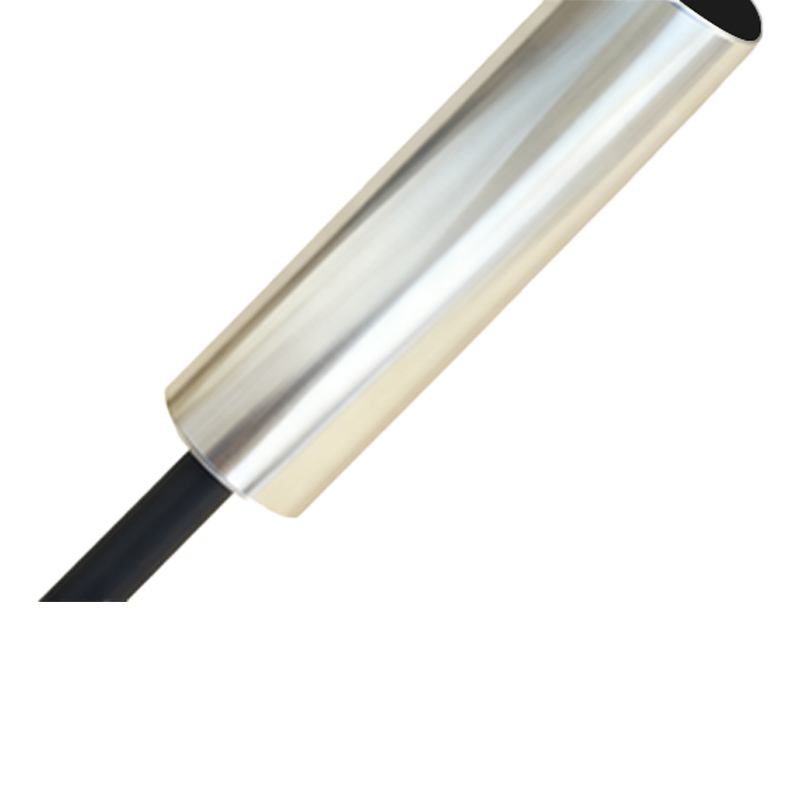
1. Incorrect Sensor Selection: This is perhaps the most frequent cause. Using an inductive sensor to detect plastic, cardboard, or liquid will inevitably fail. Similarly, selecting a sensor with an insufficient sensing range for the application means the target never enters the active field. Engineers must meticulously match the sensor type (inductive, capacitive, ultrasonic, photoelectric) and its specified sensing distance to the target material and required mounting distance.
2. Installation and Alignment Errors: Proper mounting is non-negotiable. For inductive and capacitive sensors, the presence of surrounding metal (the "mounting flush" condition) can drastically reduce the nominal sensing range. Sensors not mounted securely may vibrate out of alignment. For photoelectric and ultrasonic sensors, precise alignment between emitter and receiver (or reflector) is crucial. Even a slight angular misalignment can cause the beam to miss the receiver or create a false signal.
3. Environmental Interference: Industrial environments are harsh. For inductive sensors, accumulation of metallic dust or swarf on the active face can shield the field or cause the sensor to latch on. Strong electromagnetic interference (EMI) from nearby motors, welders, or frequency drives can disrupt the sensor's internal electronics. For photoelectric sensors, ambient light (sunlight, strobe lights), dust, fog, or oil films on lenses can scatter or block the light beam. Ultrasonic sensors can be affected by air turbulence, temperature gradients, or highly absorbent surfaces.
4. Target-Related Issues: The sensor may be correctly specified, but the target itself can be problematic. The target size may be smaller than the sensor's active face, making detection unreliable. For inductive sensors, the type and grade of metal matter; some stainless steels have lower permeability and require a reduced sensing range. The target may also be moving too fast for the sensor's response time, passing through the detection zone before the output can switch.
5. Electrical and Wiring Problems: A sensor requires correct power supply (voltage and current) to function. Voltage drops over long cable runs, especially with DC sensors, can lead to insufficient operating voltage. Incorrect wiring (sinking vs. sourcing, NPN vs. PNP) or short circuits can damage the output circuit. Load current exceeding the sensor's rating can also cause failure. Always check connections, cable integrity, and the load device.
6. Sensor Degradation and Damage: Proximity sensors have a finite lifespan. Continuous mechanical stress from vibration, exposure to extreme temperatures, chemical corrosion, or physical impact can degrade internal components. The oscillator coil in an inductive sensor can weaken, or the transistor output can fail. Condensation inside the housing due to thermal cycling is another common killer.
Troubleshooting a non-detecting sensor demands a logical approach. Start with the simplest checks: verify power is present at the sensor terminals using a multimeter. Inspect the sensor face for contamination and the target for correct positioning. Consult the datasheet to confirm the sensing distance and ensure the target is well within range. Use the manufacturer's recommended test procedure, which often involves bringing a standard target (e.g., a mild steel square) close to the face to isolate application variables. Monitoring the sensor's output LED indicator (if present) is invaluable; if it lights but the PLC input does not register, the fault lies in the wiring or the load. If the LED does not change state, the issue is with the sensor, its power, or the target interaction.
Preventive maintenance is key to minimizing these failures. Establish regular schedules for cleaning sensor faces, checking mounting hardware tightness, and verifying alignment. Keep environmental factors in check with protective housings, air blasts for