Proximity sensors are ubiquitous in modern technology, silently enabling countless automated functions in our phones, cars, factories, and appliances. While technical datasheets provide specifications, a well-crafted video tutorial can demystify their operation far more effectively. Understanding the core principles behind these sensors enhances one's ability to select, install, and troubleshoot them in practical applications.
At its heart, a proximity sensor detects the presence or absence of a nearby object without any physical contact. It does this by emitting a field or beam of electromagnetic radiation and then looking for changes in the field or the return signal. The primary working principles can be categorized into several types, each suited for different materials and sensing ranges.
Inductive proximity sensors are workhorses in industrial automation. They generate an oscillating electromagnetic field from a coil wound around a ferrite core. When a metallic object enters this field, eddy currents are induced on the object's surface. These currents draw energy from the sensor's coil, which in turn dampens the oscillation amplitude. The sensor's internal circuit detects this damping and triggers a solid-state switch. Video demonstrations often show these sensors reliably detecting metals, highlighting their immunity to dirt, dust, and oils, but also their limitation to conductive materials.
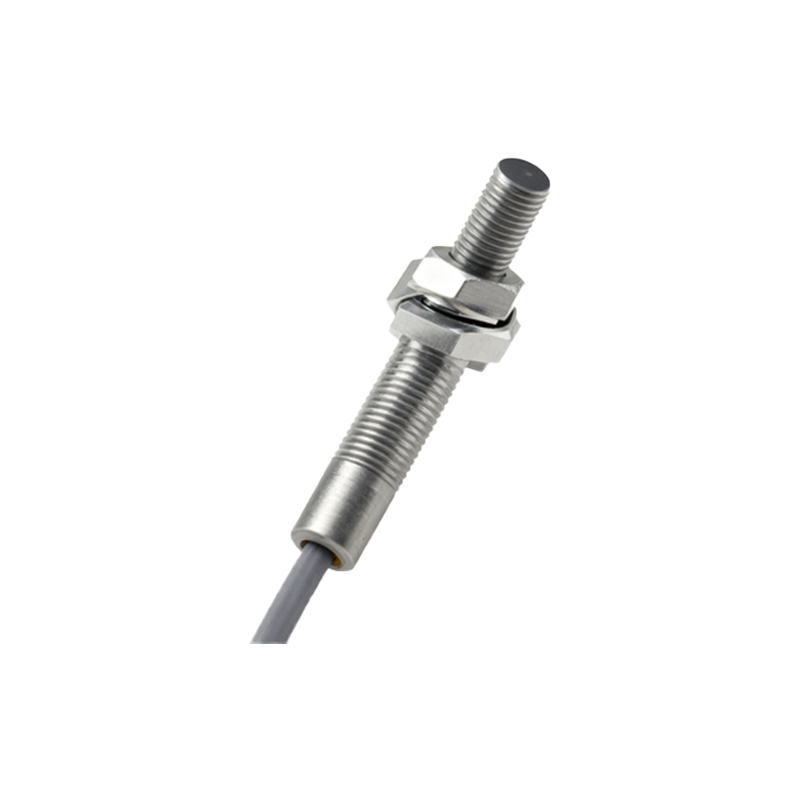
Capacitive proximity sensors operate on a different principle. They function like an open capacitor, with the sensor's face acting as one plate and the target object as the other. The sensor generates an electrostatic field. When any object—metal, plastic, wood, or liquid—enters this field, it alters the capacitance of the system. The sensor's circuitry measures this change and activates the output. Video tutorials effectively illustrate how these sensors can detect non-metallic materials, such as detecting the fluid level inside a plastic container or the presence of a wood panel.
For longer ranges and precise detection, photoelectric sensors use light. An emitter sends out a beam of light (often infrared, visible red, or laser). The receiver detects this light. In the proximity-sensing mode, the target object reflects the light beam back to the receiver (diffuse or reflective mode). The sensor detects the intensity of the reflected light. A clear video can show the beam path and how the reflection strength changes with distance and object color, explaining the importance of background suppression in some models.
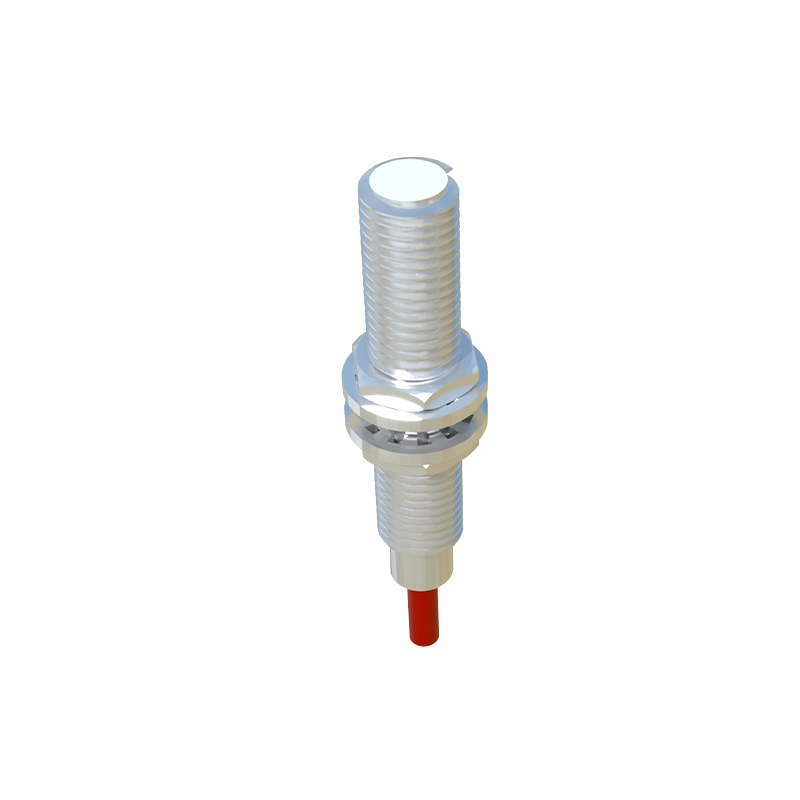
Ultrasonic proximity sensors emit high-frequency sound pulses and measure the time for the echo to return. The time-of-flight calculation determines the object's distance. Videos are excellent for explaining this principle, often using analogies like sonar or echolocation. They excel in applications involving clear liquids, transparent films, or objects with varying colors where photoelectric sensors might struggle.
A high-quality explanatory video will visually break down these principles. It typically starts with a 3D animation of the sensor's internal components—the oscillator coil, the capacitor plates, the LED emitter, or the ultrasonic transducer. It then shows the invisible field (magnetic, electrostatic, or light beam) extending from the sensor face. The key moment is the animation of an object entering this field, depicting the physical interaction: eddy currents swirling on metal, the distortion of an electrostatic field, or the reflection of a light beam. Finally, the video shows the signal path through the sensor's amplifier and Schmitt trigger, culminating in the activation of the output LED and switching circuit.
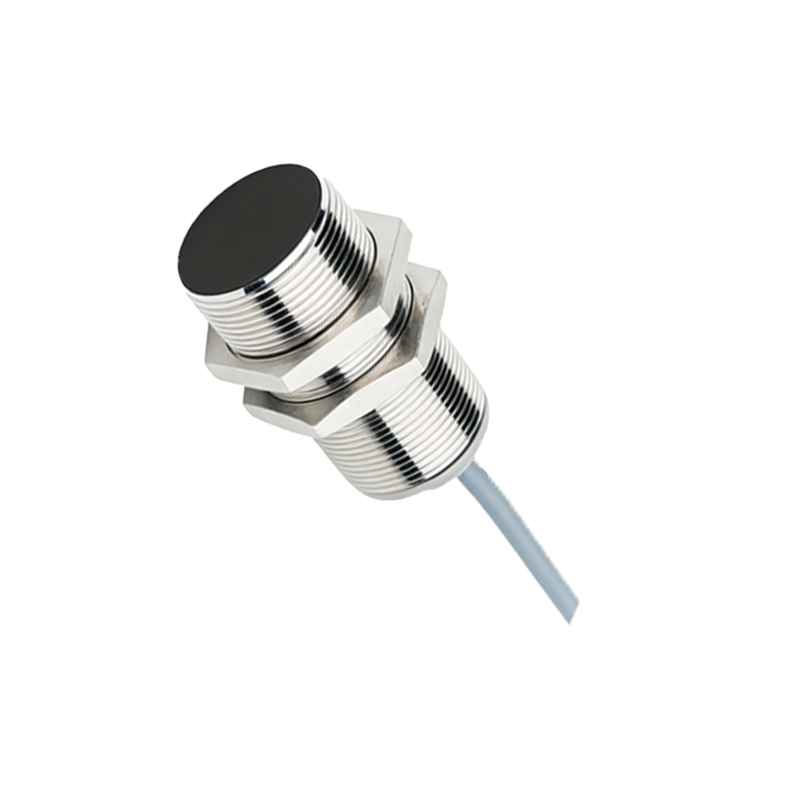
Watching such a video provides immediate clarity on critical specifications. The concept of "nominal sensing distance" (Sn) becomes clear when an object is shown moving toward the sensor until the output triggers. The hysteresis effect—the small difference between the switch-on and switch-off points—is easily visualized, explaining why a sensor doesn't chatter as an object teeters on the edge of the detection zone. Videos also effectively compare shielding (flush-mountable) versus unshielded sensors, showing how the magnetic field is concentrated or extended.
For engineers and technicians, these visual resources are invaluable for application planning. They illustrate the importance of the sensing object's material, size, and orientation. A video might show that an inductive sensor requires a ferrous metal target of sufficient thickness for maximum range, or that a capacitive sensor's sensitivity can be adjusted to ignore a thin container wall and sense the material inside. Troubleshooting common issues, like sensing range reduction due to metal buildup on an inductive sensor face or false triggers from ambient light for photoelectric sensors, is more intuitive when seen rather than read.
In summary, video tutorials on proximity sensor principles transform abstract electrical concepts into tangible, visual processes. They bridge the gap between textbook theory and real-world implementation, serving as a powerful tool for education and professional development in electronics, automation, and mechatronics. By visually demonstrating the interaction between the sensor's emitted field and the target object, they provide a foundational understanding that empowers effective use across diverse industries.