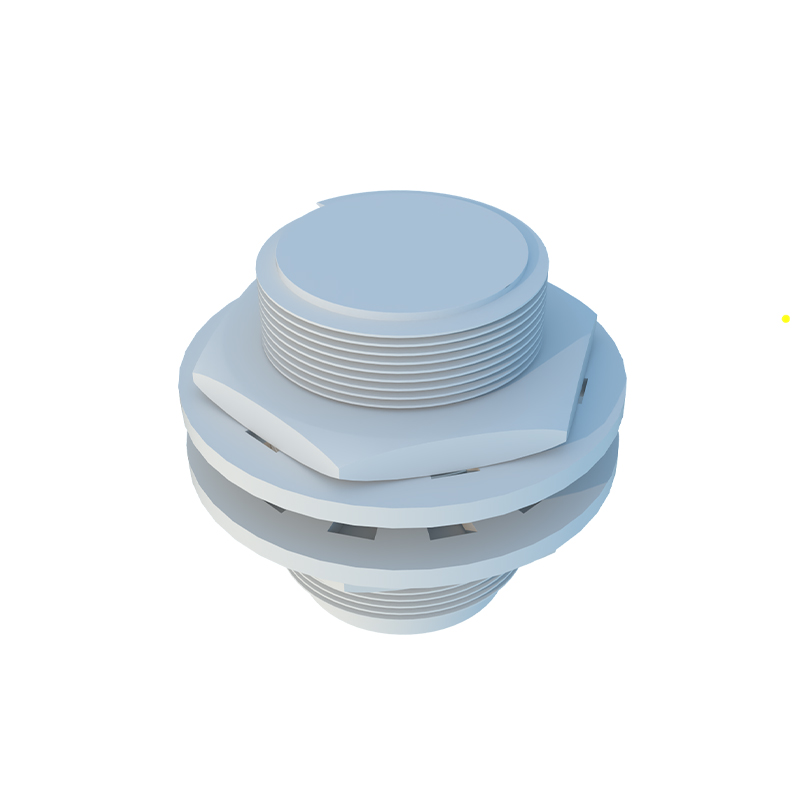
Cylindrical proximity sensors are widely used in industrial automation for detecting the presence or absence of objects without physical contact. Proper adjustment is crucial to ensure reliable operation, minimize false triggers, and extend sensor lifespan. This guide provides a step-by-step approach to adjusting cylindrical proximity sensors, covering key parameters, tools, and best practices.
First, understand the sensor type. Inductive sensors detect metallic objects, while capacitive sensors can sense both metallic and non-metallic materials. Check the datasheet for specifications such as sensing distance, output type (PNP or NPN), and voltage rating. Ensure the sensor is correctly wired and powered off before adjustment to prevent electrical hazards.
Begin by mounting the sensor securely in its intended location. Use appropriate brackets to avoid vibration or misalignment. The sensing face should be parallel to the target object for consistent detection. Adjust the mounting position to maintain the recommended sensing range, typically 50% to 80% of the rated distance to account for environmental factors like temperature fluctuations or material variations.
Next, set the sensitivity or sensing distance. Many cylindrical proximity sensors feature a potentiometer or DIP switches for adjustment. Rotate the potentiometer clockwise to increase sensitivity (longer sensing distance) or counterclockwise to decrease it. For models with teach-in functions, follow the manufacturer’s instructions: present the target object at the desired detection point and activate the programming mode. Use a non-metallic tool for adjustment to avoid interference.

Test the sensor with the actual target object under normal operating conditions. Move the object through the sensing area at the expected speed and distance. Verify that the sensor triggers consistently without false positives from nearby objects or background interference. For inductive sensors, ensure the target material matches the sensor’s specifications; different metals (e.g., steel, aluminum) may require recalibration due to varying conductivity.
Consider environmental factors. Dust, moisture, or electromagnetic noise can affect performance. Install protective housings or shields if needed. For capacitive sensors, adjust the sensitivity to ignore background materials like conveyor belts or containers. Use oscilloscopes or multimeters to monitor output signals if instability occurs.
Regular maintenance is essential. Periodically inspect the sensor for physical damage, clean the sensing face with a soft cloth, and recheck adjustments during system downtime. Document settings for future reference.
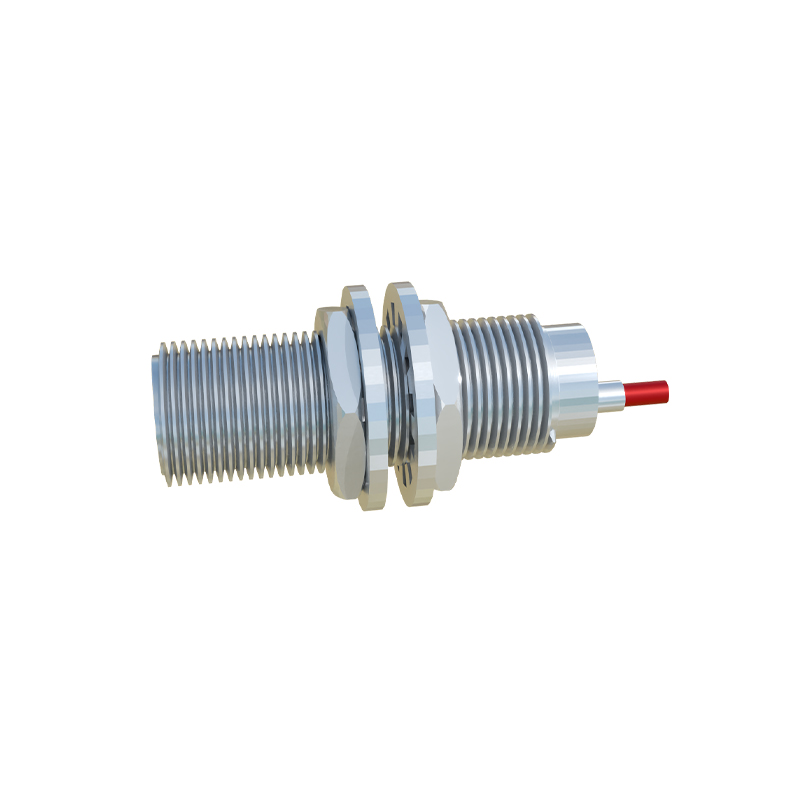
In summary, adjusting cylindrical proximity sensors involves precise mounting, sensitivity calibration, and environmental considerations. By following these steps, engineers can optimize sensor performance, enhance system efficiency, and reduce downtime in industrial applications.