Photoelectric sensor proximity switches are widely used in industrial automation for non-contact detection of objects. These devices operate by emitting a beam of light, typically infrared, and detecting changes in the received light intensity caused by an object interrupting or reflecting the beam. Unlike mechanical switches, they have no physical contact with the target, leading to longer lifespan and higher reliability. A well-produced video demonstration can be an invaluable tool for engineers, technicians, and students to understand their operation, installation, and troubleshooting.
A comprehensive video on photoelectric sensor proximity switches should begin by explaining the basic working principles. There are three main types: through-beam, retro-reflective, and diffuse reflective. Through-beam sensors consist of separate emitter and receiver units; an object is detected when it breaks the light beam. Retro-reflective models use a single unit that emits light and receives it back from a reflector; detection occurs when the beam is blocked. Diffuse reflective sensors detect light reflected directly from the target object itself. The video should visually compare these types with clear animations or real-world footage, highlighting their ideal applications, such as through-beam for long-range detection or diffuse for detecting non-reflective surfaces.
Practical installation and alignment are critical for optimal performance. The video should demonstrate proper mounting techniques, emphasizing the importance of stability and alignment to avoid false triggers. Factors like sensor range, response time, and environmental conditions (dust, fog, or ambient light) must be addressed. For instance, showing how to adjust the sensitivity potentiometer to ignore background objects or how to use a teach-in function on programmable models can be highly beneficial. Troubleshooting segments are essential; common issues like misalignment, lens contamination, or electrical interference should be shown with solutions, such as cleaning procedures or using shielded cables.
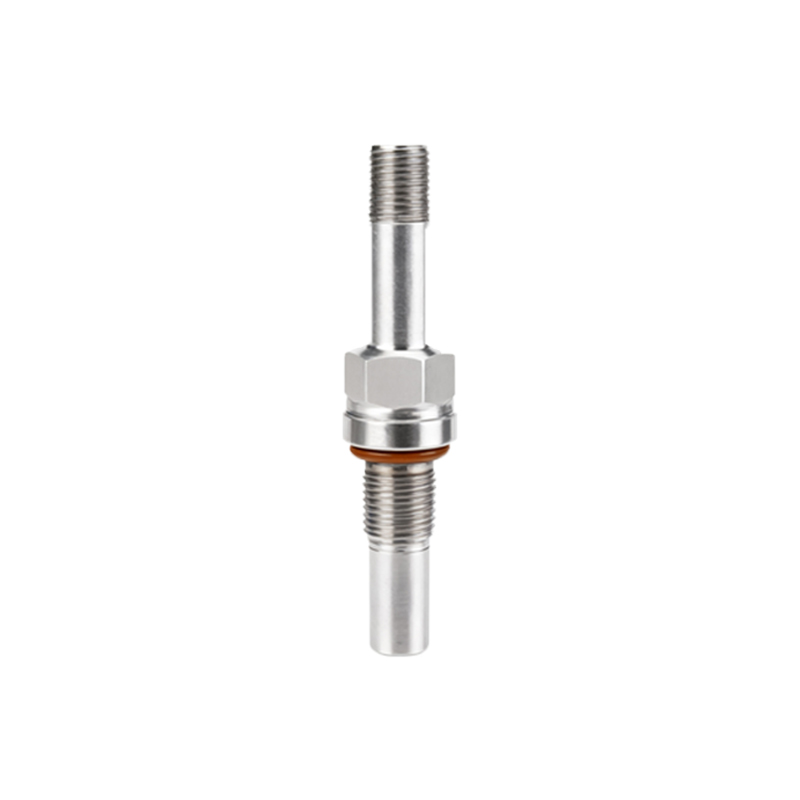
Advanced features and integration with control systems like PLCs (Programmable Logic Controllers) are key for professional audiences. The video can illustrate how to wire the sensor's output (NPN or PNP) to a PLC input module, and how the signal is used in an automated sequence, for example, in conveyor belt systems or packaging machinery. Real-world application examples, such as object counting, position verification, or safety door monitoring, make the content relatable. Highlighting industry standards for protection ratings (IP67 for dust and water resistance) and certifications ensures viewers select suitable models for harsh environments.
Finally, a high-quality video should provide comparison with other proximity sensor technologies, like inductive or capacitive sensors, clarifying when a photoelectric switch is the superior choice—typically for non-metallic objects or longer detection ranges. Including tips for maintenance, such as regular lens checks and output signal testing with a multimeter, adds practical value. By combining clear explanations, visual demonstrations, and practical advice, such a video serves as a comprehensive resource for effective implementation of photoelectric sensor proximity switches in automation projects.