In the world of automation and smart devices, proximity sensors are the silent, unseen guardians. They detect the presence or absence of objects without physical contact, enabling countless functionalities we take for granted. While their operation is often invisible, a closer look at proximity sensor images reveals the fascinating technology and diverse applications behind these essential components. This visual guide explores what these images tell us about sensor types, working principles, and their critical role in modern engineering.
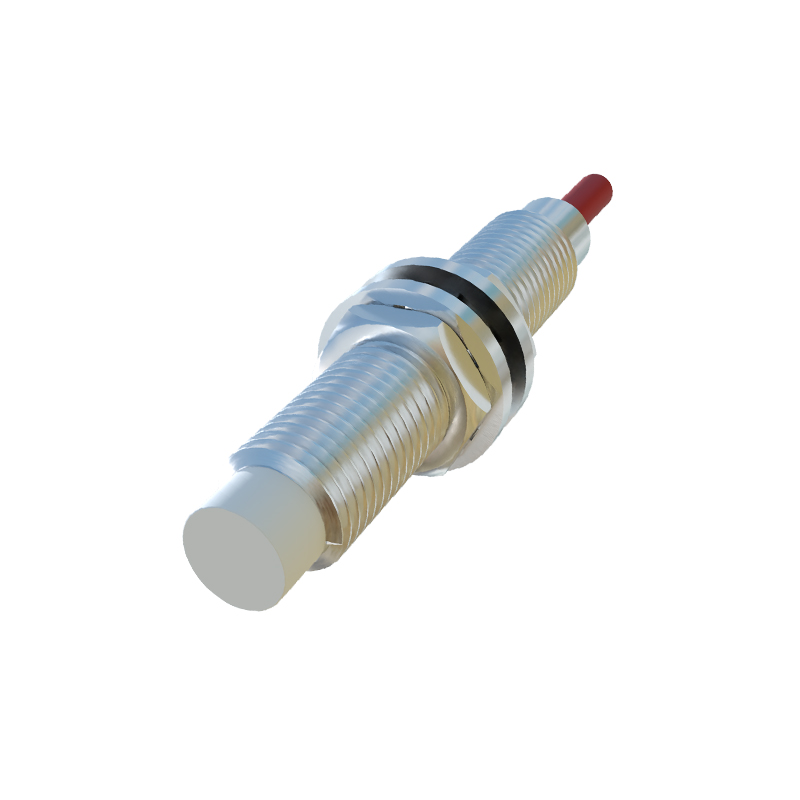
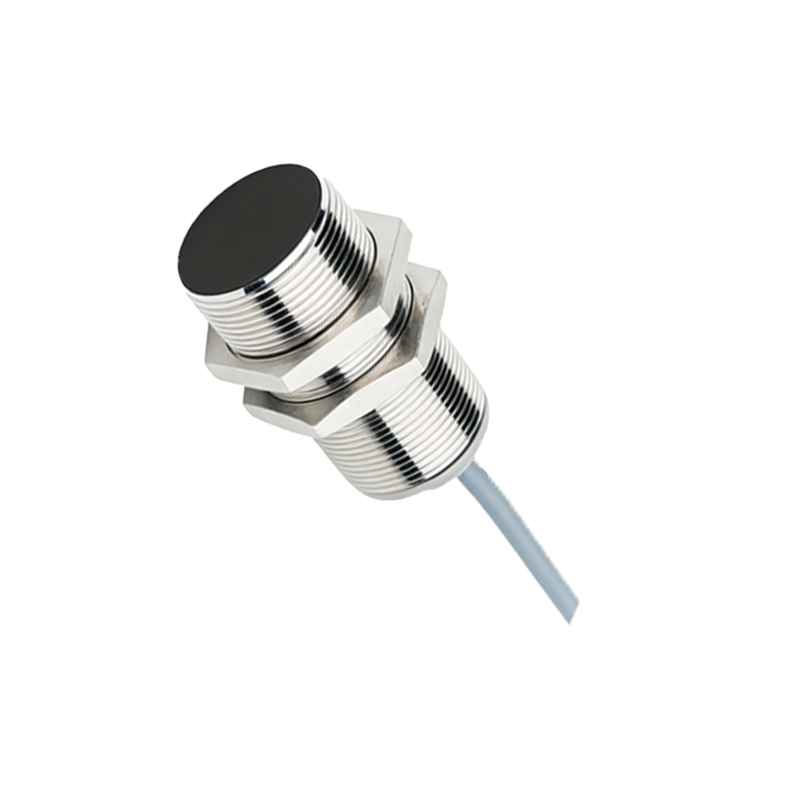
Examining images of common inductive proximity sensors, one immediately notices a robust, typically cylindrical metal housing. This casing is designed for industrial environments, protecting the internal coil and oscillator circuit. The front face, or sensing face, is often flat and may show wear in images from field use, indicating direct exposure to targets. These sensors are workhorses for detecting metallic objects. A key visual detail in many product photos is the embedded LED indicator, usually a small red or green light that provides a clear visual confirmation of the sensor's state—on or off—a crucial feature for installation and troubleshooting.
Contrast this with images of capacitive proximity sensors. They often share a similar form factor but are distinguished by their ability to detect a wider range of materials, including liquids, plastics, and wood. In detailed cutaway or diagrammatic images, you can sometimes see the electrode configuration that creates the sensing field. Application photos might show such a sensor mounted near a plastic bottle on a conveyor line or monitoring fluid levels through a non-metallic tank wall, highlighting their versatility.
Perhaps the most recognizable images are those of photoelectric sensors, a major sub-category of proximity detection. These pictures clearly show two core components: the emitter (light source) and the receiver. In a through-beam sensor image, you see two separate units facing each other, often with precise alignment indicators. Retro-reflective sensor images feature a single unit with both emitter and receiver, designed to work with a reflector. Diffuse or proximity-mode sensors, which detect light reflected directly from the target, appear as single, self-contained units. High-quality product images often use laser beams or light cone overlays to illustrate the precise sensing field, demonstrating their use for long-range or small-object detection.

Ultrasonic sensor images frequently depict a transducer face with a distinct textured or grooved pattern, which is crucial for sound wave emission and reception. Application visuals commonly show these sensors mounted above material in a silo or bin, using sonic waves to measure distance or detect fill levels, even in dusty or steamy conditions where optical sensors might fail.
Beyond product shots, technical diagrams and waveform images are invaluable. Oscilloscope trace images can show the change in oscillation amplitude for an inductive sensor as a metal target approaches. Timing charts in datasheets visually explain response times, output switching logic, and switching frequency. These images translate complex electrical behavior into understandable visual data for engineers.
Installation and application photos provide critical context. They show proper mounting techniques, such as the necessary clearance around a sensor to avoid metal interference (visible as empty space in the image). Misapplication images might show a sensor mounted too close to a metal bracket, causing false triggers—a powerful visual lesson. Real-world shots on automated assembly lines, robotic arms, or inside smartphone disassemblies demonstrate scale and integration. A close-up image of a smartphone's top bezel, for instance, might circle the tiny infrared proximity sensor that turns off the screen during a call.
In summary, proximity sensor images are more than just illustrations; they are educational tools. From the sturdy build of an inductive sensor to the detailed light path of a photoelectric beam and the technical data of a output diagram, these visuals decode the principles of non-contact detection. They bridge the gap between abstract electronic function and tangible physical application, showcasing how these hidden components enable safety, efficiency, and innovation across industries from manufacturing and automotive to consumer electronics and beyond. By learning to read these images, one gains a deeper appreciation for the sophisticated yet fundamental technology that operates all around us, unseen.