In industrial automation and precision measurement systems, laser sensors are critical components known for their accuracy and reliability. However, like any sophisticated electronic device, they may occasionally require a reset to resolve operational issues such as calibration drift, communication errors, or unexpected behavior. A proper reset procedure can restore optimal performance without causing data loss or hardware damage. This guide provides a comprehensive, step-by-step approach to resetting laser sensors, tailored for electrical engineers and maintenance professionals.
Before initiating a reset, it is essential to understand the underlying reason. Common triggers include firmware glitches, power supply fluctuations, environmental interference (e.g., dust or temperature extremes), or incorrect parameter settings. Always consult the sensor’s datasheet or manufacturer manual first, as procedures can vary significantly between models and brands (e.g., Keyence, Banner, SICK, or Omron). Safety is paramount: ensure the system is in a safe state, with machinery halted and lockout/tagout protocols followed to prevent accidental activation.

The first step is a soft reset, which restarts the sensor’s internal software without affecting stored configurations. Typically, this involves cycling power—turn off the sensor, wait 10-15 seconds for capacitors to discharge, then restore power. For networked sensors, a soft reset might also be performed via software interfaces like PLC commands or dedicated configuration tools. If issues persist, proceed to a hard reset, which restores factory default settings. This often requires pressing a physical button combination or using a configuration menu. Be aware that a hard reset will erase user-defined parameters, so document custom settings beforehand. After resetting, recalibrate the sensor according to the manufacturer’s guidelines to ensure accuracy.
For advanced troubleshooting, consider firmware updates or hardware inspections. Corrupted firmware can cause persistent faults; updating via the manufacturer’s utility may resolve them. Additionally, check for physical issues like misalignment, lens contamination, or cable damage. After any reset, validate sensor performance through test measurements and monitor it during initial operation cycles. Keeping a log of resets and issues can aid in predictive maintenance and identify recurring problems.
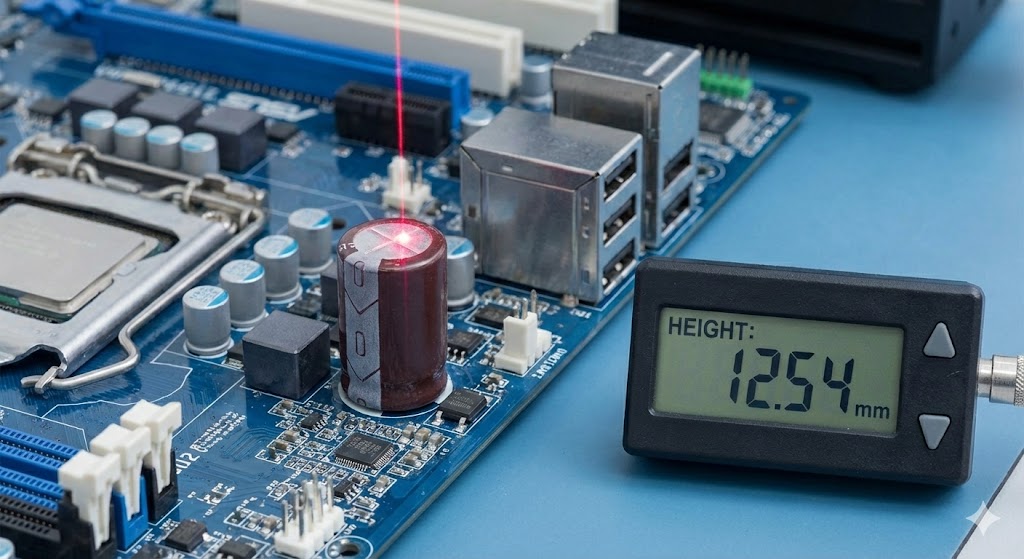
In summary, resetting a laser sensor is a systematic process that blends technical knowledge with careful execution. By following these steps—diagnosing the cause, applying soft or hard resets appropriately, and verifying post-reset functionality—engineers can minimize downtime and maintain system integrity. Always prioritize manufacturer instructions and safety protocols to ensure reliable, long-term sensor operation in demanding industrial environments.