Disconnecting a proximity sensor is a fundamental task in industrial maintenance and electrical engineering. Whether you're performing routine checks, replacing a faulty unit, or integrating new automation systems, following proper procedures ensures safety, prevents damage to equipment, and maintains system integrity. This guide outlines a systematic approach to disconnecting proximity sensors, tailored for professionals in the field.
Before initiating any work, prioritize safety. Ensure the power supply to the sensor and associated control circuit is completely isolated. Lock out and tag out (LOTO) the electrical panel to prevent accidental re-energization. Verify the absence of voltage using a multimeter or a certified voltage tester. Wear appropriate personal protective equipment (PPE), such as insulated gloves and safety glasses, especially in high-voltage environments.
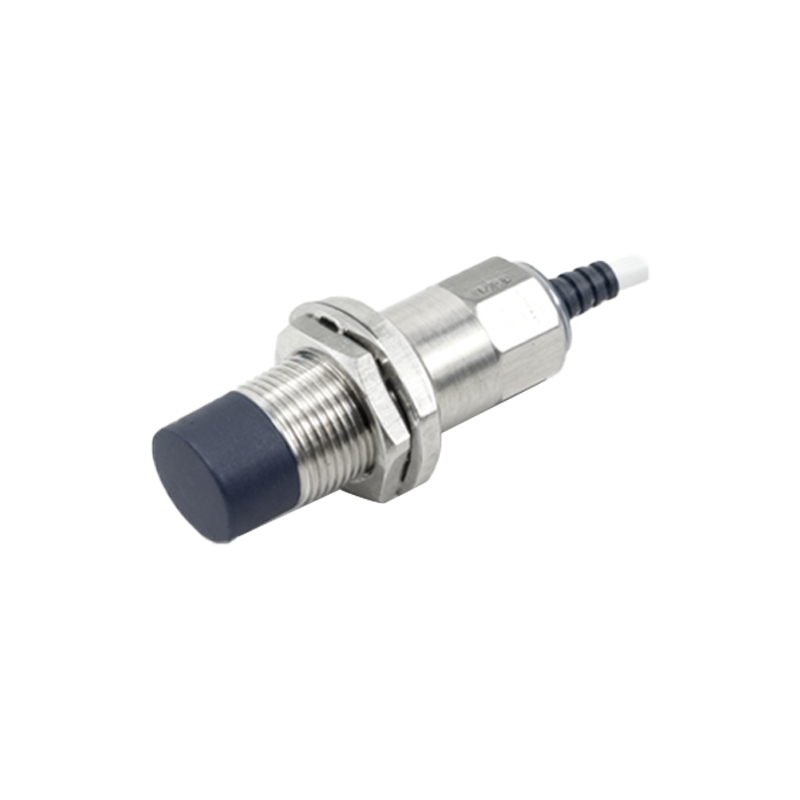
Identify the sensor type and its wiring configuration. Common proximity sensors include inductive, capacitive, and photoelectric types, typically connected via pre-wired cables or terminal blocks. Refer to the manufacturer's datasheet for specific details on connections, voltage ratings, and output signals (e.g., PNP or NPN). Note the sensor's mounting position and any environmental factors, such as exposure to moisture or vibration, which might affect reinstallation.
Begin by locating the electrical enclosure or junction box where the sensor is wired. Open the enclosure carefully, ensuring no debris falls into the components. Inside, you'll find the sensor wires connected to terminals—often labeled for power (V+ or brown wire), ground (0V or blue wire), and signal output (black wire). For sensors with quick-disconnect plugs, simply unplug the connector from the sensor body after confirming power is off.
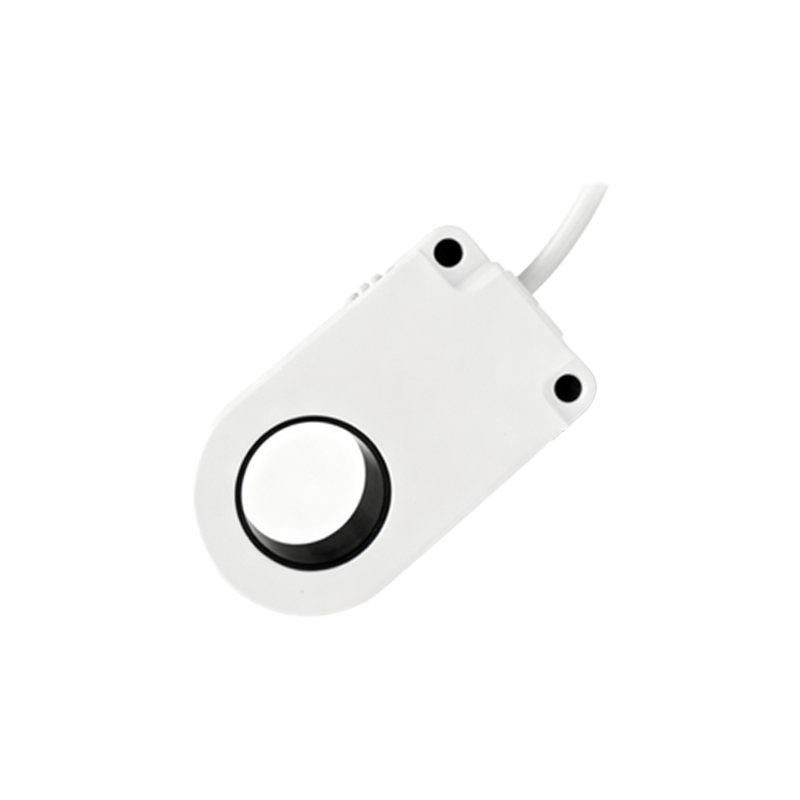
For hard-wired sensors, use a screwdriver to loosen the terminal screws. Gently pull the wires out, avoiding excessive force that could damage conductors or terminals. If the sensor is part of a shielded cable system, note the grounding connection for the shield, as proper reconnection is crucial for noise immunity. Label each wire with tape or markers according to their function (e.g., "24V DC," "Output," "Ground") to simplify reassembly or replacement.
Once disconnected, inspect the sensor and wiring for signs of wear, corrosion, or damage. Clean the sensor face and housing if necessary, especially in dusty or oily environments. If replacing the sensor, compare specifications like sensing range, output type, and thread size to ensure compatibility. For temporary removal, store the sensor in a dry, safe place to avoid physical impact.
After completing the task, document the process in maintenance logs, including the date, sensor model, and any observations. This record aids future troubleshooting and inventory management. When reconnecting or installing a new sensor, reverse the steps while adhering to wiring diagrams and torque specifications for terminals. Finally, restore power gradually and test the sensor's operation using a target object to verify correct functionality within the control system.
By mastering these steps, engineers can efficiently handle proximity sensor disconnections, minimizing downtime and enhancing operational reliability in industrial settings. Always consult specific equipment manuals and adhere to local safety regulations for tailored guidance.