In the palm of your hand, your smartphone is a marvel of modern engineering, packed with tiny components that work seamlessly to enhance your daily interactions. One such unsung hero is the proximity sensor. Though often overlooked, this small but crucial component plays a vital role in improving usability, conserving battery life, and preventing accidental touches. But what exactly is a proximity sensor, and how does it function within your device?
A proximity sensor in a mobile phone is a type of sensor that detects the presence of nearby objects without any physical contact. Typically located near the earpiece at the top of the phone's front panel, it works by emitting an electromagnetic field or a beam of infrared (IR) light. When an object, such as your ear during a phone call or your hand when the phone is in your pocket, comes close to the sensor, it reflects the emitted signal back. The sensor then measures the reflection and determines the distance to the object. This information allows the phone to trigger specific actions automatically.
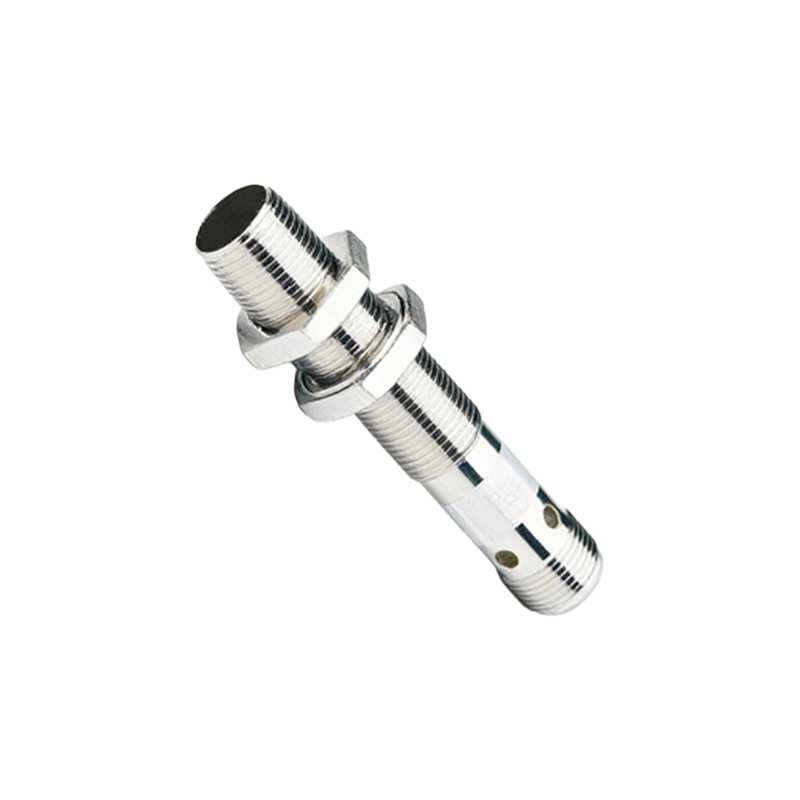
The most common application of the proximity sensor is during voice calls. When you hold the phone up to your ear, the sensor detects the proximity of your head and turns off the touchscreen display. This serves two primary purposes: it prevents accidental inputs from your cheek or ear, such as muting the call or pressing buttons, and it helps save battery power by disabling the screen when it's not needed. Once you move the phone away from your ear, the sensor detects the change and reactivates the display, allowing you to use the keypad or switch to speakerphone effortlessly.
Beyond phone calls, proximity sensors contribute to other smart functionalities. For instance, many phones use the sensor to turn off the display when the device is placed face down on a table, reducing distractions and saving energy. Some devices also employ it in conjunction with ambient light sensors to adjust screen brightness more efficiently, enhancing readability in different lighting conditions while optimizing power consumption. In addition, certain gesture controls, like waving a hand over the screen to silence an alarm or preview notifications, rely on proximity sensing technology.
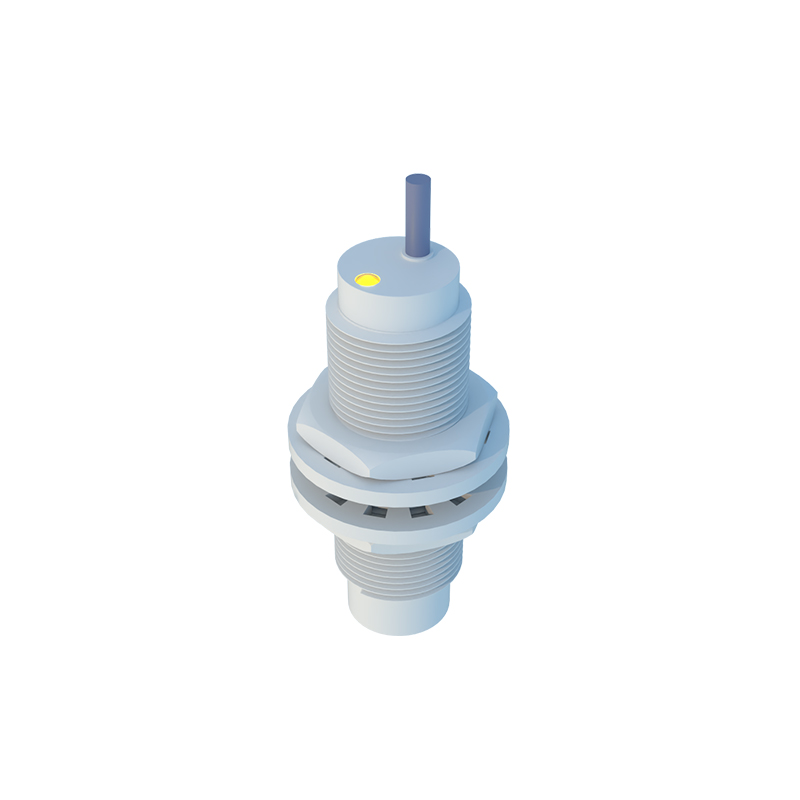
The technology behind proximity sensors varies, with infrared-based sensors being the most prevalent in smartphones. These IR sensors consist of an IR LED that emits light and a photodiode that detects the reflected light. The time it takes for the light to return, or the intensity of the reflection, helps calculate the distance to the object. Some high-end models may use more advanced types, such as ultrasonic or capacitive sensors, which offer greater accuracy and can work through materials like glass without requiring a visible emitter.
Despite their benefits, proximity sensors can occasionally encounter issues. Common problems include the screen failing to turn off during calls, which may result from sensor blockage by dirt, a screen protector, or software glitches. Cleaning the sensor area, ensuring protectors are properly aligned, or restarting the device often resolves these issues. In rare cases, hardware failure might require professional repair.
From a user experience perspective, proximity sensors exemplify how subtle technological integrations can make devices more intuitive and efficient. By automating simple tasks, they reduce the need for manual interventions, allowing for smoother interactions. As smartphones evolve, these sensors are becoming even more sophisticated, enabling features like improved facial recognition and augmented reality applications that depend on accurate distance measurements.
In summary, the proximity sensor is a fundamental component in mobile phones, designed to detect nearby objects and optimize device behavior accordingly. Its primary role in managing screen activity during calls highlights its importance in everyday use, while its expanding applications point to a future where sensors continue to enhance connectivity and convenience. Understanding this tiny yet powerful element sheds light on the intricate engineering that makes our smartphones smarter and more responsive to our needs.