Proximity sensors are critical components in modern devices, enabling touchless interaction and environmental detection in smartphones, industrial machinery, and automotive systems. Over time, these sensors may degrade due to physical damage, environmental exposure, or electronic failure, leading to issues like unresponsive screens, false triggers, or complete malfunction. Recognizing the signs of a failing sensor and understanding replacement procedures can save both time and resources.
The first step in proximity sensor replacement is accurate diagnosis. Common symptoms include the screen remaining active during calls, leading to accidental touches, or the device failing to turn off the display when brought close to the face. In industrial settings, inconsistent object detection or erratic machine behavior may indicate sensor problems. Before proceeding, rule out software issues by resetting the device or checking calibration settings. If problems persist, hardware replacement is likely necessary.
For consumer electronics like smartphones, replacement requires careful disassembly. Begin by powering off the device and removing any external covers or screws. Use specialized tools such as plastic pry tools and heat guns to gently separate adhesive-sealed components. The proximity sensor is typically located near the earpiece or front camera module. Document each step with photos to ensure proper reassembly. After removing the old sensor, clean the contact points with isopropyl alcohol to ensure optimal connectivity before installing the new unit.
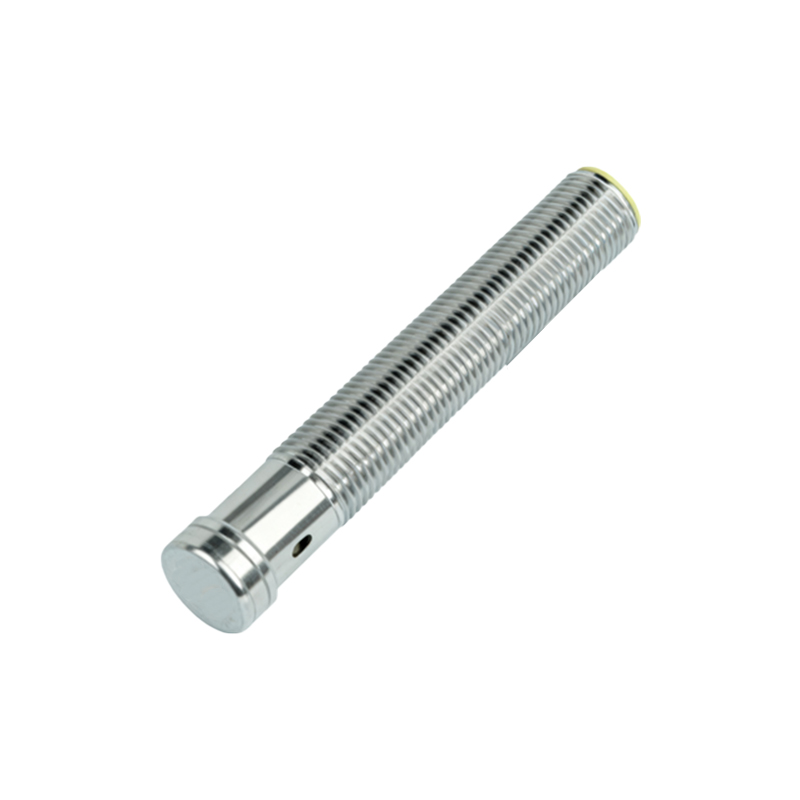
In industrial applications, safety protocols are paramount. Isolate the equipment from power sources and follow lockout-tagout procedures. Access the sensor compartment, which may be housed in protective enclosures due to harsh operating conditions. Disconnect wiring harnesses, noting their original positions. Install the replacement sensor, ensuring it meets the required specifications for detection range and environmental resistance. Recalibrate the sensor according to the manufacturer’s guidelines to maintain system accuracy.
Post-replacement testing is essential. For mobile devices, make test calls to verify screen deactivation and check ambient light responses. In industrial systems, run diagnostic cycles to confirm consistent detection and integration with control units. Keep records of the replacement date and sensor model for future maintenance.
Regular maintenance, such as cleaning sensor surfaces and avoiding exposure to extreme temperatures, can extend the lifespan of proximity sensors. However, when replacement becomes inevitable, following structured procedures ensures reliable performance and minimizes downtime.