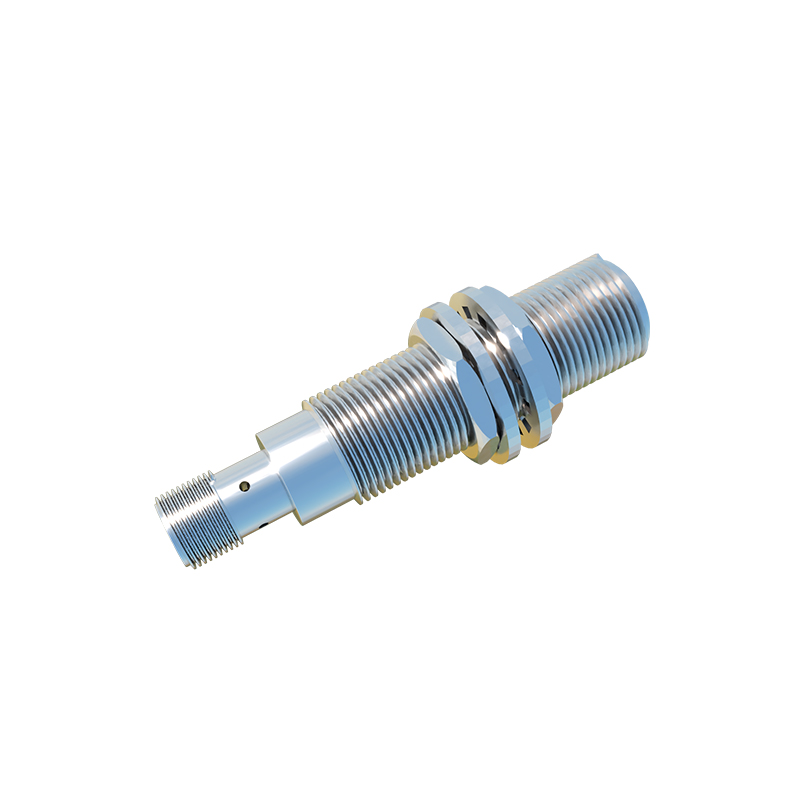
Proximity sensors are critical components in modern automation, industrial machinery, and consumer electronics, detecting the presence or absence of objects without physical contact. However, like any electronic device, they can encounter issues requiring a reset to restore proper functionality. Understanding when and how to perform a proximity sensor reset is essential for maintenance personnel, engineers, and technicians.
A proximity sensor operates by emitting an electromagnetic field or a beam of radiation and monitoring changes in the field or return signal. Common types include inductive, capacitive, ultrasonic, and photoelectric sensors. Over time, environmental factors such as dust, moisture, temperature fluctuations, or electrical interference can cause malfunctions. Symptoms like false triggering, failure to detect objects, or inconsistent output often indicate the need for a reset.
Before attempting a reset, conduct basic troubleshooting. Ensure the sensor is clean and free from obstructions. Verify power supply stability and check wiring connections for looseness or damage. Inspect the sensing range and alignment, as misalignment can mimic sensor failure. If these steps don’t resolve the issue, a reset may be necessary.
Resetting a proximity sensor typically involves cycling power or using a dedicated reset procedure. For most models, turn off the power to the sensor and wait at least 10-15 seconds to allow residual charge to dissipate. Restore power and observe the indicator lights or output signals. Some advanced sensors feature a reset button or require a specific sequence, such as holding a button for several seconds or toggling power multiple times. Always refer to the manufacturer’s manual for model-specific instructions, as improper resetting can lead to calibration loss or damage.
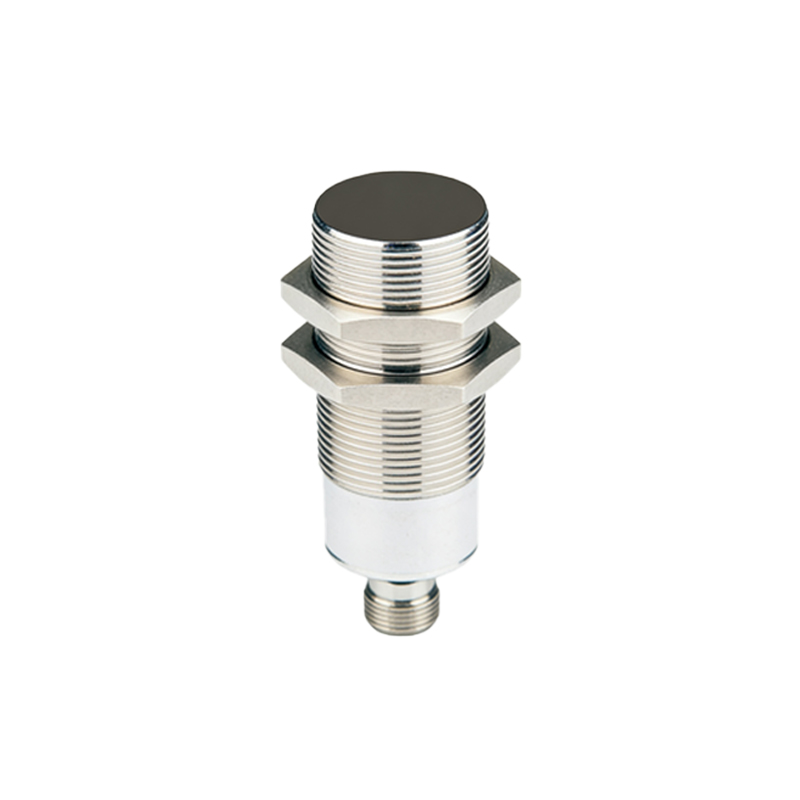
In programmable or smart sensors, a reset might involve software interventions. Connect the sensor to a configuration tool or software interface to restore factory defaults or recalibrate parameters. Ensure backup of custom settings before resetting to avoid data loss. For network-integrated sensors, check communication protocols and reset network configurations if needed.
Post-reset, test the sensor with standard targets under normal operating conditions. Confirm detection consistency and adjust sensitivity or timing if required. Document the reset process and outcomes for future reference, noting any recurring issues that might indicate underlying problems like component wear or environmental challenges.
Preventive maintenance reduces reset frequency. Regularly clean sensor lenses or surfaces, protect them from harsh conditions using enclosures, and monitor electrical noise in the installation area. Implement surge protection to guard against voltage spikes. Training personnel on proper handling and reset protocols enhances system reliability.
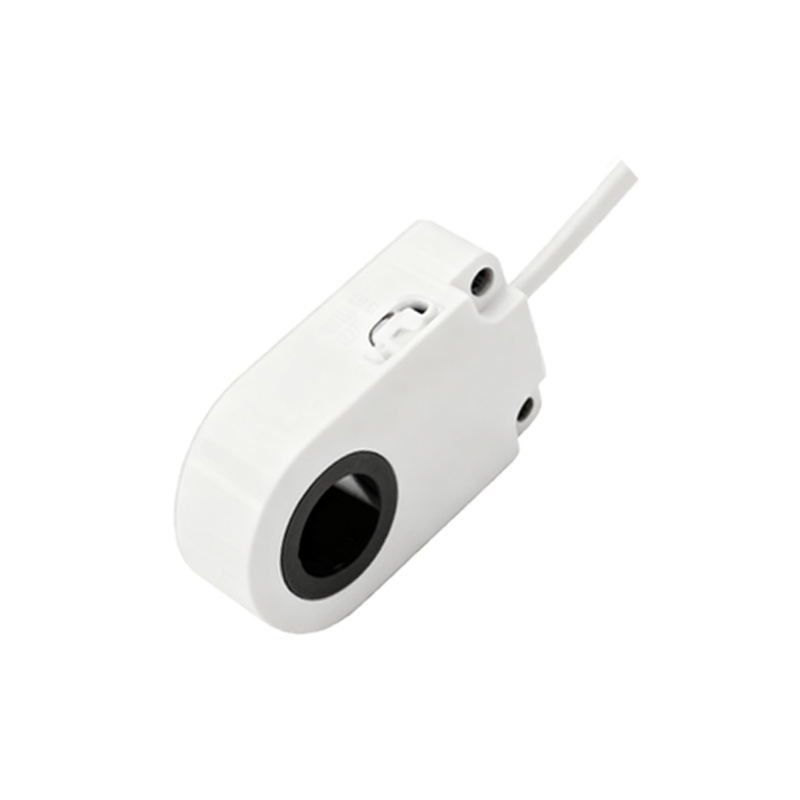
In summary, proximity sensor resets are straightforward yet vital for sustaining operational efficiency. By following systematic troubleshooting, adhering to manufacturer guidelines, and adopting preventive measures, users can minimize downtime and extend sensor lifespan. Whether in manufacturing, automotive, or smart devices, mastering reset techniques ensures seamless automation and safety.