In modern industrial automation and IoT systems, proximity sensors play a critical role in enabling non-contact detection of objects. These devices, which can detect the presence or absence of an object within a specific range without physical contact, are fundamental components in manufacturing lines, robotics, and safety systems. However, the functionality of these hardware components is increasingly dependent on software. This brings us to the concept of a "proximity sensor download," which typically refers to the process of obtaining necessary software, firmware, documentation, or configuration tools related to these sensors.
The term "download" in this context encompasses several key resources. Primarily, it involves firmware updates. Manufacturers regularly release new firmware versions to fix bugs, enhance performance, add new features, or improve compatibility with other systems. Downloading and installing the latest firmware is a standard maintenance procedure to ensure sensors operate reliably and securely. For instance, a firmware update might improve a sensor's immunity to electrical noise in a factory environment or refine its sensing distance accuracy.
Secondly, it includes configuration and diagnostic software. Many advanced proximity sensors, especially those with IO-Link, Ethernet/IP, or PROFINET connectivity, come with dedicated PC software tools. These applications allow engineers to parameterize the sensor—setting switching distances, output modes, timers, and logic functions—without touching a physical button. Downloading this software suite is the first step in commissioning a smart sensor network. Furthermore, diagnostic tools can monitor sensor health, log operational data, and predict potential failures, facilitating predictive maintenance strategies.
Thirdly, technical documentation is a vital downloadable asset. This includes detailed datasheets, installation manuals, application notes, wiring diagrams, and certificates. Before integrating a sensor into a control system, engineers must download and review its datasheet to confirm electrical specifications, housing materials, temperature ratings, and output types (PNP/NPN, analog, etc.). Comprehensive documentation is indispensable for correct selection, installation, and troubleshooting.
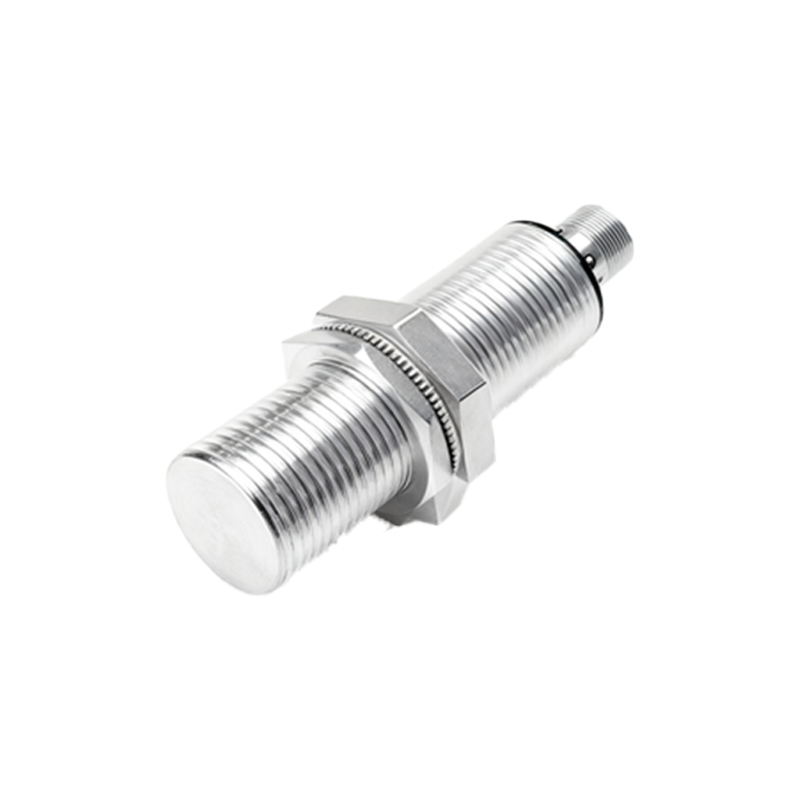
The process of finding and executing a proper download requires attention to detail. Always source software and firmware directly from the sensor manufacturer's official website or authorized distributor portals. This guarantees authenticity and protects against malware. Verify the exact model number and serial number of your sensor, as files are often model-specific. Check compatibility notes for the firmware, ensuring it matches your sensor's hardware version and your network protocol. Before a firmware update, back up the current configuration. Follow the manufacturer's step-by-step update procedure meticulously, which may involve a direct USB connection, an interface box, or a network-based update via the control system.
For system integrators managing large fleets of sensors, some manufacturers offer centralized device management software. This platform can discover all sensors on a network, inventory their firmware versions, and bulk-download and deploy updates, significantly streamlining the maintenance process.
In summary, "proximity sensor download" is a gateway to unlocking the full potential and longevity of your sensing assets. It is not merely a file transfer but a core aspect of modern industrial device management. Regular updates and access to the right software tools transform a simple proximity switch into an intelligent node within a data-driven operational ecosystem, contributing to higher efficiency, reduced downtime, and enhanced system intelligence.