Proximity sensors are indispensable components in modern automation, manufacturing, and consumer electronics. This guide provides a comprehensive overview of their operation, installation, and maintenance, serving as a practical manual for engineers, technicians, and system integrators.
Understanding Proximity Sensors
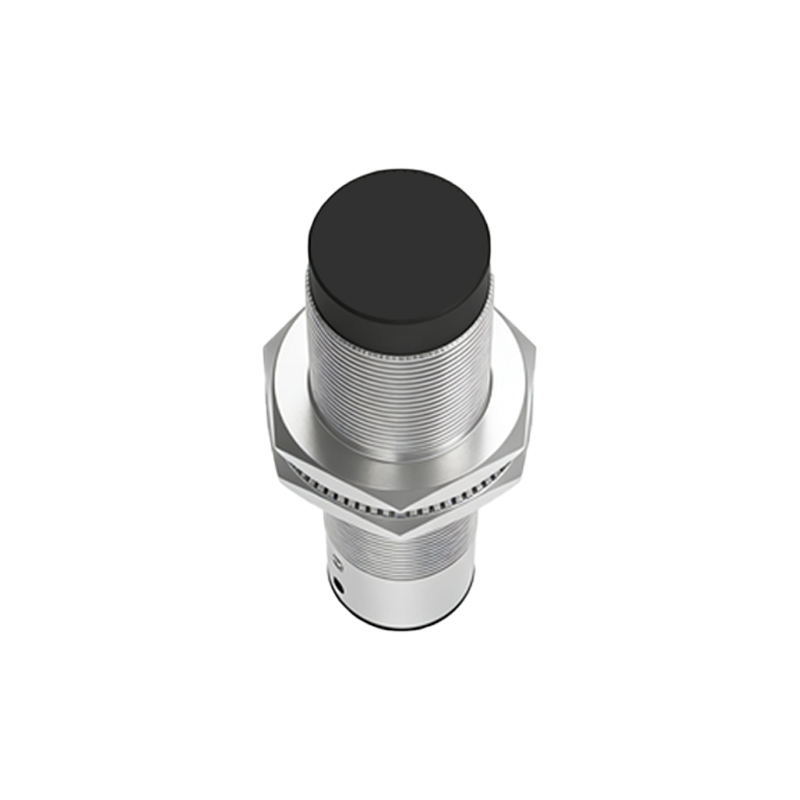
A proximity sensor is a non-contact device that detects the presence or absence of an object within its sensing range. Unlike mechanical switches, it does not require physical contact, leading to higher reliability and longer service life. These sensors work by emitting an electromagnetic field, beam, or ultrasonic wave and detecting changes in the return signal or field when a target object enters its operational zone. Common types include Inductive (for detecting metals), Capacitive (for detecting both metals and non-metals like liquids, wood, or plastics), Ultrasonic, and Photoelectric sensors.
Key Specifications and Selection Criteria
Selecting the correct sensor is critical for system performance. Key parameters include:
Sensing Distance: The maximum distance at which the sensor can reliably detect a standard target. Consider a 10-20% margin for environmental factors.
Output Type: Digital outputs (NPN/PNP transistor) are most common, providing a simple ON/OFF signal. Analog outputs (4-20mA, 0-10V) are used for distance proportional measurement.
Power Supply: Typically 10-30V DC, with some models for AC or wide-range DC.
Response Time: The speed at which the sensor reacts, crucial for high-speed applications.
Housing Material: Metal (brass, stainless steel) for rugged environments or plastic for general use.
Protection Rating (IP Code): IP67 is standard for dust and temporary immersion protection.
Installation and Wiring Guidelines
Proper installation ensures optimal performance and avoids false triggers.
1. Mounting: Ensure the sensing face is clear of obstructions. Maintain the recommended clearance around the sensor body to prevent interference from adjacent metal structures (for inductive types). Use the correct brackets and tighten to specified torque.
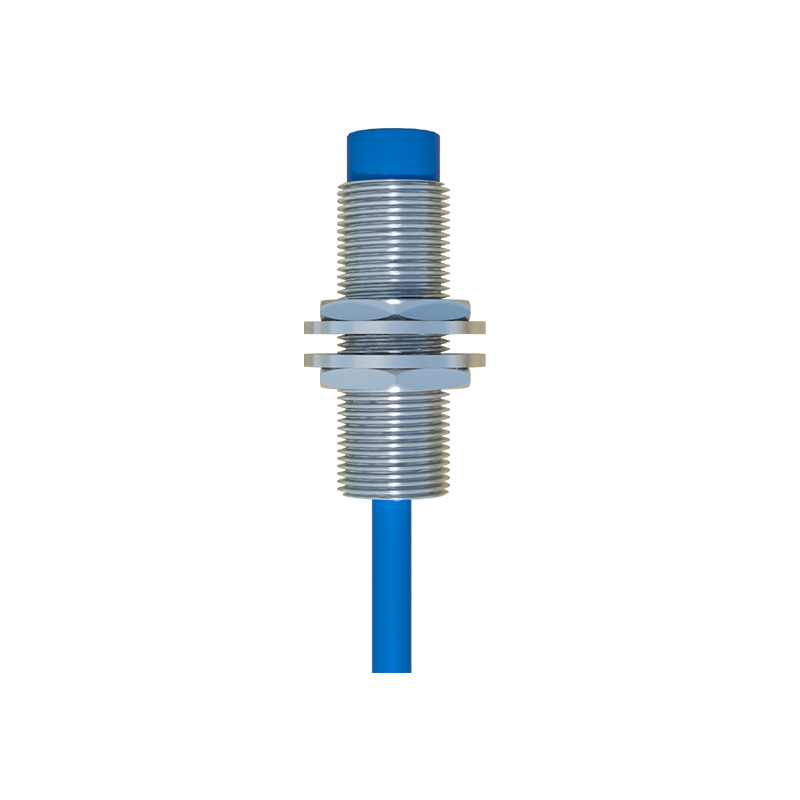
2. Wiring: Always disconnect power before wiring. Follow the manufacturer's diagram precisely. Standard wire color coding for 3-wire DC sensors is: Brown (+V), Blue (0V/Common), Black (Output). For 2-wire AC/DC sensors, connect in series with the load. Shielded cables are recommended in electrically noisy environments.
3. Setup and Alignment: Power the sensor and use the target object to verify the actual sensing distance. For photoelectric or ultrasonic types, precise alignment is necessary. Many sensors feature an LED indicator that lights when an object is detected, aiding in setup.
Operation and Calibration
Most modern proximity sensors are pre-calibrated and require minimal adjustment. However, some capacitive or analog sensors may feature a sensitivity potentiometer. To calibrate:
Bring the standard target to the desired detection point.
Slowly adjust the potentiometer until the output state changes (LED indicator turns on/off).
Test with both the presence and absence of the target to ensure a stable switching point.
Avoid setting the sensitivity excessively high, as this can cause detection of unintended objects or background interference.
Troubleshooting Common Issues
No Output Signal: Check power supply voltage and polarity. Verify wiring connections. Ensure the target is within the sensing range and is of correct material/size.
Intermittent Operation: Look for loose wiring connections. Check for voltage fluctuations in the power supply. Possible interference from adjacent sensors, motors, or power lines—increase separation distance.
Sensor Triggers Without Target: Electrical noise interference. Install a ferrite core on the cable near the sensor or use a shielded cable grounded at one end. For capacitive sensors, reduce sensitivity if detecting background objects or moisture.
Short Sensing Range: Power supply may be below minimum requirement. The target might be smaller than the standard test object. Sensing face could be dirty; clean with a soft cloth.
Maintenance and Safety Precautions
Regularly inspect the sensor for physical damage, corrosion, or accumulation of dirt/debris on the sensing face.
Do not use abrasives or solvents for cleaning. For harsh environments, select sensors with appropriate IP ratings and housing materials.
Always observe lock-out/tag-out procedures during maintenance. Ensure the system is designed with failsafe principles, as sensor failure can lead to machine malfunction.
Dispose of electronic components according to local environmental regulations.
By understanding these principles and following the outlined procedures, users can ensure reliable and long-lasting operation of proximity sensors within their systems, enhancing safety and efficiency.
SEO