Proximity sensors are integral components in modern automation and industrial systems, detecting the presence or absence of objects without physical contact. To harness their full potential, specialized programming software is essential for configuration, calibration, and integration. This guide explores the functionalities, selection criteria, and best practices for proximity sensor programming software, ensuring optimal performance in diverse applications.
Programming software for proximity sensors typically provides a user-friendly interface to adjust parameters such as sensing range, response time, output type (e.g., NPN/PNP), and hysteresis. These tools enable users to fine-tune sensors for specific environments, reducing false triggers and enhancing reliability. For instance, in manufacturing lines, software can be used to set detection thresholds for metallic or non-metallic objects, adapting to varying production speeds or material types. Advanced features may include diagnostic capabilities, allowing real-time monitoring of sensor health and performance metrics like signal strength or temperature fluctuations. This proactive approach minimizes downtime by alerting operators to potential issues before they escalate.
When selecting programming software, compatibility is a primary consideration. Ensure the software supports the sensor brand and model, as proprietary solutions from manufacturers like Siemens, Omron, or Schneider Electric often offer seamless integration with their hardware. Additionally, evaluate the connectivity options: many modern sensors support wireless protocols like Bluetooth or IoT platforms, enabling remote programming via cloud-based software. This flexibility is crucial for large-scale installations or hard-to-reach locations. User skill level also matters; some software packages cater to beginners with drag-and-drop interfaces, while others provide scripting options for experts needing custom logic.
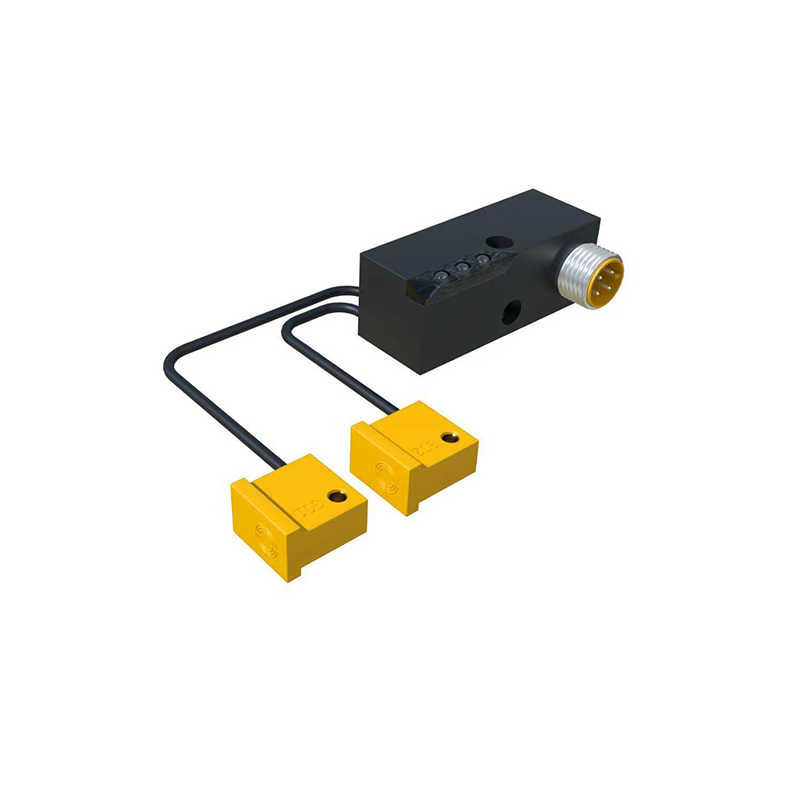
Implementation involves a step-by-step process. First, install the software on a compatible device (PC, tablet, or industrial controller) and establish a connection to the sensor via USB, Ethernet, or fieldbus networks. Next, configure the basic settings, such as the operating mode (e.g., normally open or closed) and sensitivity. Calibration is critical—use the software to test the sensor with target objects under real conditions, adjusting parameters until detection is consistent. Documentation features within the software can help save profiles for different scenarios, streamlining future setups. For complex systems, software may support batch programming, allowing multiple sensors to be configured simultaneously, which saves time in assembly lines or robotic cells.
Best practices include regular software updates to access new features and security patches, as well as backing up configurations to prevent data loss. Training personnel on software usage ensures efficient troubleshooting and adaptation to process changes. In safety-critical applications, like automotive or aerospace, verify that the software complies with industry standards (e.g., ISO 13849 for machinery safety) to avoid compliance issues.
Looking ahead, trends in proximity sensor programming software are leaning toward AI-driven optimization and interoperability with Industry 4.0 ecosystems. Predictive analytics can suggest parameter adjustments based on historical data, while open APIs facilitate integration with PLCs or SCADA systems. By mastering these tools, engineers and technicians can unlock greater precision, efficiency, and innovation in automated workflows.
In summary, proximity sensor programming software is a powerful enabler for modern industrial automation. Its role extends beyond mere configuration to encompass diagnostics, customization, and future-proofing. Whether for simple object detection or complex multi-sensor networks, investing in the right software solution enhances system resilience and productivity. As technology evolves, staying informed about software advancements will be key to maintaining competitive edge in dynamic operational environments.