Capacitive proximity sensors are widely used in industrial automation, consumer electronics, and safety systems due to their ability to detect both metallic and non-metallic objects without physical contact. Proper testing ensures reliable operation, minimizes false triggers, and extends sensor lifespan. This guide outlines essential steps and best practices for testing capacitive proximity sensors effectively.
First, understand the working principle. Capacitive sensors generate an electrostatic field. When an object enters this field, it alters the capacitance, triggering the sensor output. Key parameters include sensing distance, hysteresis, and response time. Always refer to the manufacturer’s datasheet for specifications before testing.
Begin with a visual inspection. Check for physical damage, contamination, or misalignment. Dust, moisture, or oil on the sensor face can affect performance. Clean the sensing surface with a soft cloth and isopropyl alcohol if needed. Ensure proper installation according to mounting guidelines—flush or non-flush mounting influences the sensing range.
Next, verify electrical connections. Use a multimeter to confirm power supply voltage matches sensor requirements (typically 10-30V DC or 20-250V AC). Incorrect voltage can lead to malfunction or damage. Check wiring for loose connections, shorts, or corrosion. For three-wire sensors, ensure correct polarity; for two-wire models, verify load compatibility.
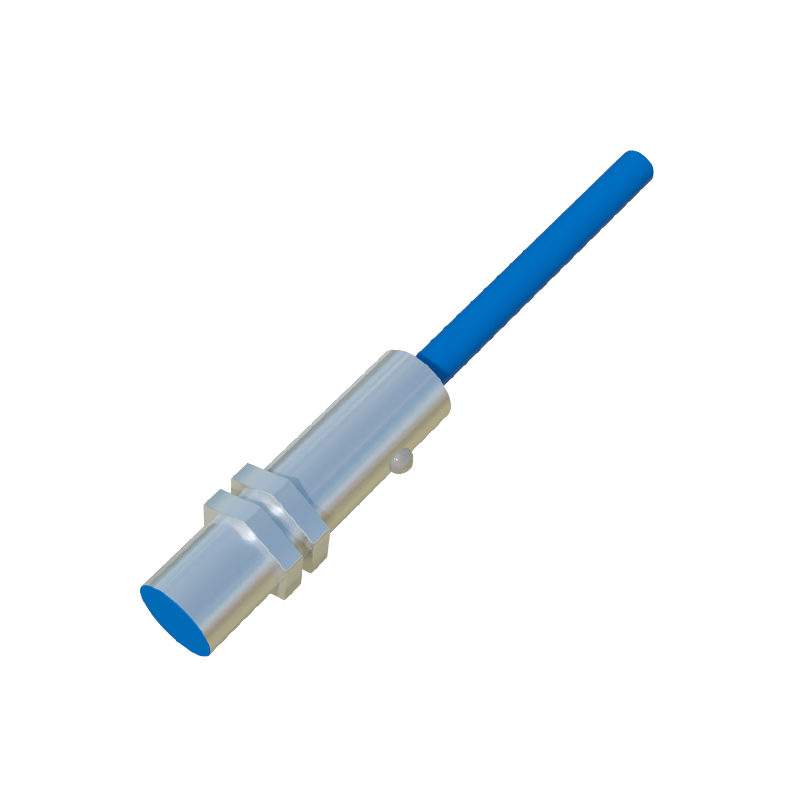
Proceed to functional testing. Use a standard test object specified by the manufacturer (e.g., metal plate or plastic container). Place the object within the nominal sensing distance and observe the output. A reliable sensor should switch consistently without delay. Measure the actual sensing distance under real conditions, as environmental factors like temperature or humidity may reduce it.
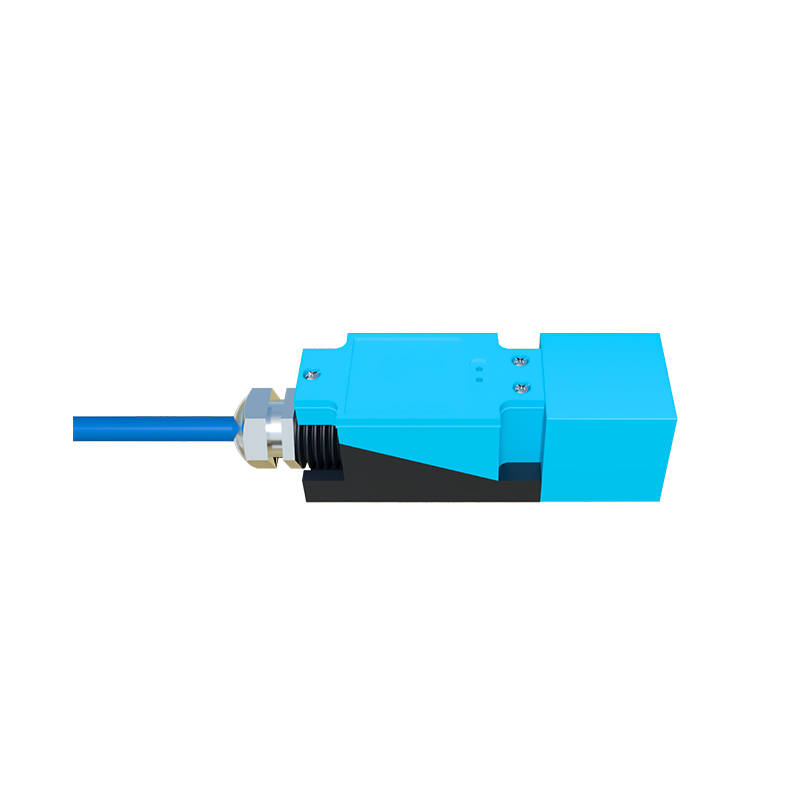
Evaluate hysteresis—the difference between switch-on and switch-off points. Excessive hysteresis can cause unstable operation. To test, slowly move the object toward the sensor until it activates, note the distance, then retract until it deactivates. The gap should align with datasheet values, typically 3-15% of the sensing range.
Assess response time by rapidly introducing and removing the object. Use an oscilloscope to monitor output signals if high precision is required. Response time should meet application needs, especially in high-speed processes. Additionally, test for interference from adjacent sensors, motors, or power lines. Shielded sensors or proper spacing can mitigate cross-talk.
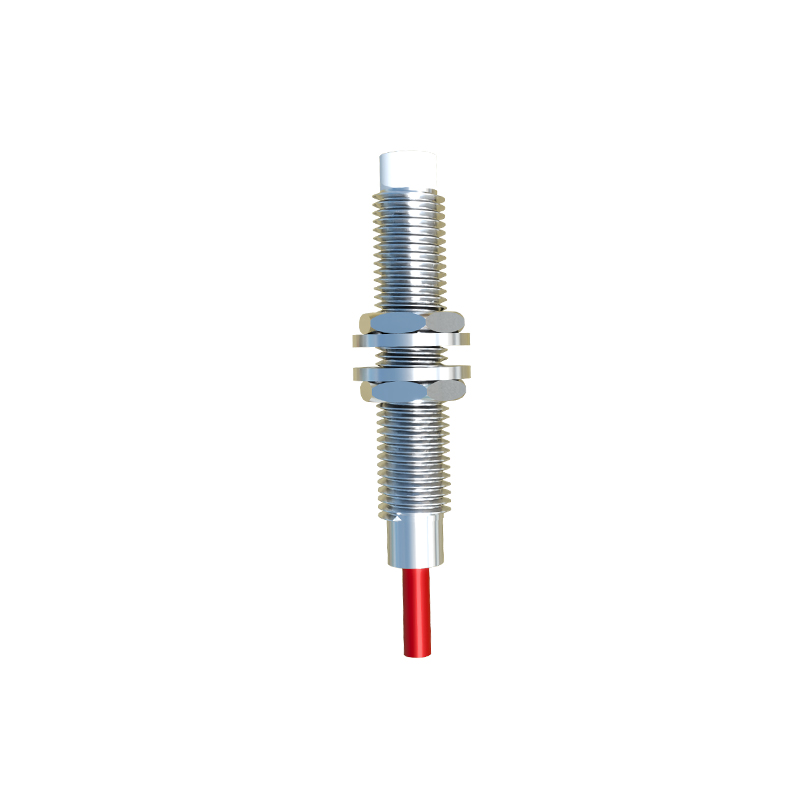
Environmental testing is crucial. Expose the sensor to expected operating conditions, such as temperature extremes, vibration, or electromagnetic noise. Note any drift in performance. For harsh environments, consider sensors with IP67 or higher ratings. Finally, document test results, including deviations from specifications, for maintenance records.
Regular calibration and periodic re-testing ensure long-term accuracy. Replace sensors showing inconsistent readings or physical degradation. By following these steps, users can optimize capacitive proximity sensor performance, enhance system reliability, and prevent costly downtime.