Proximity sensors are essential components in modern automation and electronic systems, offering contactless detection of objects within a specified range. These devices operate by emitting electromagnetic fields, infrared light, or ultrasonic waves to sense the presence, absence, or position of targets without physical contact. Widely used in industries such as manufacturing, automotive, and consumer electronics, proximity sensors enhance efficiency, safety, and reliability in various applications. This guide provides practical insights into selecting, installing, and maintaining proximity sensors for optimal performance.
Types of Proximity Sensors
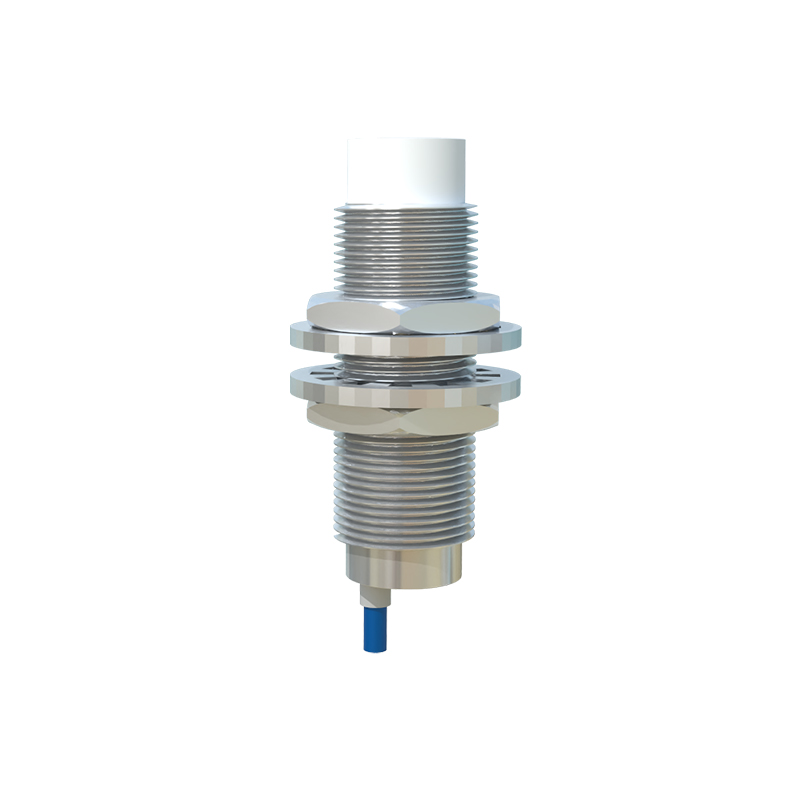
Proximity sensors come in several types, each suited for specific environments and tasks. Inductive sensors detect metallic objects using electromagnetic fields, making them ideal for industrial machinery and metal detection. Capacitive sensors can sense both metallic and non-metallic materials by measuring changes in capacitance, commonly used in liquid level detection or plastic object sensing. Photoelectric sensors use infrared light beams to detect objects, offering long-range capabilities and versatility in packaging or conveyor systems. Ultrasonic sensors emit sound waves to measure distance, effective in harsh conditions with dust or moisture, such as in automotive parking assistance or tank level monitoring. Magnetic sensors rely on magnetic fields to detect magnets, often applied in door position sensing or speed measurement. Understanding these types helps in choosing the right sensor for your needs.
Key Selection Criteria
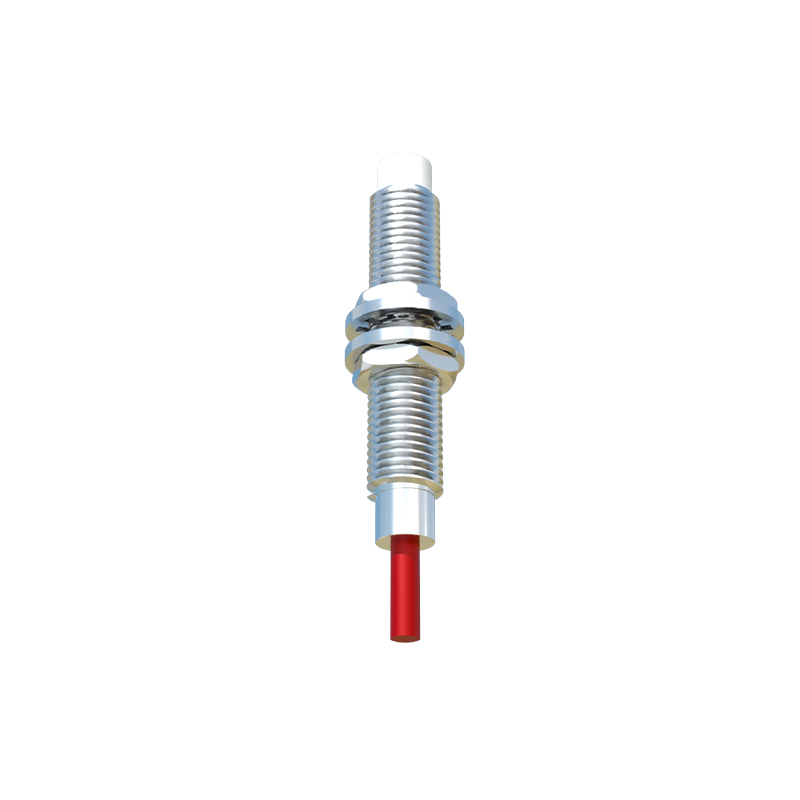
Selecting the appropriate proximity sensor involves considering factors like sensing range, material compatibility, environmental conditions, and output type. Sensing range determines how far the sensor can detect objects; for example, inductive sensors typically have shorter ranges (up to 60 mm), while ultrasonic sensors can reach several meters. Material compatibility is crucial—inductive sensors work only with metals, whereas capacitive sensors handle diverse materials. Environmental factors such as temperature, humidity, and exposure to chemicals or vibrations impact sensor durability; look for IP ratings (e.g., IP67 for dust and water resistance) to ensure reliability. Output types include digital (e.g., NPN or PNP) and analog signals, with digital outputs common for simple on/off detection and analog for continuous distance measurement. Additionally, consider response time and power supply requirements to match your system's speed and energy constraints.
Installation Best Practices
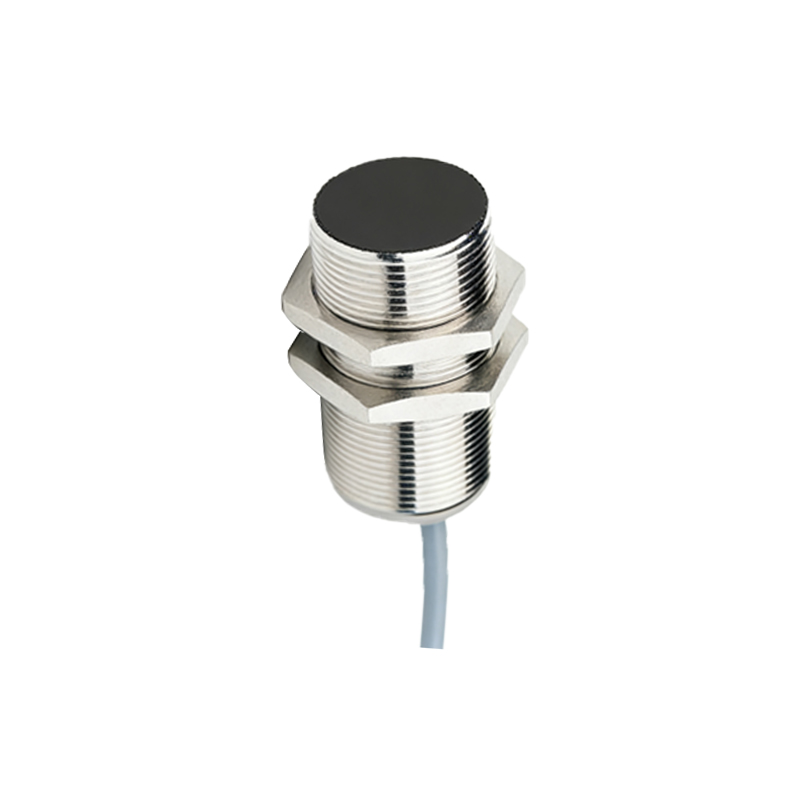
Proper installation is vital for maximizing sensor performance and longevity. Start by mounting the sensor securely in a stable location, avoiding areas with excessive vibration or mechanical stress. Ensure the sensing face is aligned correctly with the target object, as misalignment can reduce accuracy or cause false triggers. Maintain adequate clearance around the sensor to prevent interference from nearby objects or other sensors; for inductive types, keep non-target metals at a distance to avoid unintended activation. Use shielded cables and proper grounding to minimize electrical noise, especially in industrial settings with high electromagnetic interference. For photoelectric sensors, keep the lens clean and free from obstructions, and adjust sensitivity settings to avoid ambient light interference. Always follow manufacturer guidelines for wiring and voltage requirements to prevent damage or malfunctions.
Maintenance and Troubleshooting
Regular maintenance ensures consistent sensor operation and extends its lifespan. Periodically inspect sensors for physical damage, corrosion, or dirt accumulation, cleaning them with appropriate tools (e.g., soft cloths for lenses). Check connections and cables for wear or loose fittings, and verify output signals using multimeters or oscilloscopes if issues arise. Common problems include false detections, reduced range, or no output; these may stem from environmental changes, incorrect settings, or component wear. For troubleshooting, first confirm power supply and wiring integrity, then adjust sensitivity or reposition the sensor if needed. In capacitive sensors, changes in material properties or moisture levels can affect performance, requiring recalibration. Keep spare sensors on hand for critical applications to minimize downtime, and document maintenance logs for future reference.
Applications and Future Trends
Proximity sensors find applications across diverse fields, from automotive systems (e.g., collision avoidance and tire pressure monitoring) to smart devices (e.g., phone screen activation and touchless interfaces). In industrial automation, they enable precise object counting, positioning, and safety interlocks. Emerging trends include miniaturization for compact devices, integration with IoT for real-time data monitoring, and enhanced smart sensors with self-diagnostic capabilities. As technology advances, proximity sensors will continue to evolve, offering greater accuracy, energy efficiency, and adaptability to complex environments. By applying this guide's principles, users can leverage these tools effectively for improved operational outcomes.