In the world of modern smartphones, a tiny, often unnoticed component plays a crucial role in our daily interactions: the proximity sensor switch. This small but mighty piece of technology is fundamental to the device's functionality, enhancing both user experience and power efficiency. Typically located near the earpiece at the top of the phone's front panel, the proximity sensor works silently in the background, making our interactions with the device more intuitive and seamless.
At its core, a proximity sensor is an electronic device designed to detect the presence or absence of nearby objects without any physical contact. In smartphones, it primarily uses infrared (IR) technology. The sensor consists of an IR LED that emits an invisible infrared light beam and an IR photodetector that senses the reflection of that beam. When you bring the phone close to your ear during a call, the sensor detects the proximity of your head or other objects. This detection triggers the switch function, which is the pivotal action: it automatically turns off the phone's touchscreen display.
This automatic switching off serves multiple critical purposes. First and foremost, it prevents accidental screen touches with your cheek or ear that could otherwise mute the call, activate the keypad, or even end the call prematurely. This "pocket prevention" feature is essential for maintaining call integrity. Secondly, by deactivating the display—one of the phone's most power-hungry components—when it's not needed, the sensor contributes significantly to battery conservation. This intelligent power management extends the device's operational time between charges.
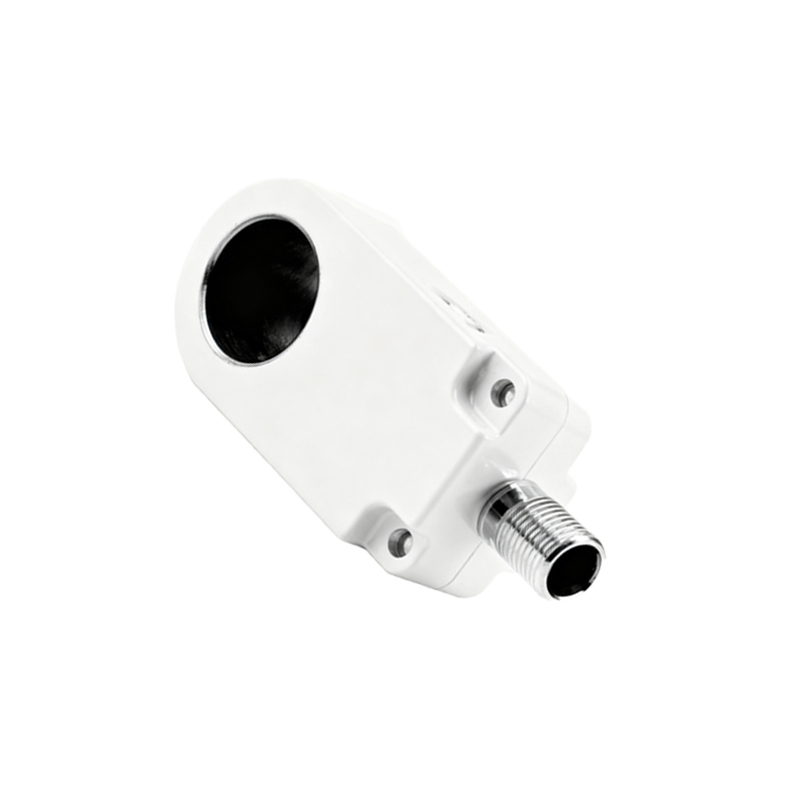
The operation is remarkably fast and reliable. The sensor constantly emits low-power IR pulses. When an object comes within a few centimeters (typically 1-5 cm), the reflected IR signal is captured by the detector. The phone's software then interprets this signal and issues the command to blank the screen. Once the object moves away, the sensor detects the absence of reflection and promptly commands the screen to turn back on, ready for interaction. This entire process happens in milliseconds, creating a fluid experience.
Beyond phone calls, the applications of this sensor have expanded. Some devices use it to disable the screen when placed face down on a table, saving power. It can also be used in conjunction with flip covers or cases that have a magnet, putting the device to sleep when closed. Furthermore, developers can access the sensor's data for creative applications, such as gesture controls where a wave of the hand over the sensor can perform an action like silencing an alarm or advancing a music track.
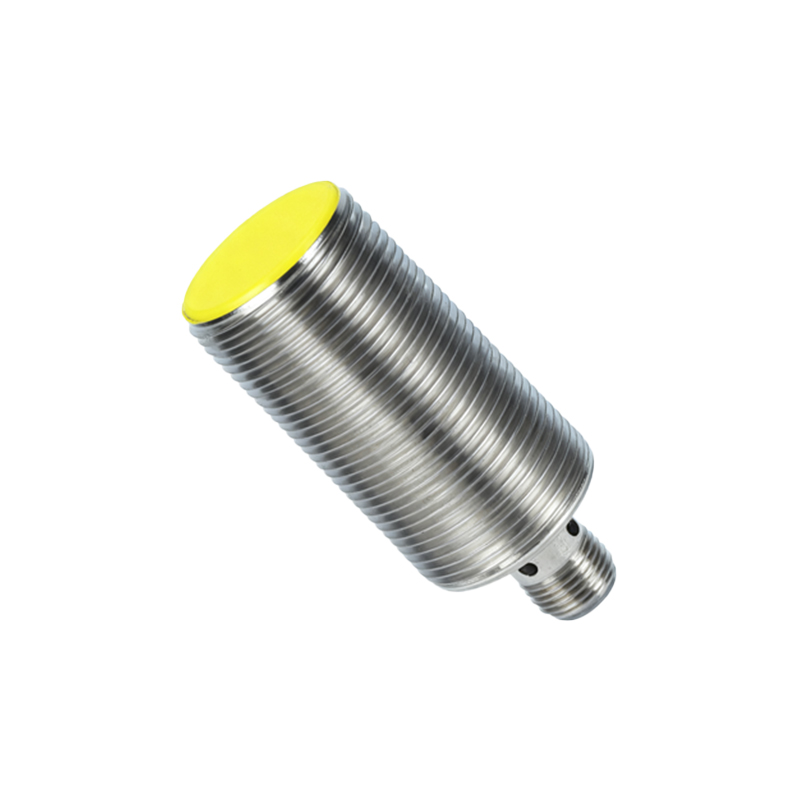
However, like any component, proximity sensors can encounter issues. Common problems include the screen failing to turn off during calls, leading to accidental inputs, or conversely, the screen remaining off after a call ends. These malfunctions can often be traced to a dirty sensor area obstructed by dust, a poorly fitted screen protector covering the sensor, or, less commonly, software glitches. A simple cleaning of the top bezel area or recalibrating the sensor through device settings (often found in diagnostic menus) can frequently resolve these issues. Persistent problems might indicate hardware failure requiring professional repair.
The technology behind the sensor switch continues to evolve. Early models were simple binary switches. Modern implementations are more sophisticated, sometimes capable of measuring gradations of distance, enabling more nuanced interactions. Integration with other sensors, like the ambient light sensor, allows for even smarter context-aware behavior, such as adjusting screen brightness and timeout settings dynamically.
In essence, the proximity sensor switch is a masterpiece of practical engineering. It embodies the principle of seamless technology—working so effectively that users seldom think about it. It solves a tangible problem (accidental touch) while optimizing energy use, all in real-time. This component is a key contributor to the "smart" in smartphone, ensuring the device intelligently responds to its environment and the user's actions. Its reliable, behind-the-scenes operation is a testament to the intricate design and thoughtful user experience engineering that goes into every handheld device, making our digital communication smoother and more efficient every day.