Proximity sensors are integral components in modern electronics, from smartphones to industrial machinery. They detect the presence or absence of nearby objects without physical contact. When a proximity sensor stops functioning correctly, it can lead to a range of frustrating issues, such as a phone screen not turning off during calls or automated systems failing to trigger. Understanding the common reasons behind a malfunctioning proximity sensor and knowing how to troubleshoot it can save time and potentially avoid costly repairs or replacements.
One of the most frequent culprits, especially in consumer devices like smartphones, is software-related. A buggy operating system update, a corrupted app, or incorrect settings can interfere with the sensor's operation. For instance, a recent app installation with permissions to access phone calls might conflict with the sensor's default behavior. The first line of defense is often a simple restart of the device, which can clear temporary software glitches. If the problem persists, checking for and installing any pending system updates is crucial, as these often contain bug fixes. Boot the device in Safe Mode to disable all third-party apps temporarily; if the sensor works normally in this mode, a recently downloaded app is likely the cause.
Physical obstruction is another exceedingly common cause. The proximity sensor is typically located near the earpiece on a phone or behind a small window on industrial equipment. A case or screen protector that is not perfectly aligned can cover the sensor. Similarly, accumulated dust, lint, or grease on the device's surface can create a barrier, tricking the sensor into constantly detecting an object. Carefully cleaning the area around the sensor with a soft, dry, lint-free cloth can often resolve the issue. For phones, removing the case temporarily to test functionality is a quick diagnostic step.
Hardware failure, while less common than software issues, is a definitive possibility. The sensor itself is a delicate electronic component that can be damaged by physical impact, liquid exposure, or extreme temperatures. In industrial settings, environmental factors like excessive vibration, corrosive chemicals, or electrical surges can degrade sensor performance over time. Diagnosing hardware failure usually requires professional tools or disassembly. For personal devices, if software troubleshooting and cleaning yield no results, and the device has a history of being dropped or exposed to moisture, hardware damage is a likely conclusion. In such cases, seeking service from an authorized repair center is recommended.
Calibration issues can also lead to a sensor not working as intended. Some devices have built-in calibration routines in their service menus or settings. An improper calibration, perhaps due to a software crash or a failed update, can cause the sensor to have an incorrect threshold for detection. Users can sometimes access hidden service menus (using specific dialer codes on Android phones, for example) to run diagnostic tests and recalibrate the sensor. However, this should be approached with caution, as incorrect use of service menus can lead to other problems.
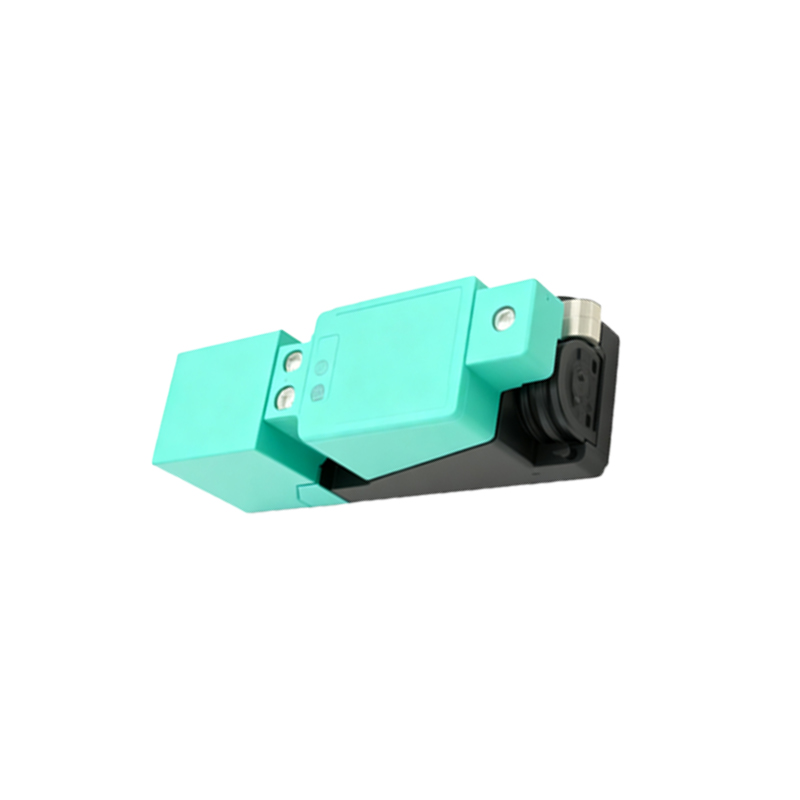
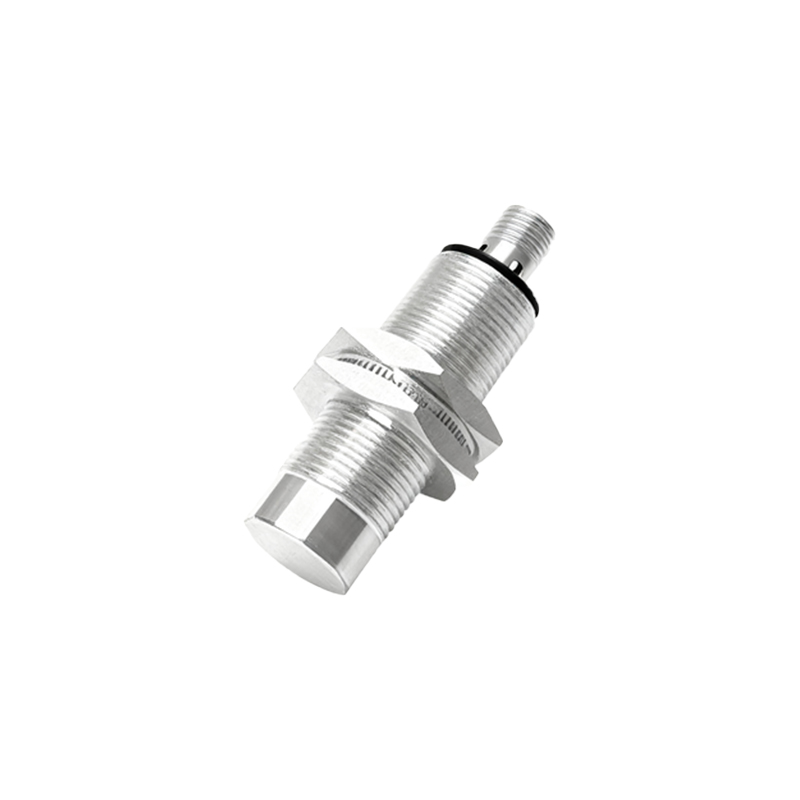
In complex systems, such as automotive or manufacturing applications, the problem may not lie with the sensor itself but with its integration. Faulty wiring, loose connections, power supply issues, or problems with the programmable logic controller (PLC) receiving the signal can all manifest as a "sensor not working." Technicians in these fields follow a systematic approach: verifying power to the sensor, checking the continuity of wiring, inspecting connectors for corrosion, and using multimeters or oscilloscopes to test the sensor's output signal against specifications.
Preventive maintenance is key to avoiding proximity sensor failures. For consumer electronics, this means using well-fitted accessories, keeping the device clean and dry, and installing software updates promptly. In industrial environments, regular inspections as part of a maintenance schedule are essential. This includes checking sensor alignment, cleaning optical components, ensuring electrical connections are tight and protected, and verifying that environmental conditions remain within the sensor's specified operating range.
When faced with a non-functional proximity sensor, a logical, step-by-step approach is most effective. Start with the simplest solutions: restart, clean, and check for obstructions. Proceed to software checks like updates and Safe Mode diagnostics. For advanced users or in technical settings, explore calibration options and basic connection checks. Finally, acknowledge the possibility of hardware failure and seek professional assistance when necessary. By understanding these layers of potential causes, users and technicians can efficiently restore functionality to this vital but often overlooked component.