Introduction to Photoelectric Sensors and Maintenance Needs
Photoelectric sensors are critical components in industrial automation, material handling, and safety systems. Their performance heavily relies on the cleanliness of their optical surfaces, including lenses, windows, and reflectors. Contaminants such as dust, oil, moisture, and chemical residues can scatter or absorb light, leading to false triggers, reduced sensing range, or complete failure. Regular cleaning ensures reliable operation, extends sensor lifespan, and minimizes downtime in production lines.
Common Contaminants and Their Impact
Industrial environments expose sensors to various pollutants. Particulate matter like metal shavings or powder can block the emitter or receiver. Oil and grease from machinery create a thin film that diffuses light. Moisture condensation, especially in humid or cold areas, causes refraction. Chemical vapors from cleaning agents or process fluids may corrode or etch optical surfaces. Each contaminant reduces the effective light transmission, degrading sensor accuracy and repeatability.
Pre-Cleaning Inspection and Safety Precautions
Before any cleaning operation, power off the sensor and disconnect it from the control system to prevent electrical shock or accidental activation. Visually inspect the sensor for cracks, scratches, or loose seals. If the housing is damaged, replace the unit rather than attempting cleaning. Wear lint-free gloves to avoid transferring skin oils. Use grounded equipment to prevent electrostatic discharge damage to sensitive electronics.
Recommended Cleaning Tools and Materials
Select non-abrasive, lint-free wipes made of microfiber or optical-grade cloth. Avoid paper towels or rags that may leave fibers. Use isopropyl alcohol (90% or higher) or a specialized lens cleaner for electronics. Deionized water is suitable for rinsing but must be followed by a drying step. Compressed air with a nozzle attachment can blow off loose debris, but ensure it is filtered to remove oil or water from the compressor line. Cotton swabs with long handles help access recessed areas.
Step-by-Step Cleaning Procedure
Start by gently blowing off loose dust and particles using compressed air from a safe distance (6-12 inches) to avoid damaging the surface. Dampen a clean microfiber cloth with isopropyl alcohol—do not spray directly onto the sensor. Wipe the optical surface in a single, gentle motion from the center outward. For stubborn contaminants, apply light pressure and repeat with a fresh section of the cloth. Use a dry swab to absorb any residual moisture. Allow the surface to air dry completely before restoring power.
Special Considerations for Different Sensor Types
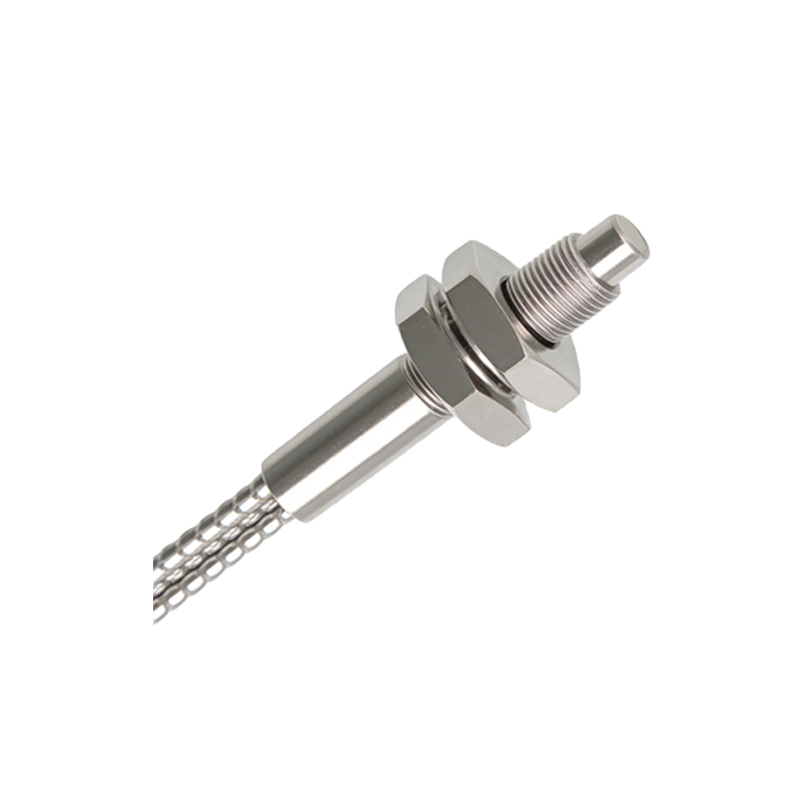
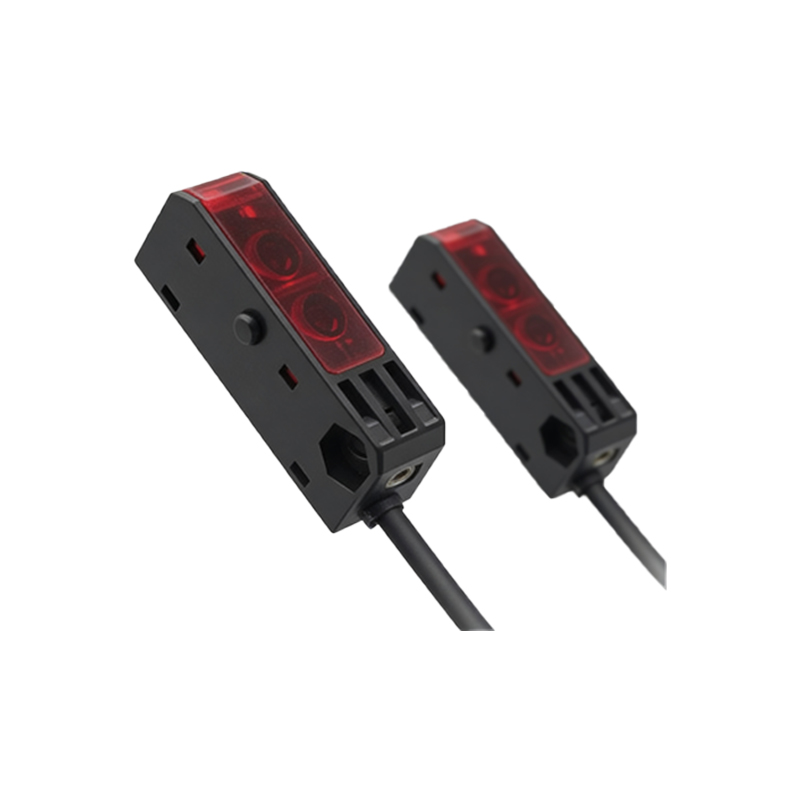
Through-beam sensors have separate emitter and receiver units; clean both lenses equally. Retro-reflective sensors require cleaning of both the sensor lens and the reflector. Diffuse sensors have a single optical window; ensure the entire face is clean. For sensors with integrated amplifiers, avoid liquid ingress into cable entries or adjustment ports. Ultrasonic or inductive sensors do not require optical cleaning, but their housings should still be kept free of debris.
Post-Cleaning Verification and Maintenance Schedule
After cleaning, perform a functional test by checking the sensor’s response to a calibration target. Verify that the sensing distance matches the manufacturer’s specification. Document the cleaning date and any observed anomalies. Establish a regular maintenance schedule based on the environment: weekly for dusty areas, daily for oily or high-condensation zones. Store spare sensors in sealed containers to keep them dust-free between installations.
Common Mistakes to Avoid
Do not use abrasive cleaners, glass cleaners with ammonia, or solvents like acetone that can attack plastic housings. Avoid excessive pressure that might scratch anti-reflective coatings. Never touch the optical surface with bare fingers. Avoid using compressed air at high pressure, which can drive particles into the sensor housing. Do not reassemble the sensor with wet surfaces, as moisture can cause internal corrosion.