Introduction to the Mahjong Machine Optical Sensor S6
The Mahjong Machine Optical Sensor S6 is a critical component in modern automatic mahjong tables, responsible for detecting tile positions and movements during gameplay. As an electrical engineer, understanding its function, specifications, and common failure modes is essential for efficient troubleshooting and replacement. This sensor typically operates on a photoelectric principle, emitting infrared light and detecting reflected signals to ensure accurate tile sorting and shuffling.
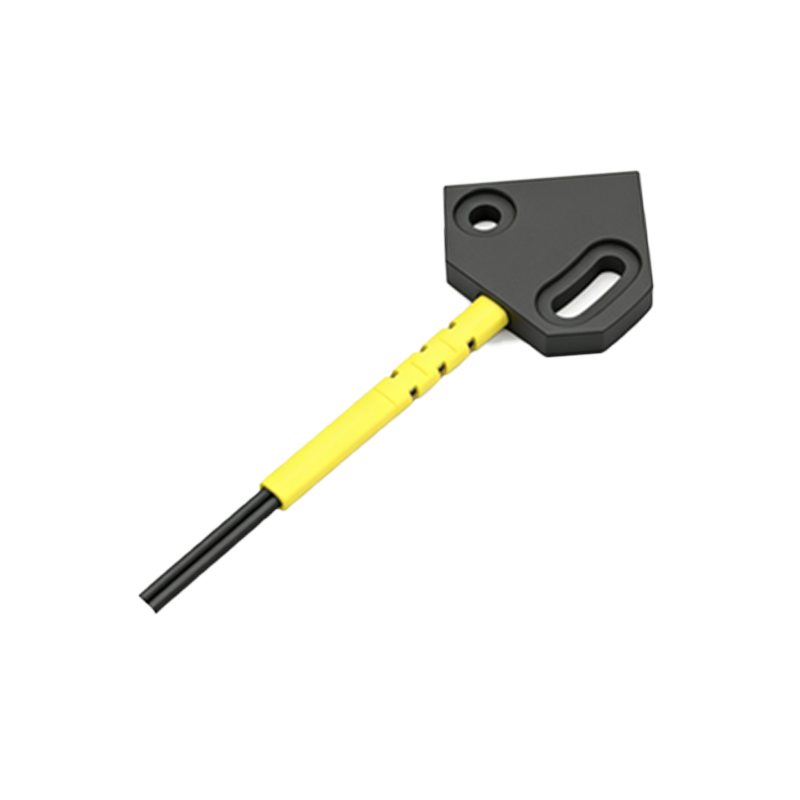
Physical Identification and Location
The S6 sensor is commonly a small, rectangular module with three or four pins, often labeled with its model number. It is mounted on the main control board or a dedicated sensor board near the tile dispensing mechanism. Key physical markers include a clear or tinted plastic lens for the emitter and receiver, and a small indicator LED that blinks during operation. Engineers should note that the S6 is distinct from other sensors (e.g., S5 or S7) by its specific pinout and response time, which is typically faster for high-speed detection.
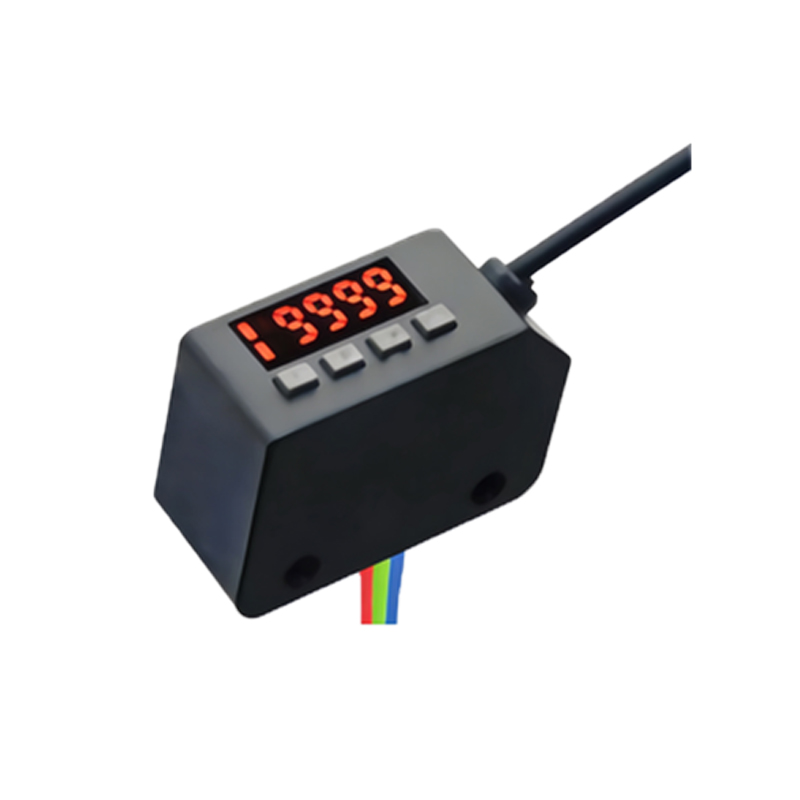
Electrical Specifications and Pinout
For precise replacement, engineers must verify the sensor's electrical characteristics. The S6 optical sensor usually operates at 5V DC, with a maximum current draw of 20mA. Its output is an open-collector NPN or PNP type, depending on the manufacturer. A common pinout is: Pin 1 (VCC), Pin 2 (GND), Pin 3 (Output). Some variants include an additional pin for enabling or disabling the sensor. Always consult the machine's schematic to match the wiring, as incorrect connections can damage the sensor or control board.
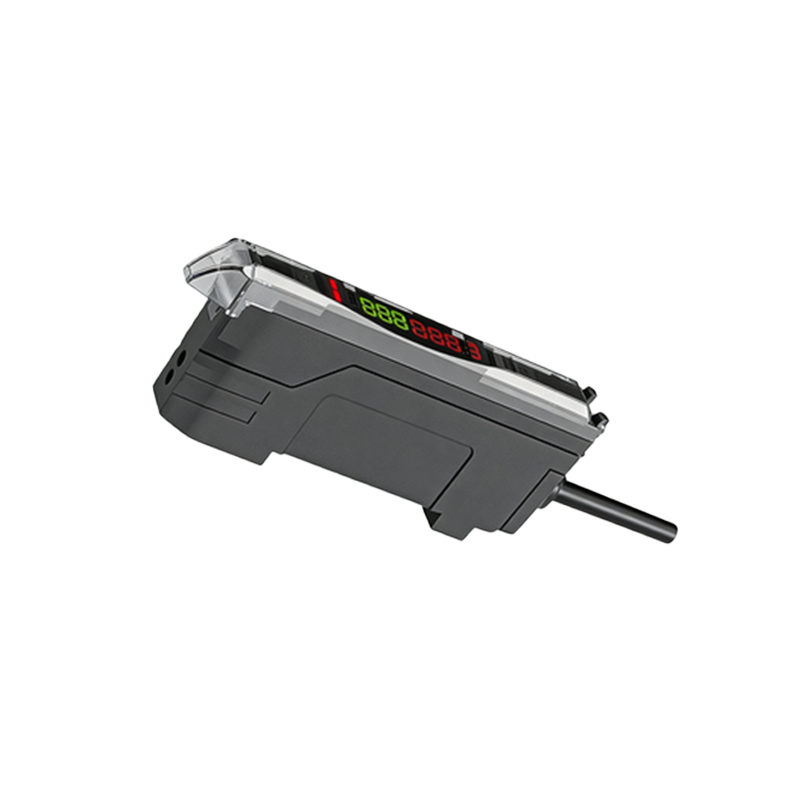
Common Failure Signs and Diagnostics
When the S6 sensor malfunctions, typical symptoms include the mahjong machine failing to detect tiles, repeated shuffling errors, or random stoppages. To diagnose, use a multimeter to measure voltage at the sensor's power pins (should be 5V +/- 0.5V). Check the output pin with an oscilloscope during operation; a healthy sensor will show a clean square wave signal when a tile passes. If the signal is absent or noisy, the sensor is likely defective. Also, inspect the lens for dirt or scratches, which can cause intermittent failures.
Replacement Procedure and Best Practices
Replacing the S6 sensor requires care to avoid damaging the board or nearby components. First, power off the machine and disconnect all cables. Desolder the faulty sensor using a low-temperature iron (300°C max) to avoid pad lift. Install the new sensor with the same orientation, ensuring proper alignment with the lens opening. After soldering, clean the area with IPA to remove flux residue. Finally, recalibrate the sensor sensitivity (if adjustable) using the machine's test mode, verifying that the detection range is consistent with factory specs.
Compatibility and Sourcing Considerations
Not all S6 sensors are identical; they vary by manufacturer (e.g., Sharp, Omron, or generic clones). Always source replacements with matching response time (typically under 1ms) and operating temperature range (0-50°C). For critical applications, use original parts from the mahjong machine brand. If using generic sensors, verify that the lens type (through-beam or retro-reflective) matches the original. A mismatch can cause false triggers or failure to detect tiles.
Conclusion
The Mahjong Machine Optical Sensor S6 is a precise component that demands careful attention to detail during identification, diagnostics, and replacement. By following the electrical and mechanical guidelines outlined above, engineers can restore machine functionality efficiently and avoid common pitfalls. Always document the replacement process for future maintenance.