Understanding Through-Beam Photoelectric Sensors
Through-beam photoelectric sensors consist of two separate units: an emitter and a receiver. The emitter sends a continuous beam of light (usually infrared or visible red) to the receiver. When an object interrupts this beam, the sensor triggers an output signal. This design offers the longest sensing range and highest immunity to environmental factors like dust or fog, making it ideal for harsh industrial environments.
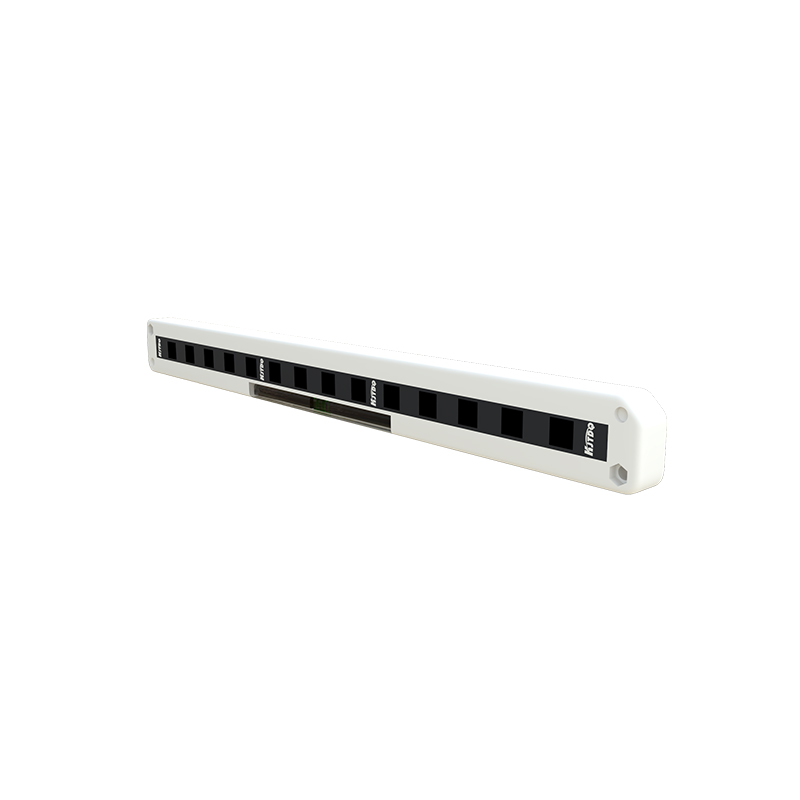
Key Components and Wiring Terminals
Before wiring, identify the sensor’s terminals. Most industrial through-beam sensors have three to four wires for the emitter and receiver respectively. Common color codes: Brown (positive power supply, typically 10-30V DC), Blue (negative power supply, 0V), Black (NPN normally open output), and White (NPN normally closed output, or PNP output depending on model). Some sensors have only two wires for power and one for output. Always refer to the sensor’s datasheet to confirm the wiring diagram.
Step-by-Step Wiring Procedure
1. Power Supply Connection: Connect the brown wire to the positive terminal of a DC power supply (e.g., +24V). Connect the blue wire to the negative terminal (0V). Ensure the power supply matches the sensor’s voltage rating.
2. Output Wiring: For NPN sensors, the black wire is the output. Connect it to the input of a PLC or relay. When the beam is interrupted, the output goes low (0V). For PNP sensors, the black wire outputs a positive voltage (e.g., +24V) when triggered.
3. Emitter-Receiver Alignment: After wiring, physically align the emitter and receiver so the beam is centered. Use a laser alignment tool or a visual indicator on the receiver (if available) to confirm proper alignment.
4. Load Connection: Connect the output wire to the load (e.g., a PLC digital input module, relay coil, or indicator light). Use a suitable load resistance or pull-up/pull-down resistor if required by the PLC.
Common Wiring Mistakes and Troubleshooting
- Incorrect Power Polarity: Reversing brown and blue wires can damage the sensor. Double-check polarity before applying power.
- Wrong Output Type: Mixing NPN and PNP outputs with incompatible PLC inputs leads to no signal. Verify the sensor’s output type matches your control system.
- Misaligned Beam: A slight misalignment causes intermittent triggering. Use the receiver’s stability indicator (often a green LED) to fine-tune the position.
- Cable Length and Noise: For long cable runs (over 30 meters), use shielded cables to prevent electromagnetic interference. Ground the shield only at one end.
Practical Wiring Example for a PLC System
Assume a typical setup: power supply at +24V DC, sensor output to a PLC digital input (sinking). Connect the sensor’s brown wire to +24V, blue wire to 0V, and black wire to the PLC input. If the sensor is NPN, the PLC input should be configured as sinking (current flows from PLC to sensor). For PNP, the PLC input must be sourcing. Add a 1kΩ pull-up resistor if the PLC input is high-impedance. Test by blocking the beam; the PLC input should change state.
Safety and Maintenance Tips
Always disconnect power before making or altering wiring connections. Use fuses (e.g., 0.5A fast-blow) on the power line to protect against short circuits. Periodically clean the optical lenses of both emitter and receiver with a soft cloth to maintain sensitivity. In dusty environments, consider using air purge systems to keep lenses clear.