Understanding the EV6 Photoelectric Sensor
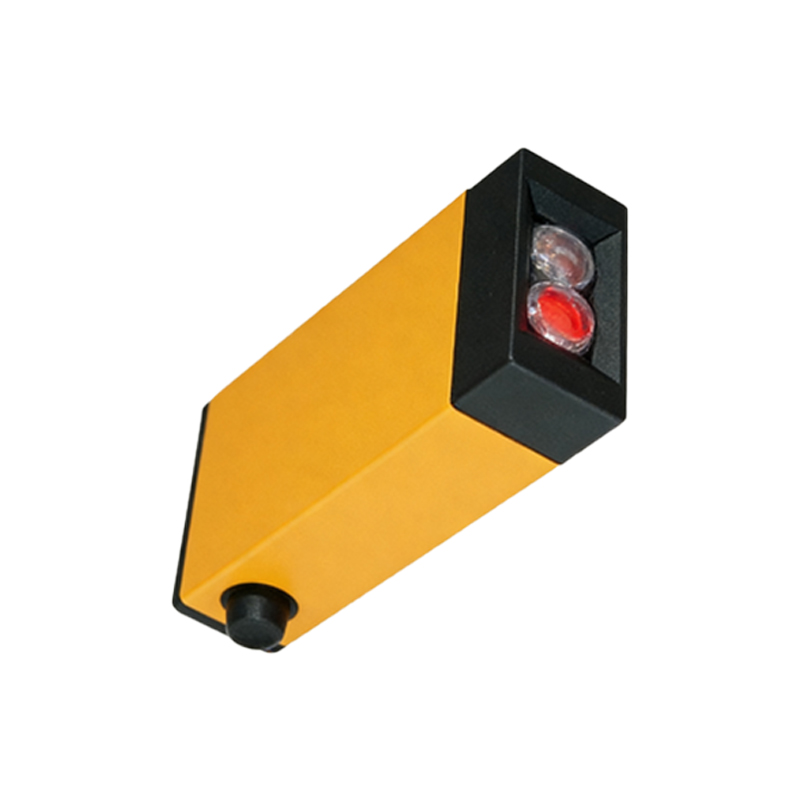
The EV6 photoelectric sensor is a robust industrial device designed for non-contact detection of objects, primarily used in automation and manufacturing processes. Its photoelectric value, often referred to as the output signal or light intensity reading, is crucial for ensuring accurate sensing. Before measurement, confirm the sensor type (e.g., through-beam, retro-reflective, or diffuse) as this affects the procedure. For EV6 sensors, typical output is analog (voltage or current) or digital (switching), so identify the specific model via its datasheet.
Preparing the Measurement Setup
To measure the photoelectric value, you need a multimeter or an oscilloscope for analog outputs, and a logic analyzer for digital outputs. Ensure the sensor is properly powered (usually 10-30V DC for EV6 models) and connected to a load (e.g., a PLC input). For optical testing, use a calibrated light source or a standard reflective target (e.g., white paper with 90% reflectivity) placed at the specified sensing distance (typically 0.5-2 meters for EV6). Avoid ambient light interference by testing in a controlled environment or using a shielding enclosure.
Measuring Analog Output (Voltage or Current)
For EV6 sensors with analog output (e.g., 0-10V or 4-20mA), set your multimeter to DC voltage or current mode. Connect the red probe to the sensor’s output terminal (usually marked as “OUT” or “Vout”) and the black probe to ground (GND). For voltage measurement, record the reading when the sensor detects the target; for current, insert the meter in series with the load. The photoelectric value is directly proportional to light intensity: e.g., 10V indicates maximum detected light (fully blocked for through-beam) and 0V indicates no light. Record multiple readings at different distances (e.g., 0.5m, 1m, 1.5m) to assess linearity.
Measuring Digital Output (Switching Signal)
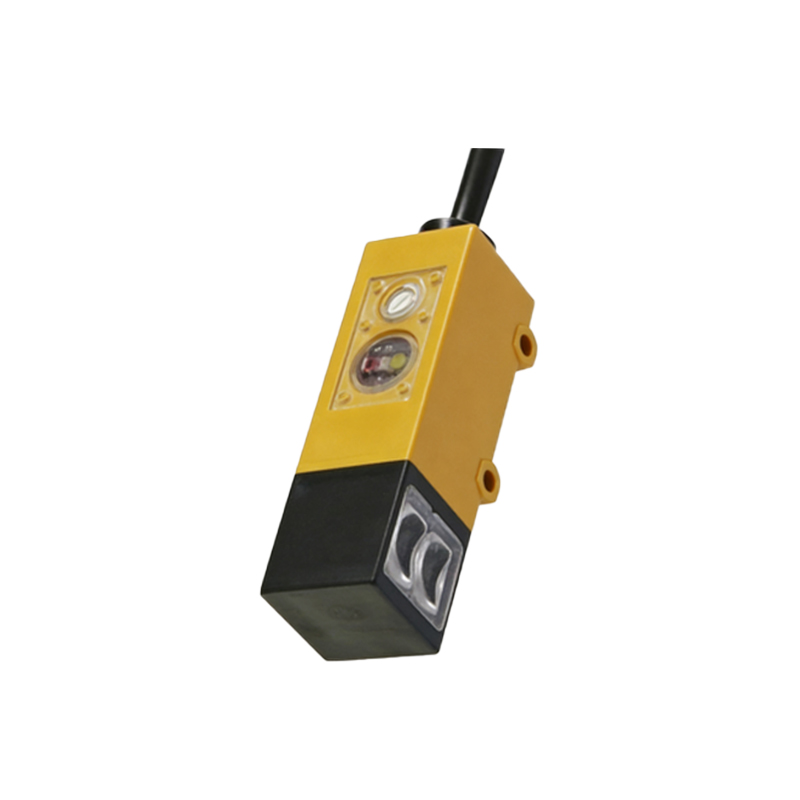
EV6 sensors with digital output (PNP or NPN) provide a binary signal: HIGH (e.g., 24V) when light is detected and LOW (0V) when not. Use an oscilloscope or logic analyzer to capture the switching threshold. Connect probes to the output and ground, then slowly move the target toward the sensor. Note the voltage level at which the output toggles (e.g., from 0V to 24V). This threshold (often 10-20% of supply voltage) defines the photoelectric value for triggering. For accuracy, test with a variable light attenuator (e.g., neutral density filter) to simulate different conditions.
Calibrating and Interpreting Results
After taking measurements, compare them to the sensor’s datasheet specifications. For analog EV6 models, the photoelectric value should be within +/-5% of the expected range (e.g., 4-20mA for 0-100% light). For digital models, ensure the switching point is stable (e.g., at 50% of maximum light intensity). If values drift, clean the lens with isopropyl alcohol and check for misalignment. Use a calibration tool (e.g., a known reflector) to validate—if the output deviates more than 2%, consider recalibration or replacement. Document results for preventive maintenance logs.
Common Troubleshooting Tips
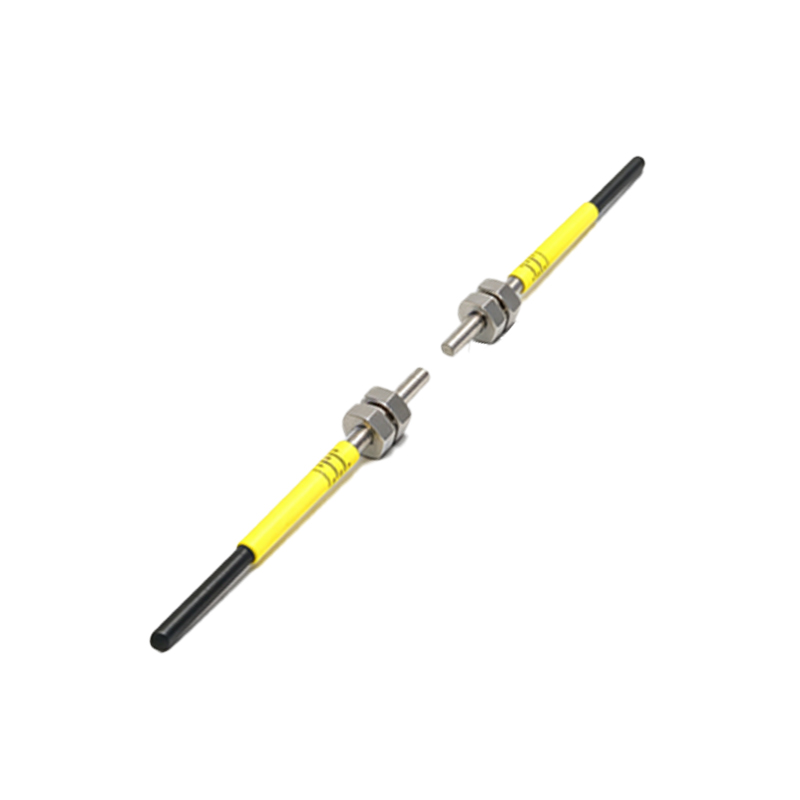
If the photoelectric value is unstable (e.g., fluctuating voltage), check for electrical noise from nearby motors or inverters—add a ferrite bead or shielded cable. For low output (e.g., 2mA instead of 4mA), inspect the emitter LED for degradation using a photodiode meter. Always verify the sensing distance against the EV6 rating (e.g., 10m for through-beam models). Use a digital storage oscilloscope to capture transient responses, which helps identify intermittent faults. Following these steps ensures reliable measurement and extends sensor lifespan.