Understanding Photoelectric Sensor Counting Basics
Photoelectric sensors are widely used in industrial automation for object detection and counting. They operate by emitting a light beam (often infrared or visible light) and detecting changes in the received signal. When an object passes between the emitter and receiver, the signal is interrupted, and a count is registered. To judge if a sensor is functioning correctly, you must first understand its type: through-beam, retro-reflective, or diffuse. Each type has specific failure modes, such as misalignment, contamination, or environmental interference.
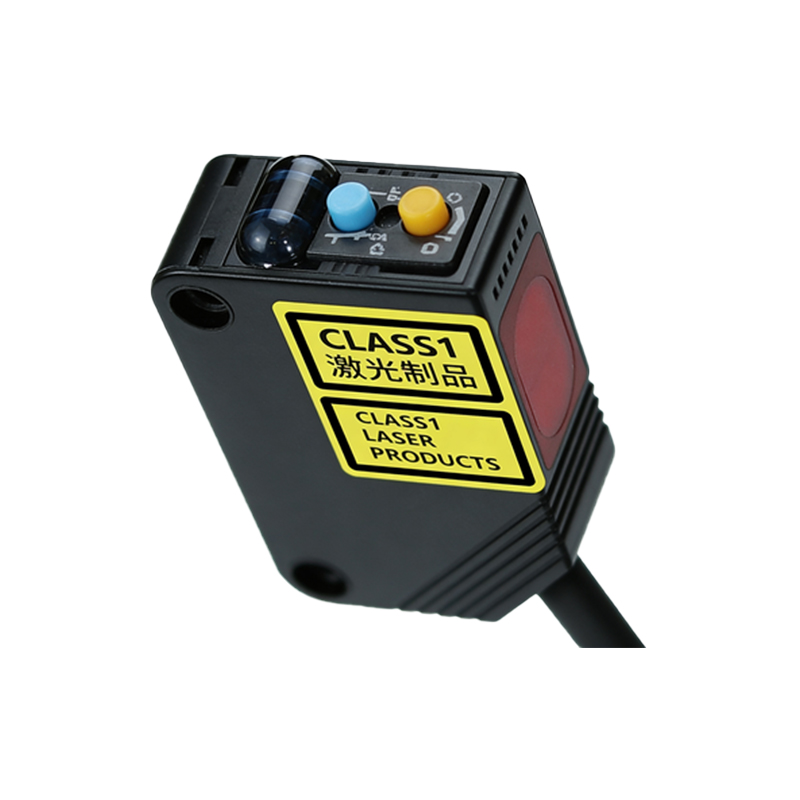
Visual Inspection and Physical Checks
Before testing electronics, perform a visual inspection. Look for physical damage like cracks, corrosion, or loose connections. Check the lens or window for dirt, dust, or oil buildup, which can degrade the light beam. Ensure the mounting bracket is secure and aligned properly. For through-beam sensors, confirm that the emitter and receiver are directly facing each other. For retro-reflective types, verify the reflector is clean and aligned. A simple physical check can often reveal common issues without advanced tools.
Testing Output Signal with a Multimeter
Use a digital multimeter to measure the sensor‘s output. Most photoelectric sensors have NPN or PNP transistor outputs. Set the multimeter to DC voltage mode. Connect the positive lead to the signal wire and negative to the common ground. With no object present, the output should be in one state (e.g., high voltage for PNP, low for NPN). When you place an object in the detection zone, the output should switch to the opposite state. If the voltage does not change, the sensor may be faulty or misaligned. For counting applications, stable and rapid switching is critical.
Evaluating Response Time and Counting Accuracy
A good photoelectric sensor for counting must have a fast response time, typically in the microsecond to millisecond range. Use an oscilloscope to observe the output waveform. The rising and falling edges should be sharp and free of noise or glitches. Test with a known count of objects (e.g., 100 items) and compare the sensor’s count to the actual count. A discrepancy of more than 1-2% often indicates issues like double-counting, missed counts, or lag. Ensure the sensor’s minimum detectible object size matches your application.
Environmental and Interference Factors
Ambient light, dust, humidity, and electrical noise can affect sensor performance. Test the sensor in the actual working environment. Hold a reflective surface or object at the specified distance and check for false triggers. Use a shield or enclosure if needed. For high-speed counting, verify that the sensor’s frequency response is adequate. If the sensor counts erraticly, consider adjusting the sensitivity or using a background suppression model.
Final Verification and Calibration Tips
After initial tests, perform a full calibration. Adjust the sensitivity potentiometer (if available) to a level that reliably detects objects without false triggers. Run a test cycle with the conveyor or machine at normal speed. Monitor the output with a PLC or counter module. A good sensor will provide consistent counts over multiple trials. If issues persist, check the power supply voltage and wiring length. Replace the sensor if it fails any of these tests.