Understanding the Importance of Address Encoding in Photoelectric Sensors
In industrial automation, photoelectric sensors are critical components for detecting objects without physical contact. Address encoding allows multiple sensors to operate on a shared communication bus, such as RS-485 or IO-Link, enabling efficient data transmission and reducing wiring complexity. Proper address query ensures each sensor responds uniquely, preventing signal collisions. For engineers, mastering address encoding is essential for system integration, troubleshooting, and scalability. This guide provides a practical approach to decoding and querying sensor addresses, focusing on common protocols like Modbus and IO-Link.
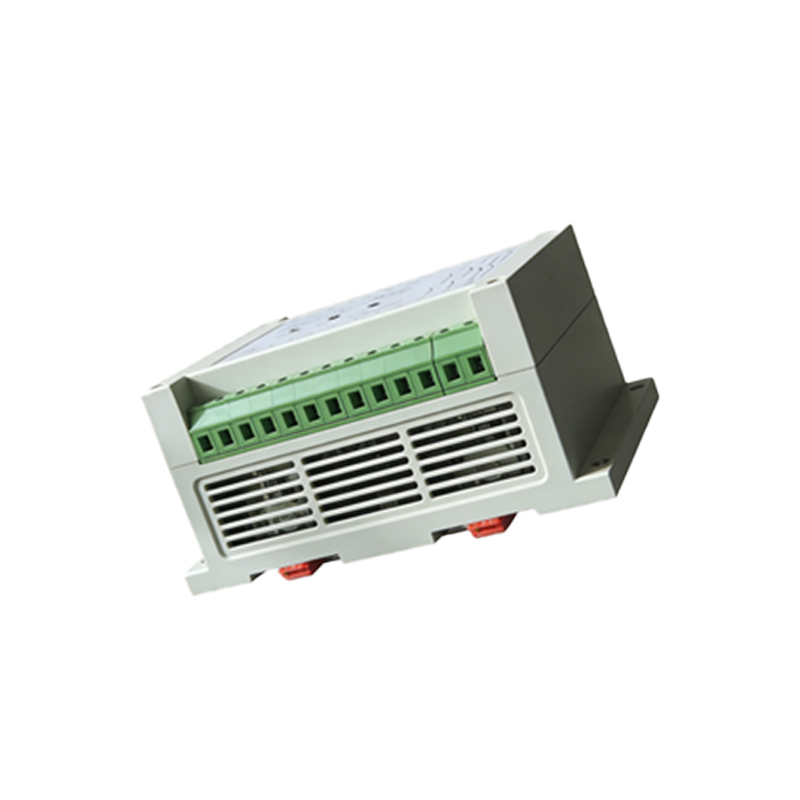
Step 1: Identify the Sensor Communication Protocol
Before querying an address, determine the sensor’s protocol. Most industrial photoelectric sensors use either Modbus RTU (binary) or IO-Link (digital point-to-point). Modbus sensors typically have a default address of 1 (or 247 for broadcast), while IO-Link sensors rely on the master’s mapping. Check the sensor’s datasheet for address range (e.g., 1-247 for Modbus) and baud rate settings. Use a protocol analyzer or a handheld configuration tool (like a Pepperl+Fuchs or Banner sensor programmer) to confirm the active protocol.
Step 2: Access the Address via Configuration Software or Manual Input
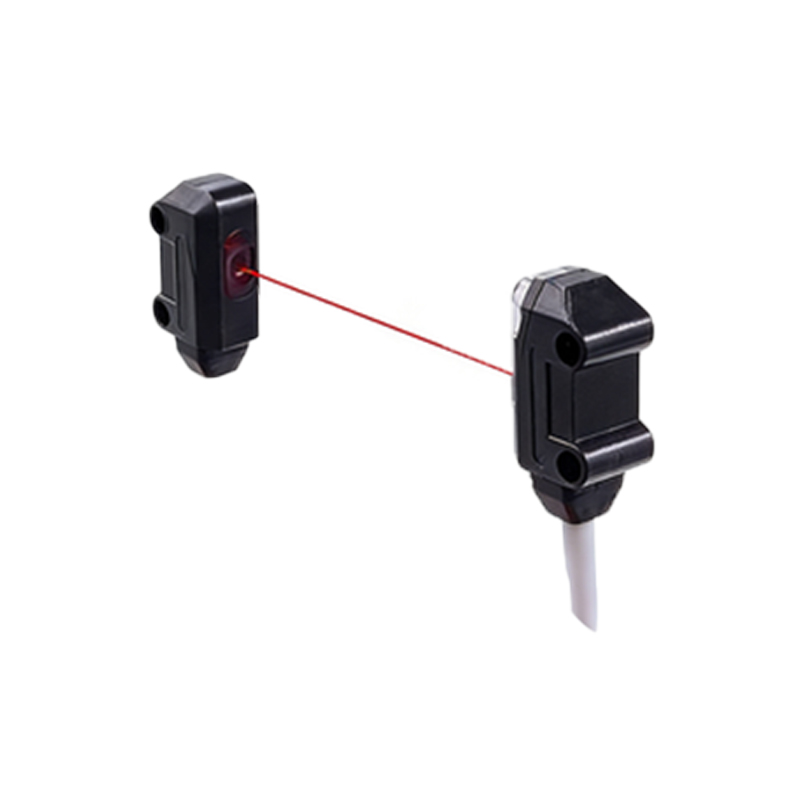
For Modbus-based sensors, connect through a USB-to-RS485 converter and open a terminal emulator (e.g., Modscan or Tera Term). Send a query command: for address 1, send01 03 00 00 00 01 84 0A (read holding register 0). The response will include the current address. For IO-Link, use a master’s web interface or IODD (IO Device Description) file to read the system data (e.g., ISDU index 0x0002). Alternatively, some sensors allow direct address change via DIP switches or a teach-in button—refer to the product manual.
Step 3: Decode the Address from Binary or Hexadecimal Output
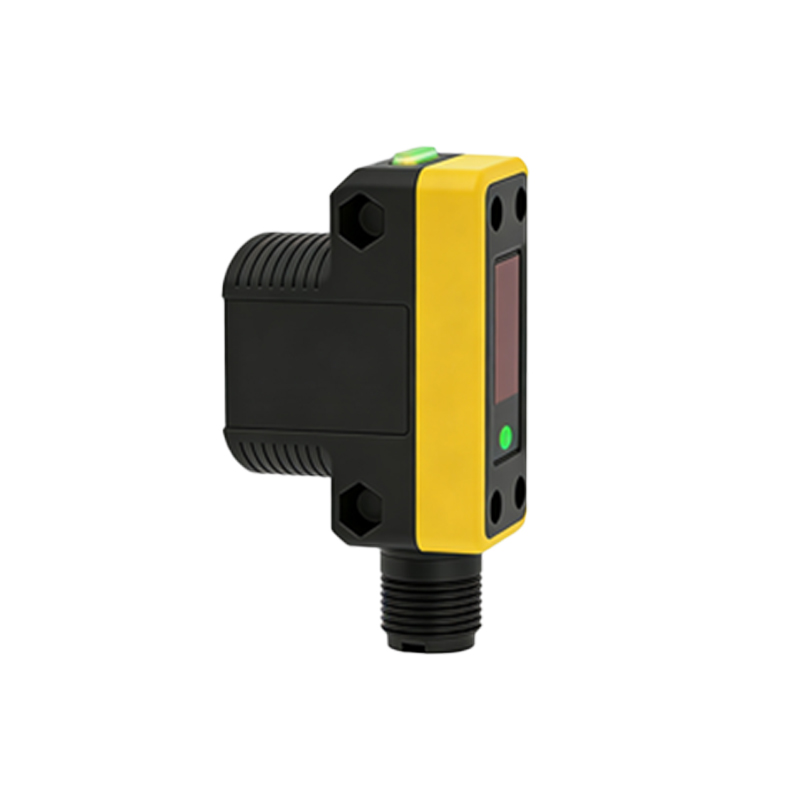
Raw address data often comes in hexadecimal or binary format. For example, if a Modbus response returns01 03 02 00 05 79 85, the address is00 05 (hex), which equals decimal 5. For IO-Link, the ISDU response might be0x000A, representing address 10. Always verify the endianness: little-endian systems store the least significant byte first (e.g.,05 00 = 5). Use a calculator or script to convert binary patterns from DIP switches (e.g., switch position 1-2-3-4 = binary 1100 = decimal 12).
Step 4: Validate and Update the Address in the System
After querying, confirm the address matches the PLC or controller mapping. Send a write command (e.g.,01 06 00 00 00 0A 08 0B for Modbus to set address to 10). For IO-Link, use the master’s parameterization tool to update the ISDU data. Test communication by polling the sensor: if it responds correctly, the address is valid. Document the new address in the system architecture to avoid conflicts. Repeat for all sensors in the network.
Step 5: Troubleshoot Common Address Issues
If no response is received, check for duplicate addresses (scan all sensors with a broadcast command). Verify wiring terminations: RS-485 requires a 120-ohm resistor at both ends. For IO-Link, ensure the master is in parameterization mode. Use an oscilloscope to analyze signal integrity. If the sensor’s address is unknown, reset it to factory defaults (often by power-cycling while pressing the teach button). Always keep a log of address changes for maintenance.
Conclusion: Streamlining Sensor Networks with Proper Address Management
Efficient address encoding querying reduces downtime and enhances system reliability. By following these steps—protocol identification, software access, data decoding, validation, and troubleshooting—engineers can manage photoelectric sensors effectively. Regularly updating address maps and using standardized protocols like IO-Link will future-proof automation systems. For advanced applications, consider integrating industrial IoT gateways for remote address management.