Introduction to 3-Wire Photoelectric Sensors
In industrial automation, photoelectric sensors are essential for detecting presence, position, or distance of objects without physical contact. The 3-wire configuration is the most common type, offering reliable performance and easy integration with PLCs and controllers. This article provides a comprehensive guide to understanding the wiring diagram, color codes, and practical installation tips for 3-wire photoelectric sensors, based on standard electrical engineering practices.
Basic Wiring Principle: Power, Output, and Common
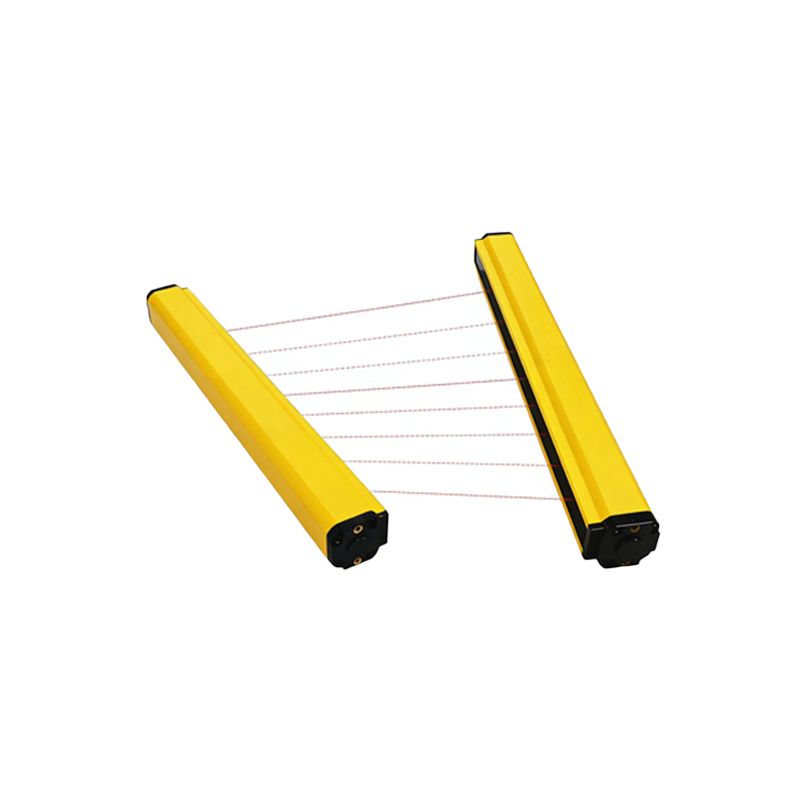
A 3-wire photoelectric sensor has three distinct conductors: a power supply wire (typically brown for positive DC voltage, e.g., +24V DC), a ground wire (blue for negative or 0V), and an output wire (black for NPN or PNP). The sensor operates by modulating the output signal based on light detection. For example, in a dark-on or light-on mode, the output switches between high and low states. It is crucial to ensure the sensor's voltage rating matches the system, typically 10-30V DC, to avoid damage.
NPN vs. PNP Output Configurations
Understanding the difference between NPN (sinking) and PNP (sourcing) outputs is critical. In NPN configuration, the output wire connects to ground (0V) when activated, making it suitable for connecting to PLC inputs that expect a sinking signal. In contrast, PNP output connects to the positive voltage rail when activated, ideal for sourcing inputs. Many modern sensors are selectable, but always verify the datasheet. For instance, a typical wiring color code: brown = +V, blue = GND, black = output; for PNP, the output goes high; for NPN, it goes low.
Wiring Diagram and Connection Steps
To wire a 3-wire photoelectric sensor, follow these steps: First, disconnect power to the system. Connect the brown wire to the positive terminal of the DC power supply (e.g., +24V). Connect the blue wire to the negative terminal (0V or GND). Then, connect the black output wire to the input terminal of your PLC, relay, or controller. If using an NPN sensor, ensure the PLC input is configured for sinking (pull-up resistor). For PNP, configure for sourcing (pull-down). Always use shielded cables in noisy environments to prevent interference.
Common Troubleshooting and Best Practices
Mistakes often occur due to reversed polarity or incorrect output type. Check voltage at the sensor's power terminals with a multimeter before powering on. If the sensor does not switch, test the output with a load resistor (e.g., 2.2kΩ) to verify functionality. Ensure the sensor's sensing distance and background suppression settings are adjusted for the target material. Avoid bending wires sharply near the sensor head to prevent internal damage. In high-vibration environments, use lock washers or thread-locking compound on mounting nuts.
Conclusion
Mastering the 3-wire photoelectric sensor wiring is fundamental for any electrical engineer in automation. By adhering to standard color codes, selecting the correct NPN/PNP type, and following safe installation practices, you can ensure robust and reliable sensor operation. Always refer to the manufacturer's datasheet for specific model variations, and test the system during commissioning.