Understanding Photoelectric Sensors in Industrial Automation
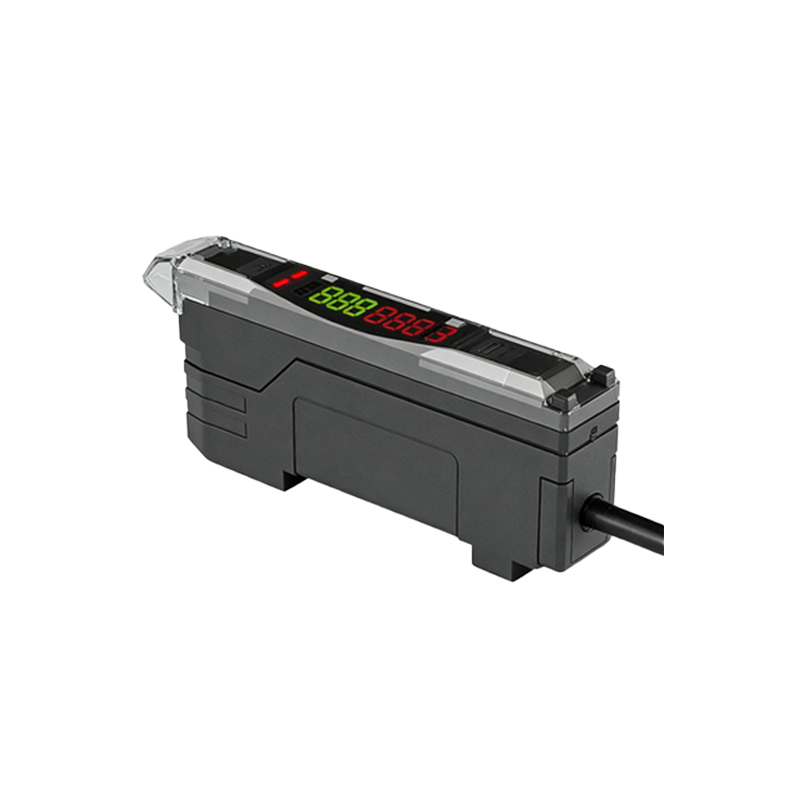
Photoelectric sensors are essential components in modern industrial automation, used to detect objects, measure distances, and ensure process reliability. These sensors operate by emitting a light beam (often infrared or visible red) and analyzing the reflected or interrupted signal. Programming them effectively requires a solid grasp of their types: through-beam, retro-reflective, and diffuse. Each type demands distinct code logic and image processing for optimal performance. For instance, through-beam sensors, with separate emitter and receiver, need precise alignment in code to avoid false readings. Engineers must also consider environmental factors like ambient light and dust, which can be mitigated through software filtering and calibration.
Key Programming Concepts for Sensor Calibration
To program a photoelectric sensor, start by setting thresholds in your microcontroller firmware. Use analog-to-digital converter (ADC) readings to capture the sensor’s output voltage, which varies with light intensity. In an Arduino or PLC environment, write code that compares real-time ADC values to a calibrated baseline. For example, a simple loop can store a reference reading during a teach-in phase, then trigger an output when the value deviates by a set percentage. Image-based programming often involves using a camera to capture the sensor’s beam pattern, then applying edge detection algorithms to identify obstructions. This method enhances accuracy in complex assembly lines.
Implementing Image Processing for Sensor Feedback
Integrating image processing with photoelectric sensors elevates system intelligence. Use a Raspberry Pi or similar device to capture frames from a camera monitoring the sensor’s light spot. Apply OpenCV libraries to analyze the image—for instance, thresholding to isolate the beam, then contour detection to measure its shape and intensity. Code snippets can include functions to calculate the centroid of the light spot, which indicates target position. This approach is valuable in robotic pick-and-place systems, where precise alignment is critical. Remember to optimize image resolution and frame rate to avoid latency in real-time applications.
Practical Example: Programming a Diffuse Sensor with Visual Feedback
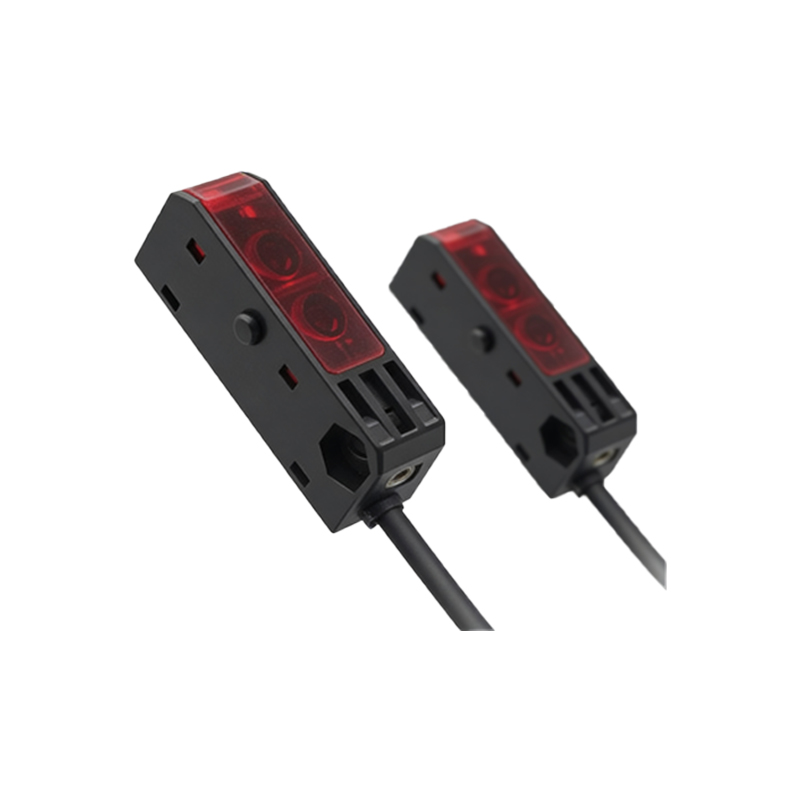
Let’s walk through a practical example. For a diffuse photoelectric sensor, the emitter and receiver are in one unit. In Python, write a script that reads sensor output via GPIO, then captures a live image of the sensing area. Use a threshold value to decide if an object is present. If the ADC reading drops below 500 (on a 10-bit scale), the object is detected. Simultaneously, the image frame is processed to highlight the object’s location with a bounding box. This dual method improves reliability in dusty environments, as image analysis can verify the sensor’s reading. Test the code with varying target distances to fine-tune sensitivity.
Troubleshooting Common Programming Issues
When programming photoelectric sensors, common issues include false triggers due to reflective surfaces or electrical noise. To solve these, add debounce logic in your code—a simple timer that ignores rapid signal changes. For image-based setups, noise can be reduced with Gaussian blurring before thresholding. Always include error handling, such as a watchdog timer to reset the sensor if communication fails. Document your calibration steps and image processing parameters to ease future maintenance. By combining robust code with visual feedback, you achieve a system that adapts to dynamic industrial conditions.