Understanding the Printer Photosensor Function
The photosensor in a printer is a critical component that detects paper presence, edge alignment, and jam conditions. It typically consists of an infrared LED and a phototransistor. When paper passes between them, it interrupts the light path, causing a voltage change that the printer controller interprets. Before testing, ensure you have a multimeter, a small screwdriver, and a known good printer for comparison. Always disconnect power and discharge capacitors to avoid electrical shock.
Visual Inspection and Preparation
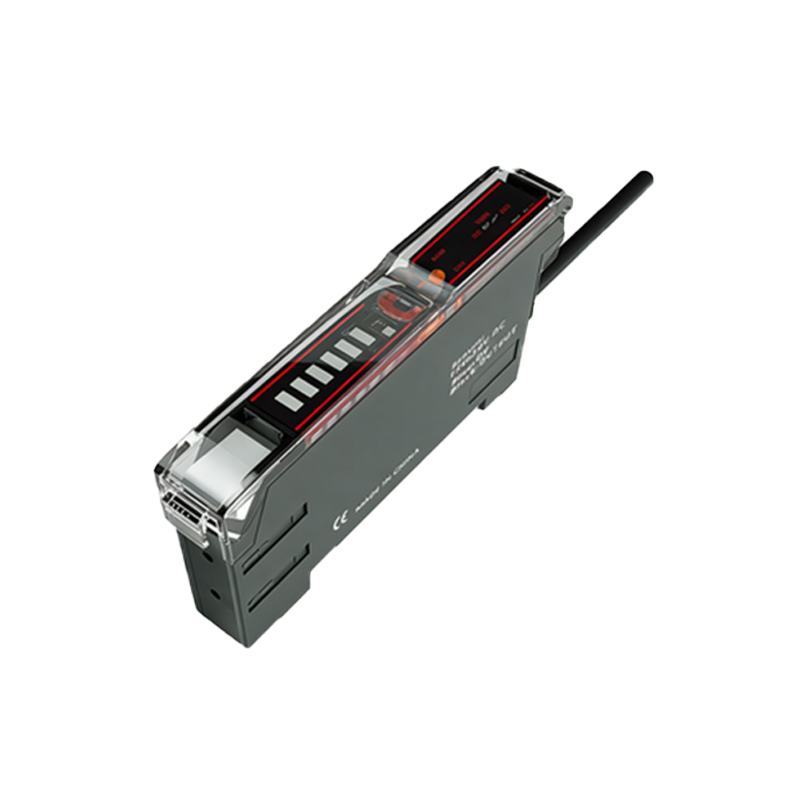
Begin by visually inspecting the photosensor assembly. Look for dust, debris, or physical damage on the sensor lens. Clean the sensor using isopropyl alcohol and a lint-free swab if needed. Check the wiring harness for broken or loose connections. Use a multimeter set to continuity mode to verify the cable integrity between the sensor and the main board. If the printer has multiple sensors, label them to avoid confusion during testing.
Testing the Photosensor with a Multimeter
Set your multimeter to DC voltage mode. Locate the sensor pins: typically three pins for VCC, GND, and output. Apply power to the printer (but do not print). Measure the voltage between VCC and GND; it should be around 3.3V or 5V, depending on the design. Next, measure the output pin relative to GND. With no paper blocking the sensor, the output should be high (near VCC). Block the sensor with a piece of opaque paper, and the output should drop to near 0V. If no voltage change occurs, the sensor is likely faulty.
Using an Oscilloscope for Dynamic Testing
For a more precise analysis, use an oscilloscope. Connect a probe to the output pin and set the trigger to falling edge. Start a print job that feeds paper through the sensor. Observe the waveform: a clean square wave should appear as paper passes. Look for excessive noise, slow rise times, or missing edges, which indicate a degraded sensor or poor alignment. Compare the waveform with a known good sensor on the same printer model.
Diagnosing Common Failures
If the sensor passes static tests but fails in operation, check the reflective path. Some sensors use a reflective design where paper reflects light back. Ensure the paper guide is not misaligned. Also, verify the LED drive current using a current measurement mode on your multimeter. A typical LED current is 10-20 mA. Deviation suggests a resistor failure or LED degradation. Replace the sensor module if all electrical checks are normal but the issue persists.