Introduction to Diffuse Reflection Photoelectric Sensors
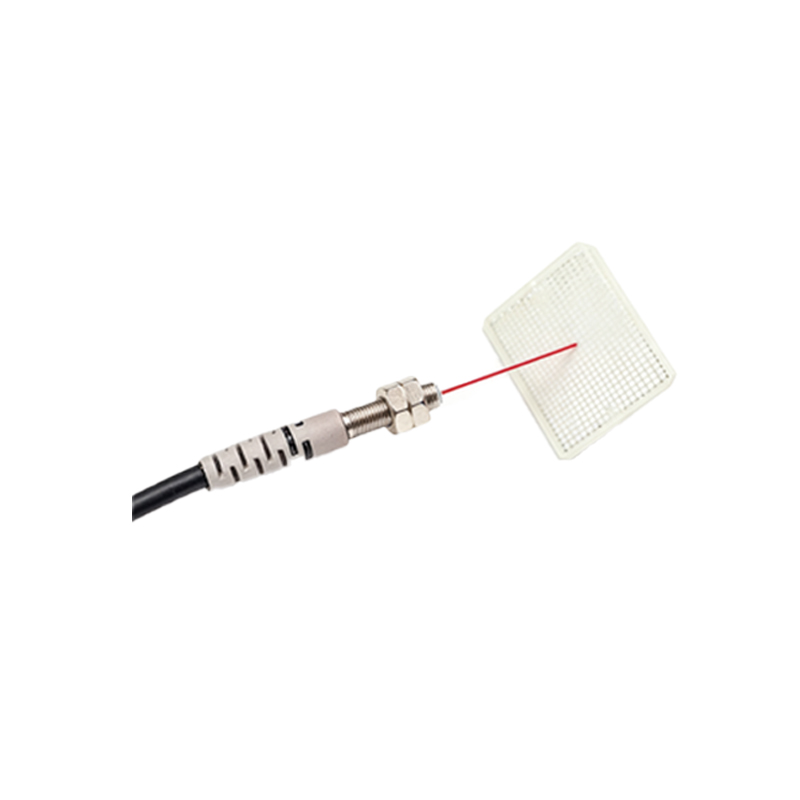
Diffuse reflection photoelectric sensors are widely used in industrial automation for detecting objects without requiring a separate reflector. These sensors emit a light beam, typically infrared or visible red, and rely on the reflection from the target object itself. A key feature on these sensors is the indicator light, which provides immediate visual feedback on the sensor's status. Understanding these lights is crucial for efficient troubleshooting and system integration.
Common Indicator Light Colors and Their Meanings
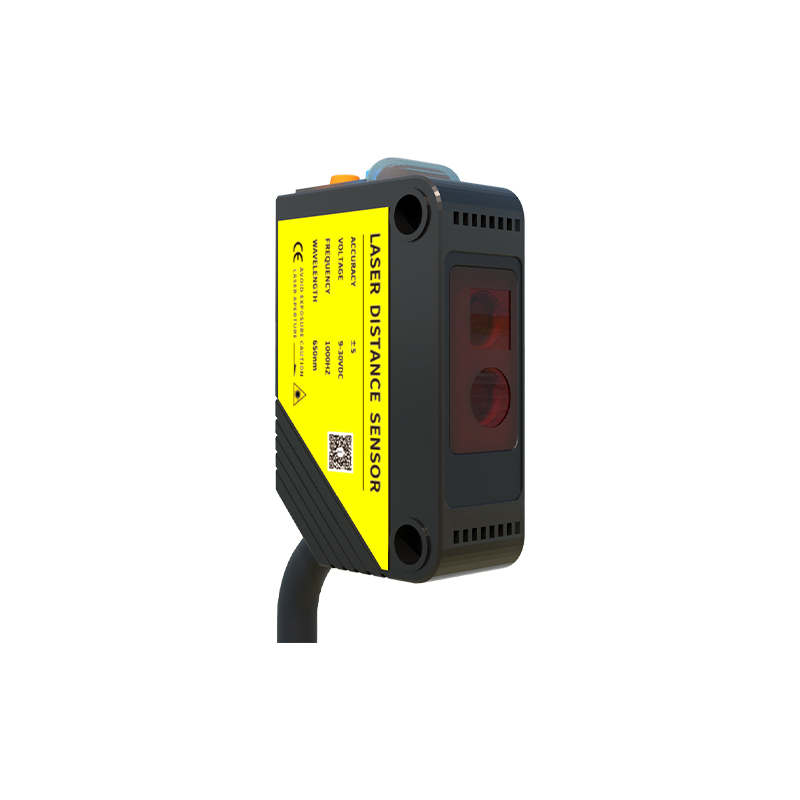
Most diffuse reflection photoelectric sensors feature a built-in LED indicator. The most common color is green, which usually signifies that the sensor is powered on and operational. A steady green light indicates normal operation, while a flashing green light may suggest the sensor is in a learning or calibration mode. Some sensors also use a red indicator light. A steady red light typically means the sensor has detected an object within its sensing range. If the red light is off, it indicates no object is present. However, color codes can vary by manufacturer, so always refer to the specific datasheet.
Flashing Patterns: A Diagnostic Tool
Beyond solid colors, many sensors use flashing patterns to convey more detailed information. For example, a slow flash (once per second) might warn of a marginal sensing condition, where the detected object is near the edge of the sensing range. A rapid flash (several times per second) often indicates a fault, such as excessive ambient light interference, a dirty lens, or a short circuit in the output wiring. Some advanced sensors use a sequence of flashes to indicate error codes, which can be decoded using the product manual.
Dual-Color Indicators for Enhanced Feedback
Higher-end diffuse reflection sensors may feature dual-color LEDs. For instance, a green-red combination allows operators to quickly see both power and detection status simultaneously. A green light confirms power, and a red light indicates detection. If the light turns yellow or orange, it might signal a warning condition, such as decreased detection margin due to dust accumulation. This dual-color system reduces the need for separate test tools and speeds up on-floor diagnostics.
Practical Applications and Troubleshooting Tips
In a real-world factory setting, if a sensor's indicator light is off, first check the power supply and wiring connections. If the green power light is on but the red detection light does not activate when an object is present, verify the target's reflectivity and distance from the sensor. Clean the sensor lens with a soft cloth, as dirt or oil can scatter the light beam. If the indicator shows a flashing error pattern, refer to the sensor's manual for specific fault codes. These steps ensure minimal downtime and reliable operation.
Conclusion
The indicator light on a diffuse reflection photoelectric sensor is a simple yet powerful diagnostic tool. By understanding the color codes and flashing patterns, maintenance personnel can quickly identify issues like alignment problems, power failures, or environmental interference. Always consult the sensor's documentation for exact meanings, as different brands may have unique conventions. Mastering these visual cues enhances system reliability and reduces troubleshooting time in industrial automation environments.