Understanding the Basics of Photoelectric Sensors
Photoelectric sensors are essential components in industrial automation, used for detecting objects, distances, and positions without physical contact. They operate by emitting a beam of light (typically infrared, visible red, or laser) and analyzing the reflected or interrupted signal. The selection process begins with understanding three primary types: through-beam, retro-reflective, and diffuse reflective sensors. Through-beam sensors offer the longest range and highest reliability, as the emitter and receiver are separate units. Retro-reflective sensors combine both in one housing, using a reflector to bounce the light back, suitable for moderate distances. Diffuse sensors rely on object reflection and are best for short-range applications. Always consider environmental factors like dust, moisture, and ambient light when choosing the sensor type.
Key Parameters for Sensor Selection
When selecting a photoelectric sensor, focus on critical parameters: sensing range, response time, output type, and environmental rating. Sensing range determines the maximum distance the sensor can reliably detect an object. For example, through-beam sensors can cover up to 100 meters, while diffuse sensors typically handle 0.1 to 2 meters. Response time affects the speed of detection, crucial for high-speed conveyor lines. Output types include NPN, PNP, analog, or IO-Link, which must match your controller’s input specifications. Environmental rating (IP67 or higher) ensures protection against water and dust in harsh industrial settings. Always cross-reference these parameters with the target object’s material, color, and surface texture, as shiny or dark surfaces can reduce detection reliability.
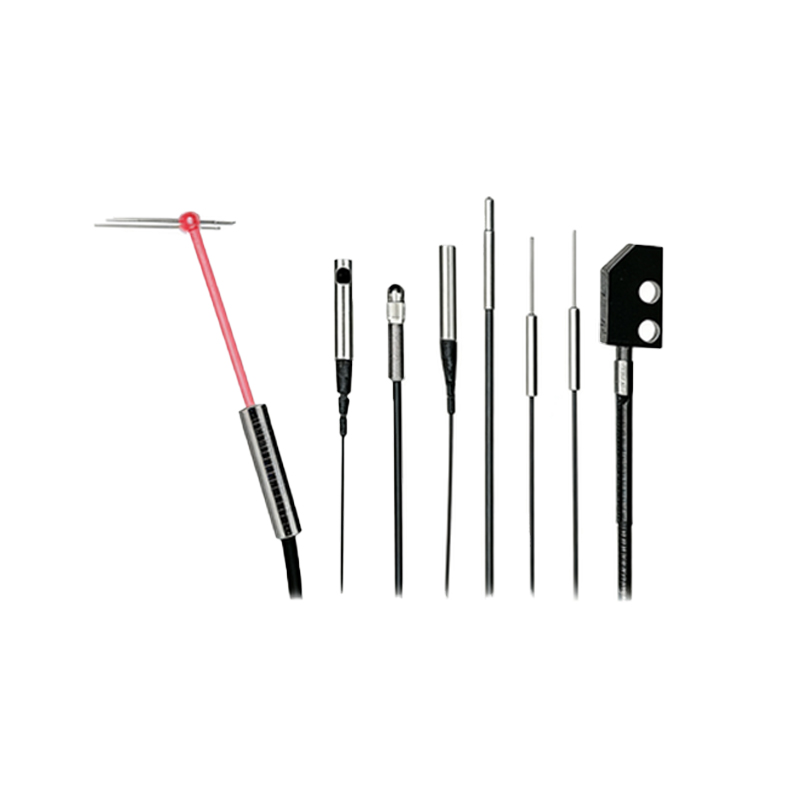
Diagram-Based Selection Rule: Sensing Mode and Object Properties
Use a simple decision diagram to match sensor mode with object characteristics. First, classify the target object: solid, transparent, or reflective. For solid, opaque objects, diffuse sensors are often sufficient, but for transparent or clear materials (e.g., glass bottles), use retro-reflective sensors with polarization filters to avoid false triggers. For highly reflective surfaces like mirrors, opt for through-beam sensors to bypass reflection issues. The diagram should branch based on distance: short-range (under 1 meter) favors diffuse, medium-range (1–10 meters) uses retro-reflective, and long-range (over 10 meters) requires through-beam. Include a note on background suppression: for applications with complex backgrounds, select sensors with fixed or adjustable background suppression to ignore irrelevant objects.
Electrical Connection and Mounting Considerations
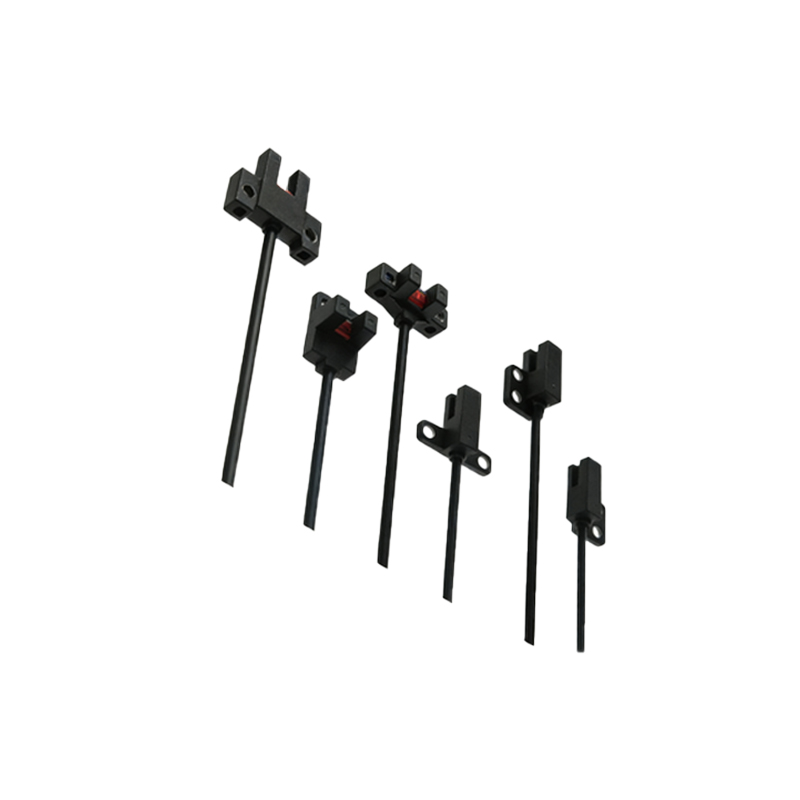
Proper wiring and mounting are critical for sensor performance. Always verify the supply voltage (typically 10-30V DC) and current consumption to avoid overloading the power source. Use shielded cables for long runs to minimize electromagnetic interference. For mounting, ensure the sensor’s optical axis is aligned with the target, especially for through-beam systems where misalignment can reduce effective range. In retro-reflective setups, the reflector should be clean and perpendicular to the sensor beam. Include a diagram showing correct alignment angles, e.g., a 2-3 degree tilt tolerance for through-beam sensors. For diffuse sensors, avoid mounting near highly reflective backgrounds, as this can cause false detections. Use brackets with vibration dampening to maintain stability in high-vibration environments.
Common Selection Mistakes and Troubleshooting
Avoid typical errors: selecting a sensor with insufficient range for the application, ignoring background interference, or mismatching output types. For instance, using a diffuse sensor on a glossy, dark-colored object may result in unreliable detection. Always test the sensor with actual target samples in the intended environment. Troubleshooting tips: if the sensor triggers falsely, check for ambient light sources (e.g., sunlight or welding arcs) and use a sensor with modulated light or a protective hood. If detection fails, verify cable connections, clean optical surfaces, and adjust sensitivity settings. A quick-reference troubleshooting flowchart can guide technicians: check power first, then alignment, then object size, and finally environmental interference.