Understanding the Phenomenon of Regular False Triggers
In industrial automation, photoelectric sensors are critical for precise object detection. However, a common issue we encounter is "regular false triggers," where the sensor outputs a signal without the intended target present, often at periodic intervals. As an electrical engineer, I have diagnosed this in conveyor systems, packaging lines, and robotic cells. The regularity of the false trigger—occurring, for example, every 2 seconds or every 10 cycles—is a key clue. This is distinct from random noise; it suggests a deterministic cause related to the sensor's environment, timing, or interference. Understanding the pattern (e.g., time-based vs. cycle-based) helps narrow down the root cause, which typically falls into categories: electromagnetic interference from nearby machinery, reflective surfaces from moving parts, or timing conflicts with the control system.
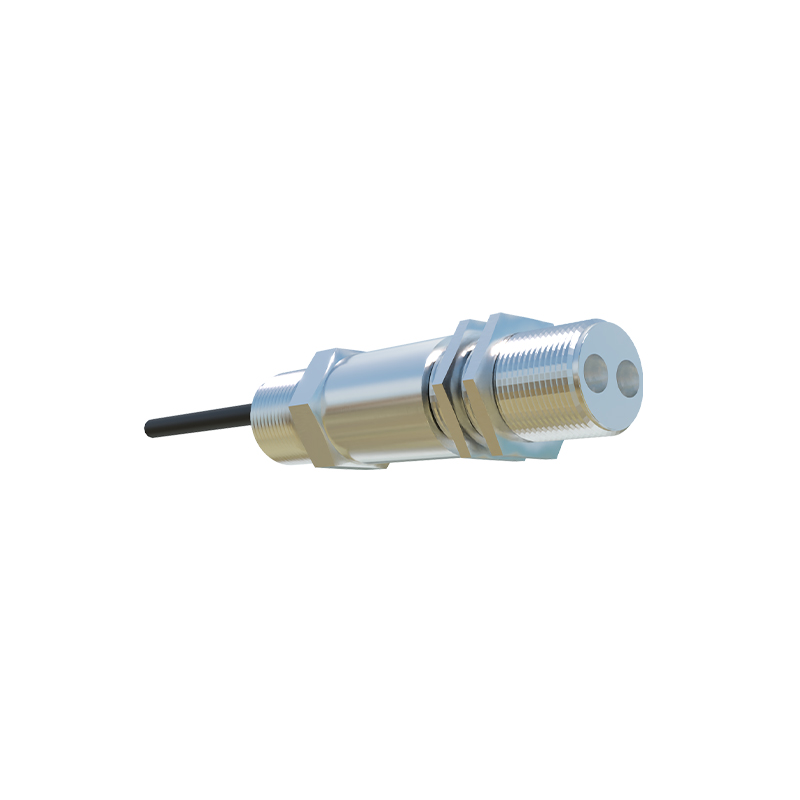
Diagnosing Electromagnetic Interference (EMI) from Nearby Equipment
A frequent cause of periodic false triggers is EMI from adjacent equipment such as variable frequency drives (VFDs), servo motors, or switching power supplies. These devices generate high-frequency electrical noise that can couple into the sensor's signal lines. For example, if a VFD operates at a fixed PWM frequency (e.g., 4 kHz), the false trigger may occur synchronously with that frequency. To diagnose this, use an oscilloscope to monitor the sensor's output and power supply lines. Look for voltage spikes or ripple coinciding with the false trigger. Ground loops—caused by multiple ground paths—are another culprit. Verify that the sensor's shield is grounded at one end only, and check the sensor's cable routing: keep it at least 12 inches away from high-current power cables, especially those from VFDs or motor cables. If the false trigger disappears when the suspect equipment is turned off, EMI is confirmed.
Evaluating Environmental Reflections and Optical Path Obstructions
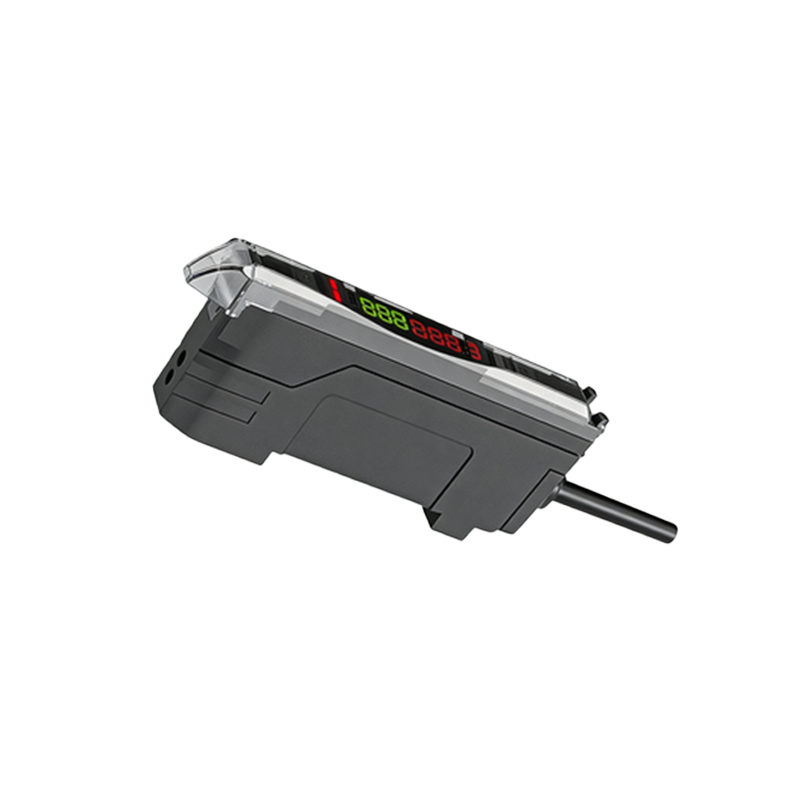
Regular false triggers can also stem from optical issues, especially in retro-reflective or through-beam sensors. For instance, a shiny metallic surface on a rotating arm or a periodic blast of dust from a cleaning nozzle can reflect the light beam back to the receiver at regular intervals. To investigate, inspect the sensor's field of view. Place a temporary baffle or use a laser pointer to trace the beam path. If the sensor is in a harsh environment (e.g., dust, steam, or oil mist), contaminants on the lens can create false signals as they accumulate and then clear. Clean the lens with isopropyl alcohol. For diffuse sensors, check if the background (e.g., a moving conveyor belt) has a consistent texture or color that might trigger the sensor. Adjust the sensitivity or switch to a background-suppression sensor if needed.
Checking Control System Timing and PLC Scan Cycle Conflicts
The false trigger may originate from the control system itself. If the sensor is connected to a programmable logic controller (PLC), the sensor's response time and the PLC's scan cycle must be synchronized. For example, a fast sensor (200 microseconds response) can catch noise spikes that the PLC's input filter misses. However, if the PLC scans every 10 milliseconds, a regular false trigger could be due to a timing conflict: the sensor's output might be latched by a change in the input filter state during a specific scan. Use a logic analyzer to compare the sensor signal with the PLC's input update. Also, check for software-induced triggers: a timer or counter in the PLC program might be resetting the sensor input incorrectly. Adjust the input filter time constant in the PLC (e.g., from 5 ms to 15 ms) to dampen transient signals. If the false trigger pattern aligns with a machine cycle (e.g., every time a cylinder extends), examine the wiring for shared power or ground connections with inductive loads.
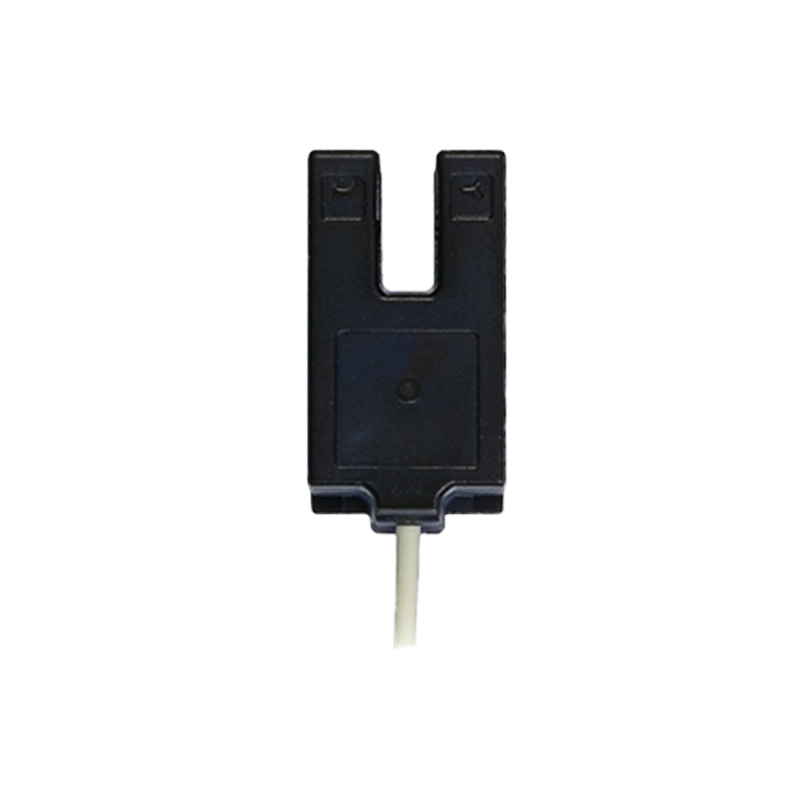
Implementing Hardware and Software Mitigation Solutions
Once the cause is identified, apply targeted fixes. For EMI, install ferrite beads on the sensor cable near the sensor head and ensure the cable uses twisted-pair wires. Use a shielded cable with the shield connected to ground at the controller end. For optical issues, add a light shield or use a sensor with a narrower beam angle. In the PLC program, introduce a "de-bounce" timer to ignore pulses shorter than the false trigger duration. For example, if false triggers are 1 ms, set a filter to ignore pulses under 2 ms. Alternatively, change the sensor's output type (e.g., from NPN to PNP) if noise coupling is polarity-sensitive. In critical applications, consider using a redundant sensor pair with a voting logic in the PLC to confirm detection. After implementing, monitor the sensor for at least 24 hours to confirm the false trigger is eliminated.