1. Understanding Common Photoelectric Sensor Failure Modes
Photoelectric sensors are critical components in industrial automation, but they are prone to failures due to environmental factors, electrical issues, or mechanical wear. Common failure modes include: no output signal, intermittent triggering, false triggering, reduced sensing range, and complete sensor death. These issues often stem from dirty optics, misalignment, power supply fluctuations, or damaged cables. As an engineer, the first step is to identify the symptom and isolate the root cause through systematic troubleshooting.
2. Visual Inspection and Physical Checks
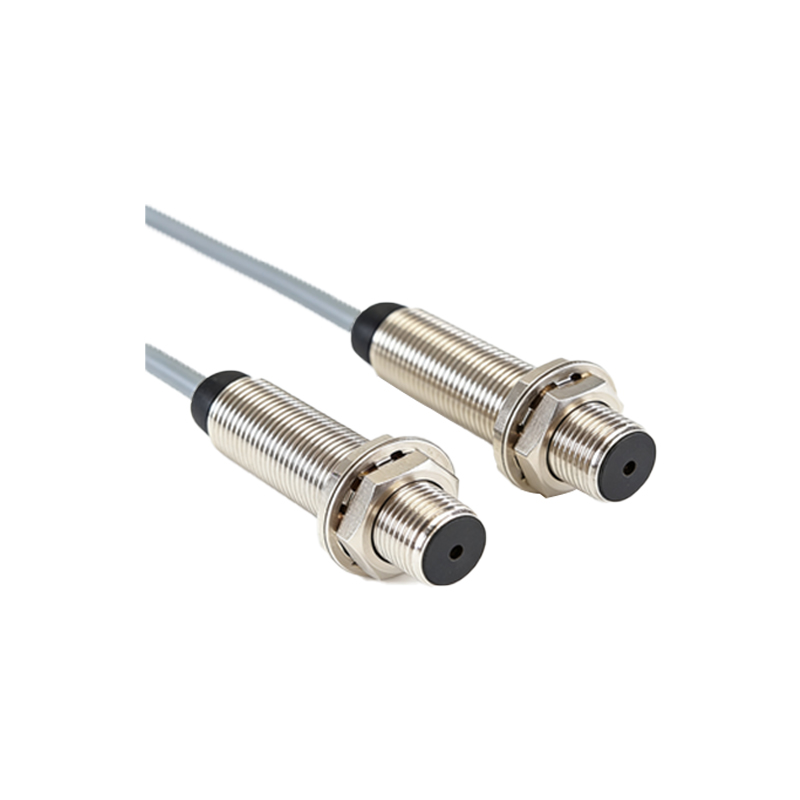
Begin with a thorough visual inspection. Check for physical damage to the sensor housing, lens, or cable. Look for signs of contamination such as dust, oil, or moisture on the lens. Verify that the sensor is securely mounted and correctly aligned with the target. For through-beam sensors, ensure the emitter and receiver are properly aligned. For retro-reflective sensors, confirm the reflector is clean and not damaged. This step often resolves 40% of field failures.
3. Electrical Testing with a Multimeter
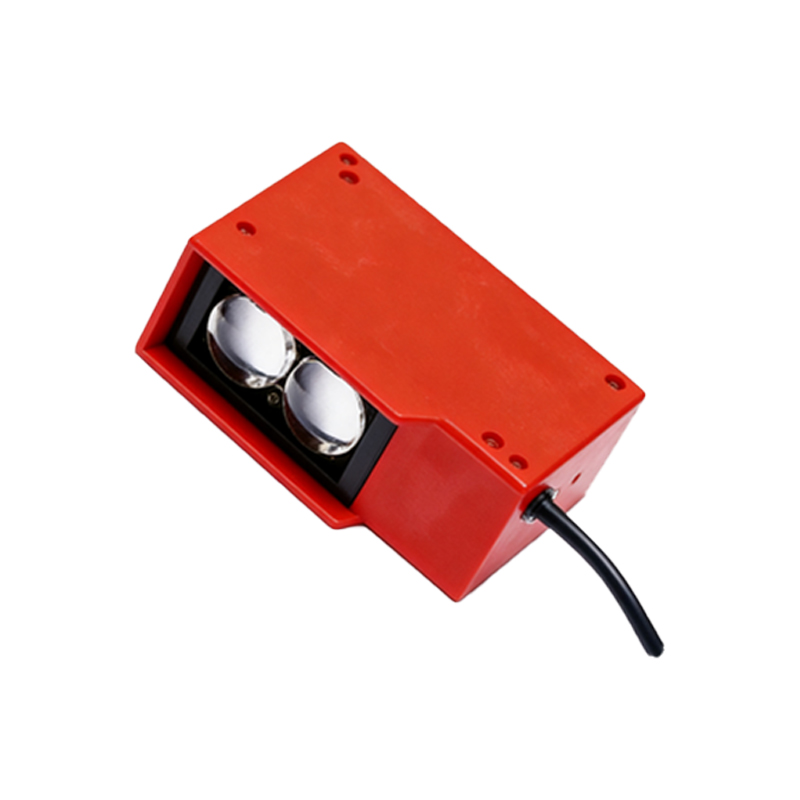
Use a digital multimeter to measure the power supply voltage at the sensor terminals. Verify it matches the rated voltage (e.g., 10-30 VDC). Check for voltage drops or ripple that could cause erratic behavior. Next, measure the output signal when the sensor is triggered and not triggered. For NPN sensors, the output should pull low (near 0V) when activated; for PNP sensors, it should go high (near supply voltage). If the output voltage is incorrect, the sensor may be defective or the load is shorted.
4. Testing with a Test Target and Oscilloscope
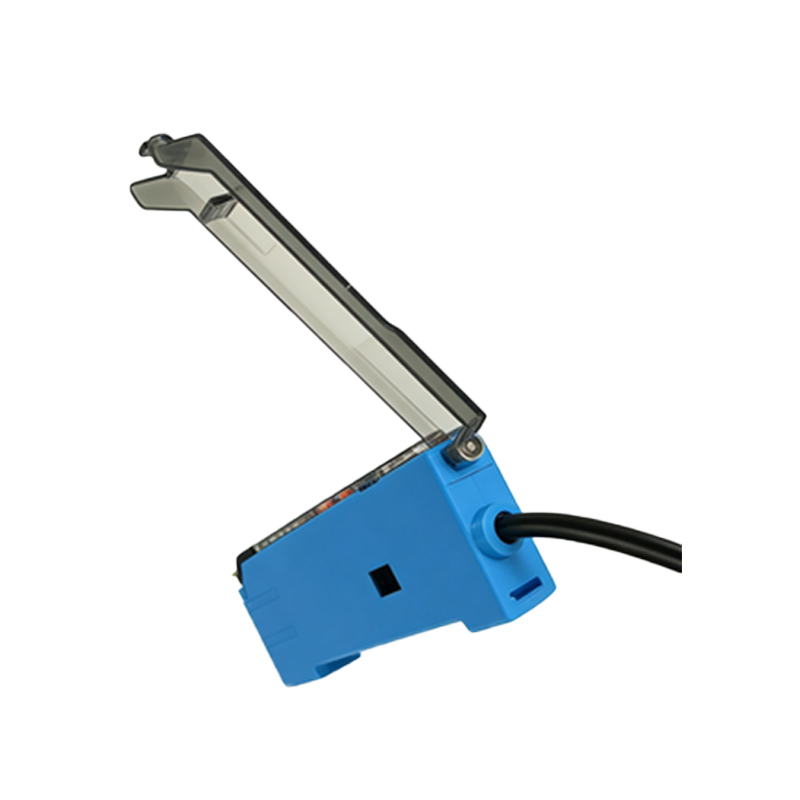
For intermittent failures, an oscilloscope is invaluable. Power the sensor and use a standard test target (e.g., a white card for diffuse sensors) to manually trigger the sensor. Observe the output waveform. Look for noise spikes, slow rise/fall times, or glitches that indicate internal damage or interference. Compare the waveform to the sensor datasheet specifications. If the waveform is unstable, replace the sensor module or check for electromagnetic interference from nearby motors or VFDs.
5. Environmental and Installation Factors
Evaluate the operating environment. High ambient light (e.g., sunlight or welding arcs) can saturate the receiver, causing false triggers. Check for reflective surfaces near the sensor that may cause unintended detection. Temperature extremes can shift the sensor's internal electronics; verify the sensor is rated for the ambient temperature range. Also, inspect cable routing: long cables or unshielded wires can pick up noise. Use shielded twisted-pair cables and proper grounding to mitigate this.
6. Software and Configuration Diagnostics
Many modern photoelectric sensors have IO-Link or teach-in functionality. Connect to the sensor via a configuration tool or PLC. Check the signal quality indicator, if available. Adjust the sensitivity or switching threshold using the teach button or software. Verify the output logic (light-on vs. dark-on) matches the application. Sometimes a simple sensitivity adjustment can restore performance without hardware replacement.
7. Step-by-Step Troubleshooting Flowchart
1. Sensor dead: Check power supply voltage at the sensor. If OK, replace sensor.
2. No output: Clean lens, check alignment, test with multimeter.
3. Intermittent output: Use oscilloscope to check for noise; tighten connections.
4. False triggering: Reduce sensitivity, check for ambient light interference.
5. Reduced range: Clean optics, verify target reflectivity, increase sensor gain.
Document all findings for predictive maintenance.
8. Preventive Maintenance and Best Practices
To minimize downtime, schedule regular cleaning of sensor lenses using approved solvents (e.g., isopropyl alcohol). Use air purges or protective housings in dusty or wet environments. Implement a periodic electrical test routine (e.g., quarterly) using a multimeter and test target. For critical applications, use sensors with self-diagnostics or redundant configurations. Always replace damaged cables immediately to avoid intermittent failures.