Understanding the Three-Wire Photoelectric Sensor
Three-wire photoelectric sensors are widely used in industrial automation for object detection, distance measurement, and presence sensing. These sensors typically consist of three wires: brown (power supply positive, typically +24V DC), blue (power supply negative, 0V), and black (output signal). The output can be NPN (sinking) or PNP (sourcing), which determines how the sensor interfaces with the PLC input module. For Mitsubishi PLCs, such as the FX series or L series, proper wiring ensures reliable signal transmission and prevents damage to both the sensor and the PLC.
Identifying Sensor Output Type: NPN vs. PNP
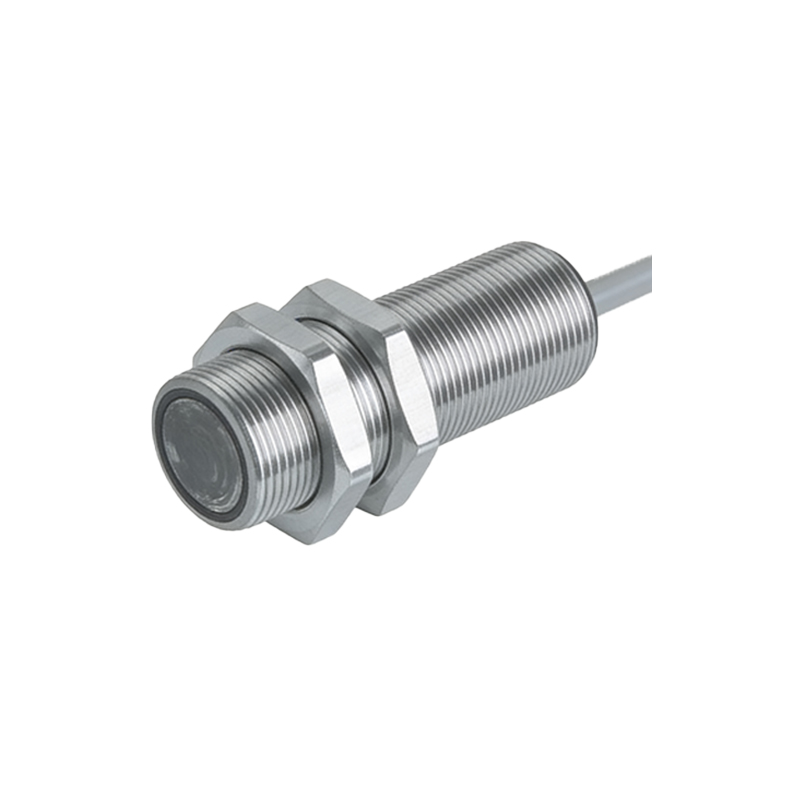
Before wiring, engineers must confirm the sensor output type. NPN sensors connect the load (PLC input) between the output wire and the positive supply, while PNP sensors connect the load between the output wire and the negative supply. Mitsubishi PLCs typically use sinking inputs (NPN) for common-negative configurations, but sourcing inputs (PNP) are also supported with appropriate module selection. Check the sensor datasheet and PLC input module specifications to avoid mismatches. For example, an NPN sensor with a Mitsubishi FX3U PLC requires the brown wire to +24V, blue to 0V, and black to the PLC input terminal, with the input common terminal connected to 0V.
Wiring Procedure for Mitsubishi PLCs
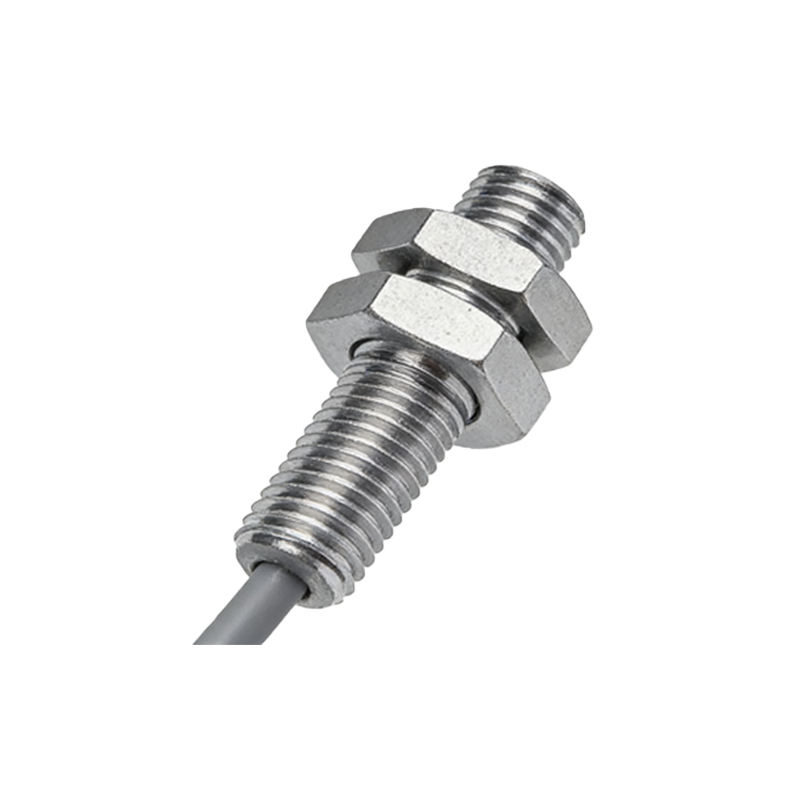
Start by disconnecting power to the PLC and sensor to prevent short circuits. Use a multimeter to verify wire colors if uncertain. Connect the brown wire to a 24V DC power supply positive terminal. Connect the blue wire to the power supply negative terminal (0V). For an NPN sensor, connect the black wire to the PLC input terminal (e.g., X0). Then, connect the PLC input common terminal (COM) to the same 0V as the sensor. For a PNP sensor, connect the black wire to the PLC input terminal, but the PLC COM must be connected to +24V. Use shielded twisted-pair cable for long distances to reduce electrical noise. Secure all connections with terminal blocks or screw terminals, and ensure proper grounding.
Testing and Troubleshooting
After wiring, power the system and test the sensor by triggering it with an object. Check the PLC input LED indicator for the corresponding channel. If the LED does not light, verify power supply voltage (typically 22-26V DC) and check for loose connections. Use a multimeter to measure voltage between black and blue wires when the sensor is activated: for NPN, it should drop to near 0V; for PNP, it should rise to near +24V. Common issues include reversed power wires (damaging the sensor) or incorrect COM connection (causing no signal). Also, confirm that the sensor’s sensing distance and response speed meet the application requirements.
Additional Considerations for Industrial Environments
In harsh environments with dust, moisture, or vibration, use IP67-rated sensors and sealed connectors. For Mitsubishi PLCs, apply electrical noise filtering by adding a ferrite core on the sensor cable near the PLC. If using multiple sensors, ensure the power supply can handle the total current draw. For long cable runs, consider voltage drop and use a higher gauge wire. Always follow local electrical codes and manufacturer guidelines to maintain system safety and compliance.