Introduction to Photoelectric Sensor Debugging
Photoelectric sensors are critical components in industrial automation, used for detecting objects, distances, and material presence. A dedicated debugging center ensures accurate calibration and reliable performance. This guide provides a step-by-step approach for setting up a professional photoelectric sensor testing and adjustment station, following industry best practices and safety standards.
Selecting the Right Test Environment
To achieve consistent results, choose a clean, well-lit area with minimal ambient light interference. Install anti-static flooring and ensure stable power supply with noise filtering. Position the debugging bench at a comfortable height, and use a dark background for reflective sensors to avoid false signals. Maintain temperature between 20-25°C and humidity below 60% RH to prevent drift.
Essential Equipment and Tools
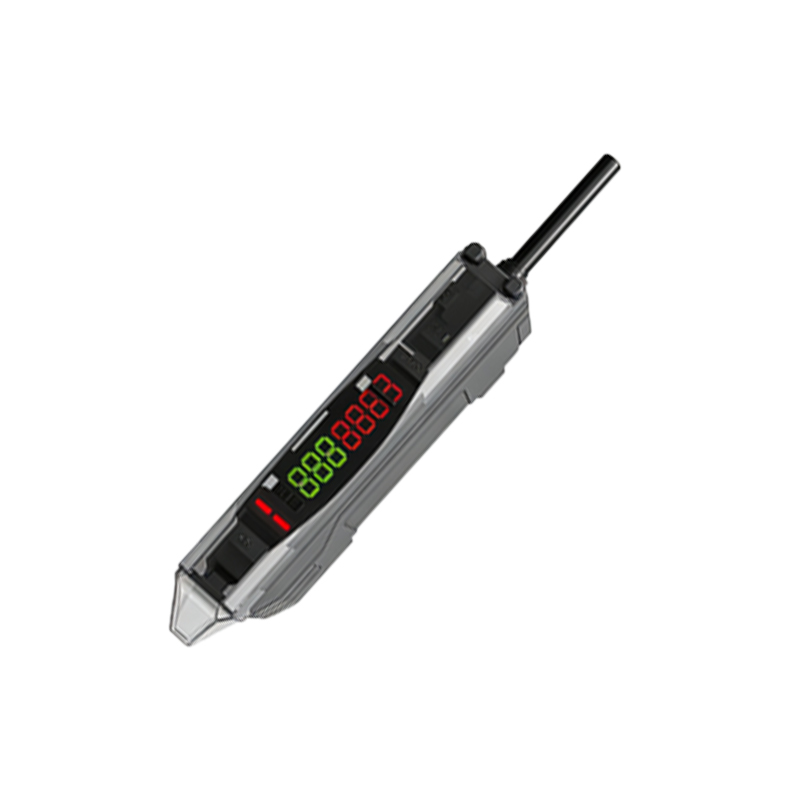
A complete debugging center requires: a high-precision oscilloscope for signal analysis, a laser distance meter for alignment verification, adjustable mounting brackets, and a set of standard test targets (black, white, and reflective surfaces). Include a multimeter for voltage checks, a function generator for simulating pulse outputs, and a portable calibration module specific to your sensor models.
Sensor Mounting and Alignment Procedure
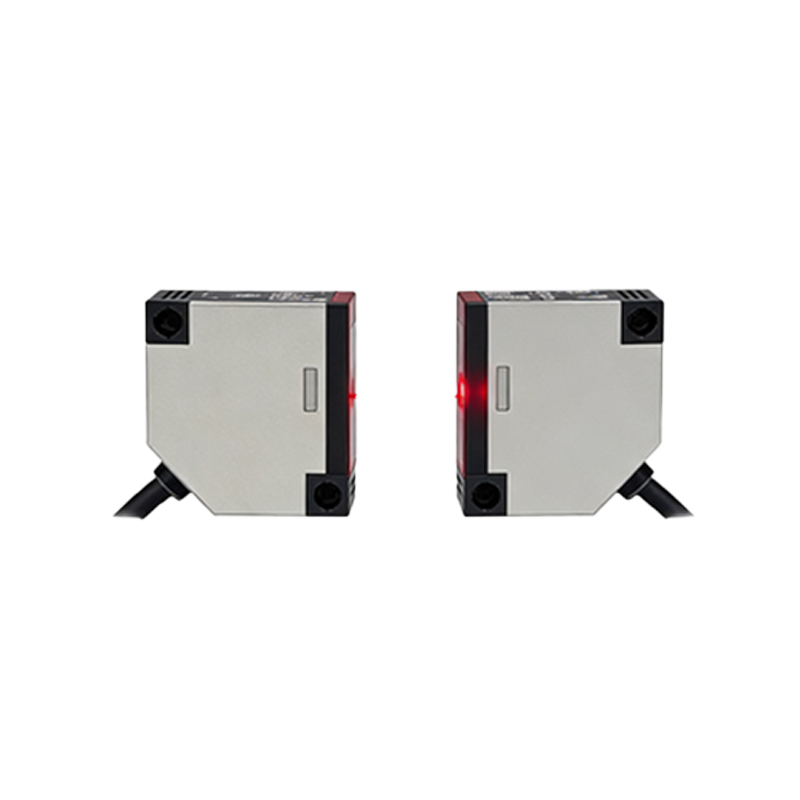
Begin by securing the sensor on the bracket with the correct orientation. For through-beam sensors, align emitter and receiver coaxially using a laser guide. For retro-reflective types, adjust the reflector angle to achieve optimal return signal. Use the oscilloscope to monitor the output waveform while adjusting the sensitivity potentiometer until a clean square wave is observed.
Calibration Steps for Different Sensor Types
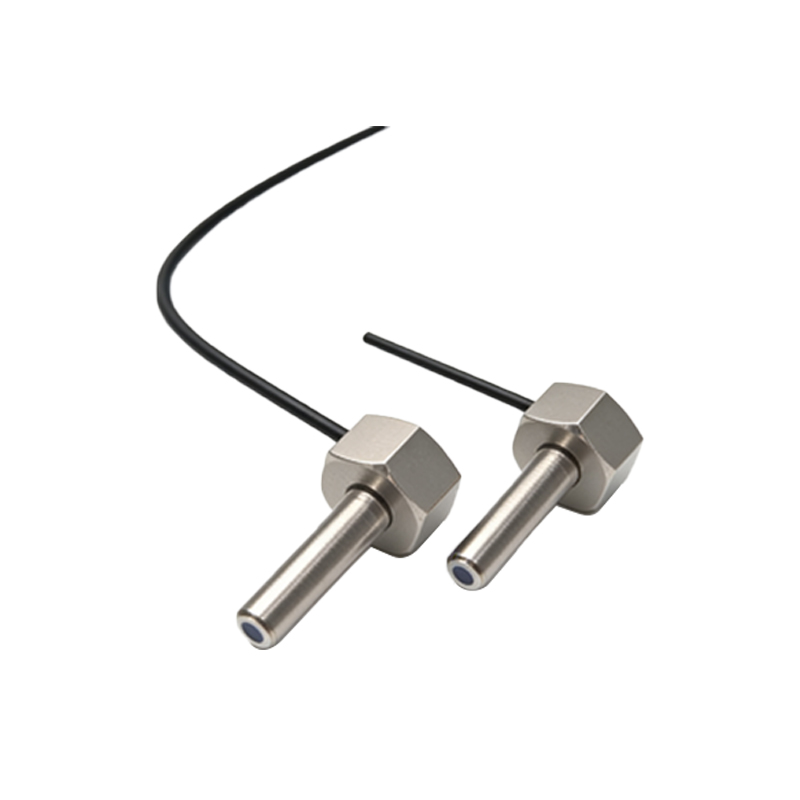
For diffuse sensors, place a standard white target at the specified sensing distance and adjust the threshold until the output switches reliably. For background suppression types, use a dark target behind the object to verify rejection. For fiber optic sensors, clean the fiber ends and set the amplification gain using the teach-in button sequence per manufacturer datasheet.
Verification and Quality Control
After calibration, run a 100-cycle repeatability test using a mechanical actuator. Record the response time, hysteresis, and overtravel. Use a data logger to capture any anomalies. Validate against the sensor’s specification sheet, ensuring switching frequency meets at least 80% of the rated value. Document all results in a test report for traceability.
Maintenance and Troubleshooting Tips
Regularly inspect lenses and reflectors for dust or scratches using a magnifying lamp. Replace worn cables and connectors. If erratic behavior occurs, check for electromagnetic interference from nearby motors or drives. Implement a weekly cleaning schedule with isopropyl alcohol and lint-free cloths. Keep spare calibration targets and a backup sensor for quick swaps.
Safety and Compliance Considerations
Always power down the sensor before making adjustments to avoid laser exposure. Use safety glasses when working with Class 2 or higher lasers. Ensure all grounding is per IEC 60204-1 standards. Label the center with warning signs for high voltage areas. Maintain a logbook for daily inspections and calibration dates.