Common Causes of Horizontal Line Display
In digital photoelectric sensors, a horizontal line or dash on the display often indicates a fault or configuration error. This typically arises from unstable power supply, incorrect wiring, or sensor misalignment. When the sensor detects no valid signal or an out-of-range condition, it may default to a horizontal line to alert the operator. For example, if the power voltage drops below the sensor’s minimum requirement (e.g., 10V DC for a 12V-rated sensor), the internal processor cannot accurately measure the target, leading to this display. Electrical noise from nearby motors or inverters can also cause intermittent signal loss, triggering the dash. As an engineer, always check the power source with a multimeter first, ensuring stable DC voltage within the specified range.
Diagnostic Steps for Troubleshooting
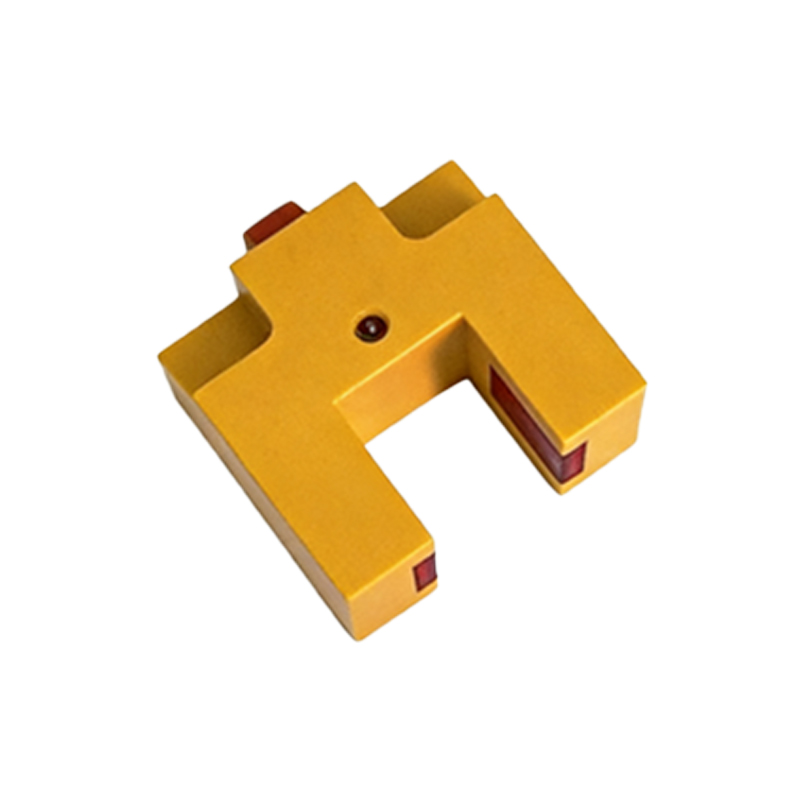
To resolve the horizontal line issue, follow a systematic diagnostic approach. Begin by verifying the sensor’s wiring: ensure the brown wire connects to positive, blue to negative, and black to the load or controller. If the display persists, clean the lens and target surface—dust or condensation can block the light beam. Next, test the sensor in a controlled environment: place a reflective target at the specified detection distance (e.g., 1 meter for a standard model). If the dash remains, adjust the sensitivity potentiometer using a screwdriver, turning it clockwise to increase gain. For advanced sensors with teach-in functions, perform a two-point calibration: set the background and target thresholds. Document each step in a log to isolate the root cause, minimizing downtime in industrial automation systems.
Advanced Configuration and Firmware Updates
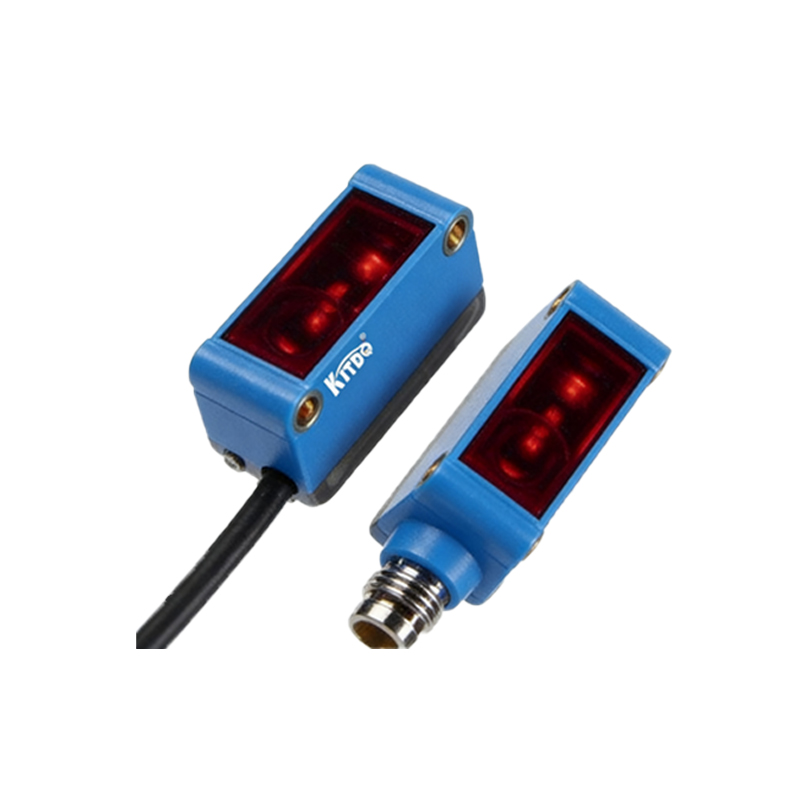
Some digital sensors with horizontal line displays require firmware or parameter resets. For instance, if the sensor has been exposed to extreme temperatures, its internal EEPROM may corrupt, causing display errors. Access the sensor’s menu via IO-Link or a handheld programmer. Navigate to the “Display Mode” setting and switch from “Normal” to “Extended” to view raw signal strength. If the signal is below 10% of the full scale, recalibrate the sensor by initiating a factory reset. In networked systems, check for address conflicts on the bus; a duplicate ID can freeze the display. Always update firmware to the latest version from the manufacturer, as this often patches known bugs related to LCD driver timings. After updates, power-cycle the sensor for at least 10 seconds before re-evaluating its performance.
Preventive Maintenance and Environmental Factors
Preventing horizontal line issues requires proactive maintenance. In harsh environments like welding or machining shops, install the sensor in an enclosure with IP67 rating to shield it from coolant and metal shavings. Use shielded cables for long runs (over 10 meters) to suppress electromagnetic interference. Schedule quarterly inspections: check mounting brackets for vibration loosening and verify that the lens is free from scratches. For sensors exposed to high ambient light (e.g., sunlight), add a polarizing filter or use a laser-based model to improve immunity. Train maintenance staff to recognize the dash as a signal-quality warning rather than a sensor failure, reducing unnecessary replacements. By following these steps, you can ensure reliable operation and minimize production line interruptions.