Introduction to Photoelectric Sensors in Arduino Projects
Photoelectric sensors are essential components in industrial automation, often used for object detection, speed measurement, and position sensing. When interfaced with an Arduino microcontroller, these sensors can provide precise timing data for calculating periodic events. This article focuses on the methodology to compute the period of a signal generated by a photoelectric sensor, using code and hardware considerations typical for electrical engineers.
Hardware Setup and Wiring
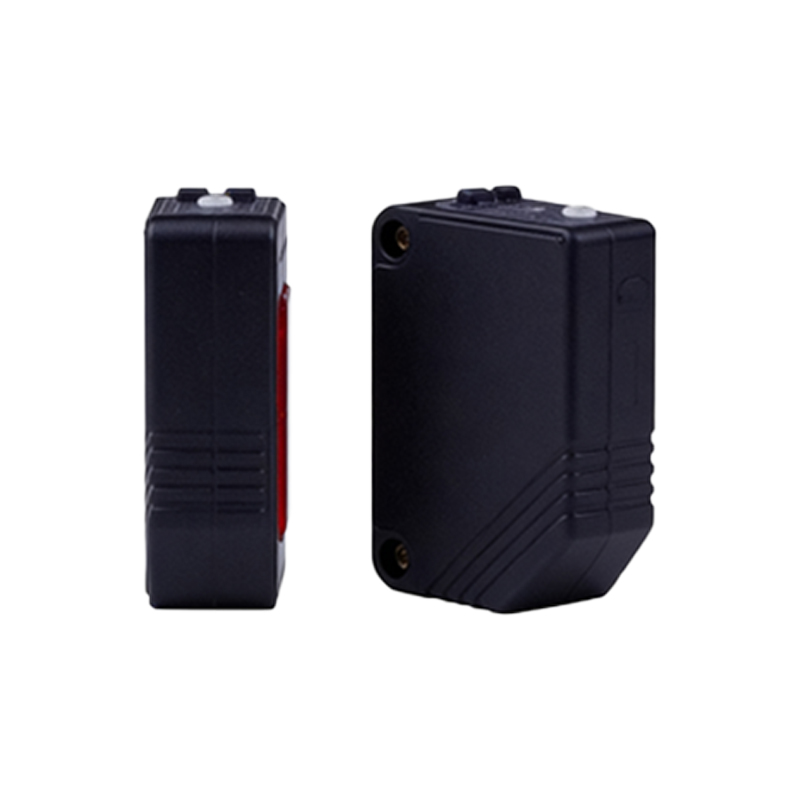
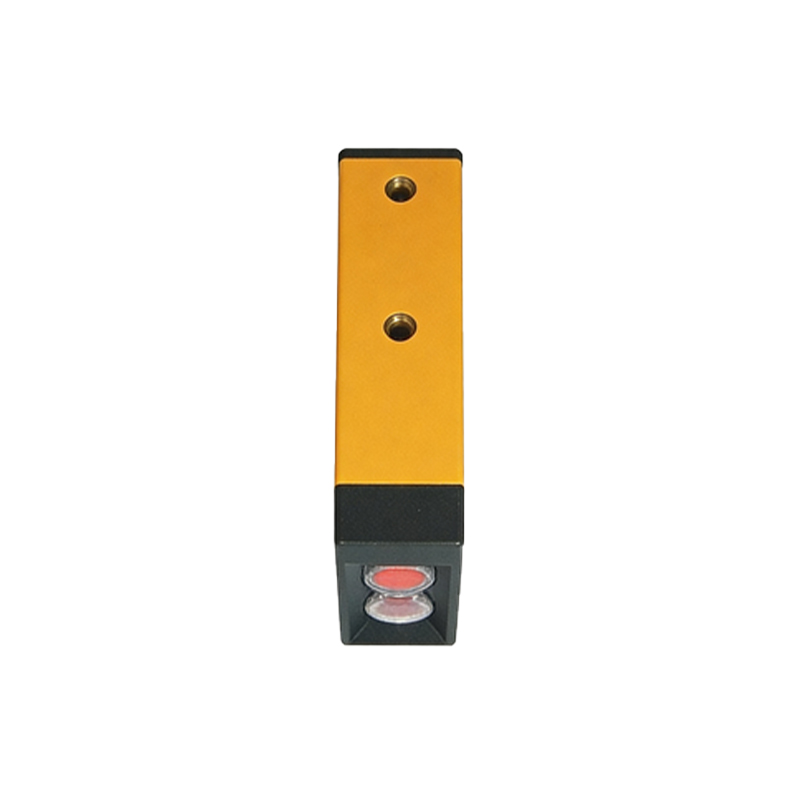
To begin, connect the photoelectric sensor output to a digital input pin on the Arduino (e.g., pin 2). Use a pull-up or pull-down resistor as per the sensor’s logic level (typically 5V or 3.3V). Ensure the sensor triggers on an edge—rising or falling—based on the application. For example, a reflective sensor may output a HIGH when an object is detected. Use a 10kΩ resistor to stabilize the input. Power the sensor with the Arduino’s 5V or an external supply if needed.
Understanding the Period Calculation
The period is defined as the time between two consecutive identical edges of the signal, such as from one rising edge to the next rising edge. For a rotating shaft with a slotted disk, the photoelectric sensor produces a square wave. The period (T) is inversely proportional to the frequency (f): T = 1/f. In Arduino, we measure the time interval using themicros() function for high precision ormillis() for lower accuracy.
Code Implementation for Period Measurement
Use interrupts to capture edge events without blocking the main loop. Attach an interrupt service routine (ISR) to the sensor pin. In the ISR, record the current timestamp usingmicros(), compute the difference from the previous timestamp, and store that as the period. For example:
volatile unsigned long lastTime = 0;
volatile unsigned long period = 0;
In the ISR:period = micros() - lastTime; lastTime = micros();
This method measures the period in microseconds. Ensure the variableperiod is accessed with interrupts disabled in the main loop to avoid data corruption.
Filtering and Averaging Techniques
Raw period measurements may contain noise due to sensor jitter or mechanical vibration. Apply a moving average filter to smooth the data. For example, keep an array of the last 10 period values and compute their average. Alternatively, use a median filter to reject outliers. In industrial settings, a low-pass filter can be implemented in software:filteredPeriod = alpha * rawPeriod + (1 - alpha) * filteredPeriod, where alpha is between 0 and 1.
Converting Period to Practical Units
Once the period is calculated, convert it to frequency (Hz) for display:frequency = 1000000 / period (since period is in microseconds). For rotational speed, if the sensor detects one pulse per revolution, RPM = 60 / (period / 1000000) = 60,000,000 / period. This conversion is critical for motor control or conveyor belt monitoring.
Testing and Calibration
Test the setup with a known frequency source, like a function generator, to verify the period calculation. Adjust the interrupt pin and debouncing logic as needed. For high-speed signals (e.g., above 10 kHz), consider using the Arduino’s 16-bit timer in capture mode instead of software interrupts for better accuracy. Document the sensor’s response time and any latency introduced by the Arduino’s clock frequency.
Conclusion and Best Practices
Calculating the period of an Arduino photoelectric sensor involves careful hardware interfacing, efficient interrupt-based code, and data filtering. Always use volatile variables for shared data, avoid long ISRs, and test under real operating conditions. This approach ensures reliable timing for automation systems, from simple object counting to precise speed control.