Understanding the Core Principles of Photoelectric Sensors
As an electrical engineer, I frequently encounter the need for hands-on training tools to bridge theory and practice. Photoelectric sensors are critical in automation, relying on light emission and detection to sense objects. A learning tool should start with a clear demonstration of three operating modes: through-beam, retro-reflective, and diffuse. For a robust educational setup, use a standard 24V DC power supply, a PLC simulator, and adjustable mounting brackets to vary sensor alignment. This allows trainees to observe how beam interruption, reflection, and scatter affect output signals.
Key Components for a Modular Learning Platform
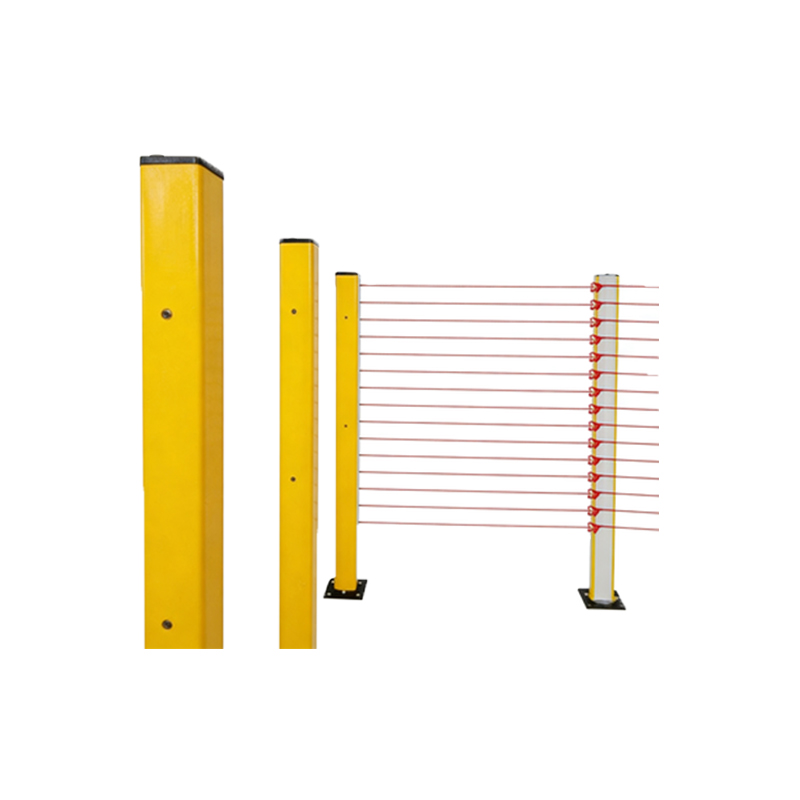
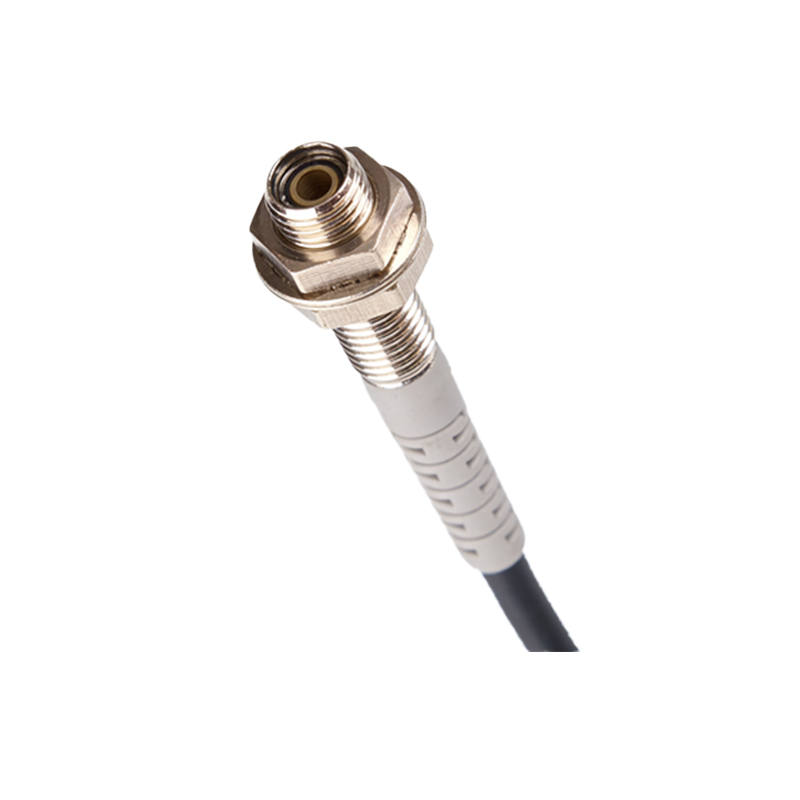
A practical learning tool must include interchangeable sensor heads (e.g., M18 threaded photoelectric sensors with different sensing ranges), a digital oscilloscope for waveform analysis, and a test stand with moving targets. I recommend integrating a micro-controller like Arduino or a dedicated PLC trainer to process sensor data. Use color-coded wiring for power (brown), output (black), and ground (blue) to follow industry standards. Add a potentiometer to adjust sensitivity, helping users understand noise filtering and threshold settings.
Designing Interactive Experiments for Skill Development
Structure the tool for progressive learning. Start with basic tests: measure response time using a high-speed counter, evaluate sensing distance with calibrated rulers, and detect transparent or reflective materials. Advanced experiments should include ambient light interference compensation using shielded enclosures, and false signal troubleshooting by introducing vibration or misalignment. Each experiment requires clear documentation of electrical schematics and expected output waveforms.
Integrating Safety and Calibration Protocols
Safety is non-negotiable. Include a main disconnect switch, fuse protection, and warning labels for laser sensors. For calibration, use a certified reference target and a lux meter to verify light intensity. Teach alignment procedures using a laser pointer for through-beam sensors and a mirror for retro-reflective types. Record calibration data in a log to emphasize maintenance practices.
Testing and Validation: From Bench to Production
Before deployment, validate the tool’s educational value. Test with a group of junior engineers: measure their ability to wire, configure, and diagnose sensor faults. Use a checklist covering wiring errors, signal noise, and mounting failures. The tool should generate realistic fault scenarios, such as a misaligned emitter-receiver pair or a contaminated lens, to simulate field conditions. Publish a troubleshooting guide based on common error codes from brands like SICK or Banner.
Expanding the Tool with Industry 4.0 Features
Modernize the learning tool with IoT capabilities. Add an Ethernet shield for data logging to a cloud dashboard, enabling remote monitoring of sensor performance. Use a Raspberry Pi to simulate predictive maintenance alerts when sensing accuracy degrades. This prepares engineers for smart factory environments where photoelectric sensors interface with SCADA systems.