Introduction to Photoelectric Sensors
Photoelectric sensors are essential components in modern automation and industrial control systems. They detect the presence, absence, or distance of objects using light beams, typically infrared or visible light. Understanding their symbols and graphical representations is crucial for engineers and technicians to design, troubleshoot, and maintain systems. These symbols conform to international standards like IEC and NEMA, ensuring consistency across schematics and documentation.
Basic Symbol Components
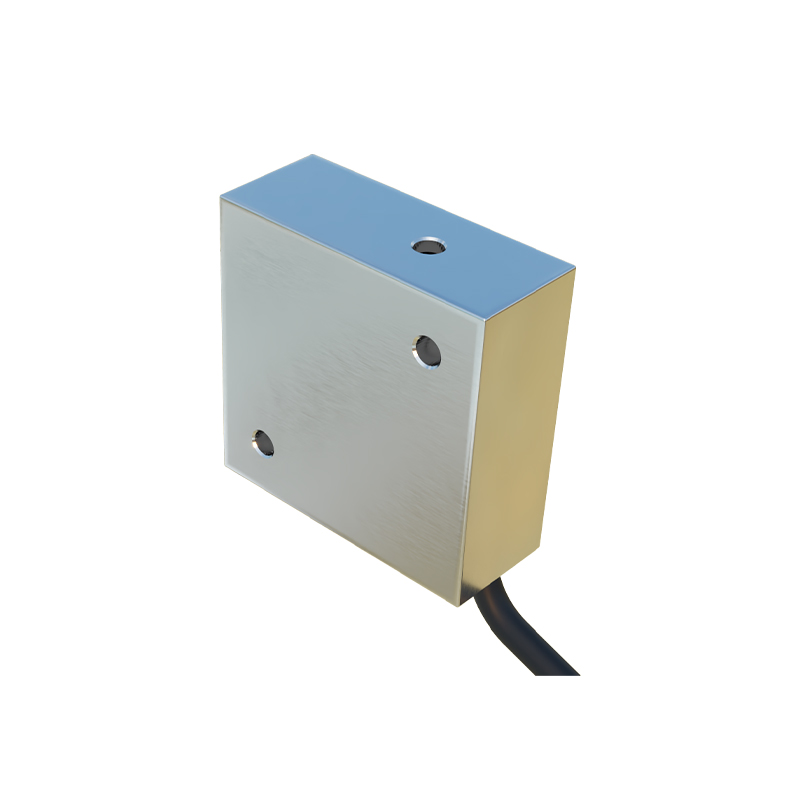
The core symbol for a photoelectric sensor in electrical diagrams consists of a circle representing the sensor unit, with an arrow indicating the emitted light beam. The arrow direction shows the sensing mode: forward for through-beam, angled for retro-reflective, or straight for diffuse. A lightning bolt inside the circle denotes the active electronic nature, while terminals labeled "L+" and "M" identify power and output connections. Additional markings like "NO" (normally open) or "NC" (normally closed) specify the output state when an object is detected.
Through-Beam Sensor Symbol
In through-beam configurations, the symbol includes two separate circles: one for the emitter and one for the receiver. The emitter symbol shows an arrow pointing away from the circle, while the receiver symbol has an arrow pointing toward it. A dashed line between them represents the invisible light path. This setup is ideal for long-range detection up to 30 meters, commonly used in conveyor belt systems or perimeter monitoring. The output is typically NPN or PNP, indicated by a transistor symbol near the receiver.
Retro-Reflective Sensor Symbol
Retro-reflective sensors combine emitter and receiver in a single housing. The symbol shows one circle with an arrow pointing outward and a curved arrow returning, representing the light path that bounces off a reflector. A small rectangle near the circle denotes the reflector. This symbol often includes a "polarized" marking if the sensor uses polarized light to avoid false triggers from shiny surfaces. These sensors are popular for packaging lines and material handling due to their moderate range (up to 10 meters) and ease of installation.
Diffuse Sensor Symbol
Diffuse (proximity) sensors also have a single circle, but the arrow points downward at an angle to the object. The reflected light is shown as a dashed line returning from the object to the sensor. This symbol may include a "background suppression" note if the sensor ignores surfaces beyond the set distance. These sensors are used for short-range detection (up to 2 meters) in applications like counting objects on a conveyor or detecting transparent materials. The output is typically a solid-state switch.
Fiber Optic Sensor Symbol
Fiber optic sensors use a separate amplifier and fiber cable. The symbol shows a rectangle for the amplifier with a circle for the fiber head. A wavy line connects them, representing the fiber optic cable. The emitter and receiver fibers are sometimes shown as two parallel lines. This design is ideal for confined spaces or high-temperature environments, such as in automotive assembly or food processing. The symbol may include "flexible" or "plastic" text to specify the fiber type.
Practical Diagram Examples
In a typical schematic, photoelectric sensor symbols are placed near the PLC input module. For a through-beam sensor, the emitter connects to a 24V DC power source, and the receiver outputs a signal to a digital input. Wiring diagrams often include a resistor symbol for pull-up or pull-down configurations. Engineers must also note the sensing distance, response time, and ambient light rejection in the component datasheet. Proper symbol usage ensures clear communication among team members and reduces installation errors.