Introduction to Photoelectric Sensor Short Circuits
Photoelectric sensors are critical components in industrial automation, detecting objects without physical contact. A short circuit in these sensors can lead to system downtime, false readings, or permanent damage. As an electrical engineer, understanding the root causes—such as moisture ingress, wiring faults, or component failure—is essential. This guide provides a hands-on approach to diagnosing and repairing shorts, ensuring minimal disruption to operations. Always start with a safety check: disconnect power and use a multimeter set to continuity mode before any physical inspection.
Identifying Short Circuit Symptoms
Before opening the sensor, confirm the short. Common signs include: the sensor not powering on, erratic output signals, or a blown fuse in the control circuit. Use a multimeter to measure resistance across the power terminals. A reading near zero ohms indicates a direct short. Also, check the sensor’s LED indicator; if it remains off despite applied voltage, a short is likely. Document these symptoms to narrow down the fault location—internal (e.g., damaged PCB) or external (e.g., cable damage).
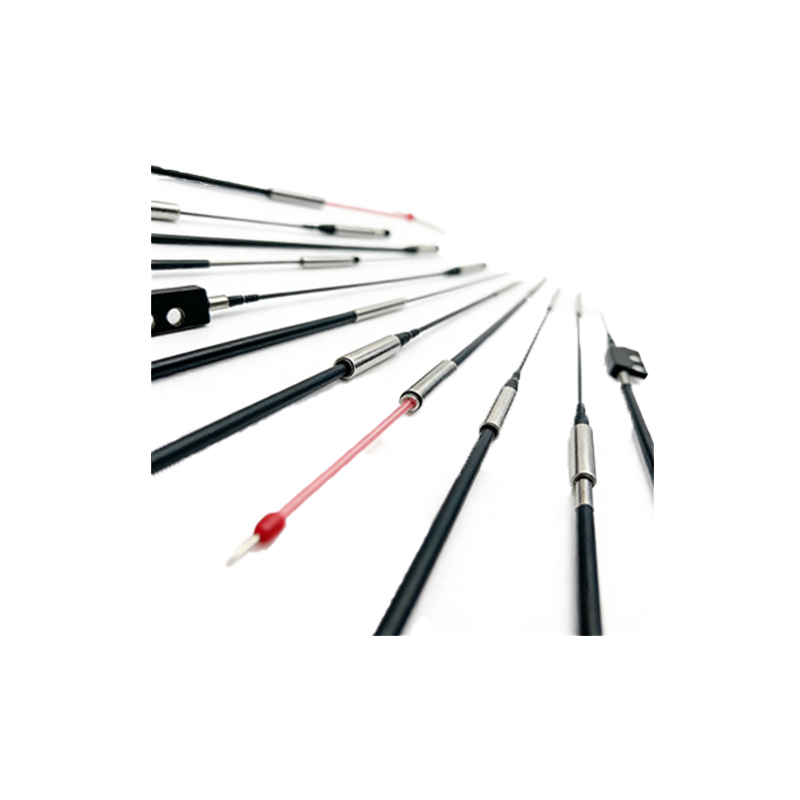
Disassembly and Visual Inspection
Carefully remove the sensor from its mounting, noting the wiring connections. Use a screwdriver to open the housing, avoiding static discharge. Inspect the PCB for burnt components, swollen capacitors, or corrosion. Look for physical damage to the emitter or receiver lens, which can cause shorting. Pay attention to solder joints; cold joints or cracks are common culprits. Use a magnifying glass for detail. If you find obvious damage, skip to the repair step; otherwise, proceed to electrical testing.
Electrical Testing with Multimeter
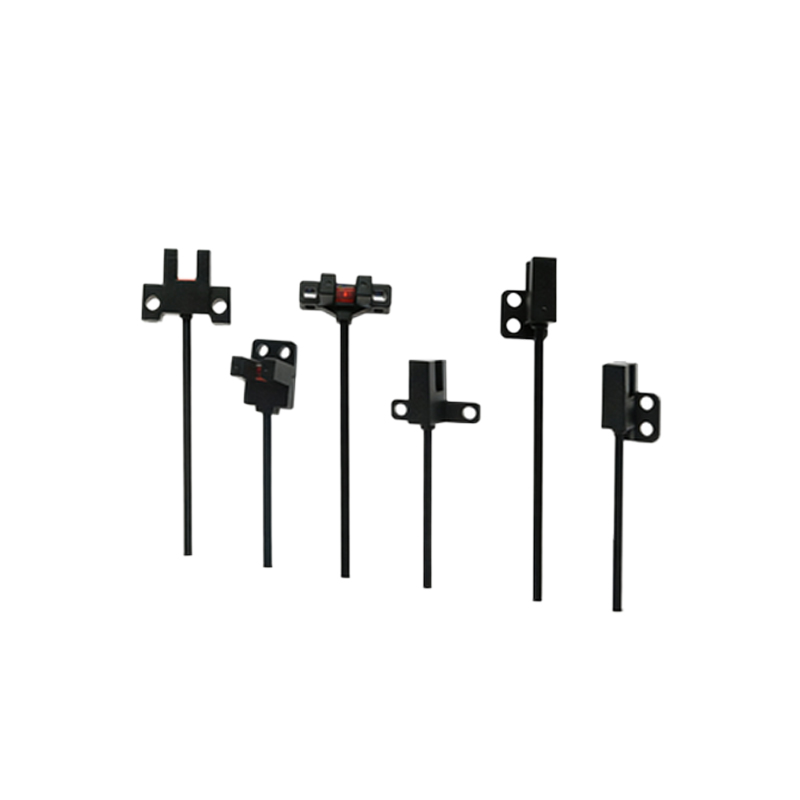
Set your multimeter to diode mode or low-resistance range. Test the power input pins: positive to ground should show a high resistance (typically >1 MΩ). A low reading suggests a short. Next, check the output transistor (PNP or NPN) by measuring between output and Vcc or ground. Compare readings with the datasheet. For example, a shorted NPN output may show 0V between output and ground. Isolate the short by desoldering suspect components, such as the output driver IC or protection diode, and retesting.
Repairing the Short Circuit
For a PCB-level short, use a soldering iron to replace damaged components. Common repairs include: swapping a blown TVS diode, reflowing cracked solder joints, or replacing a shorted transistor. If moisture caused corrosion, clean the board with isopropyl alcohol and a brush. For cable shorts, cut and splice the damaged section, using heat-shrink tubing for insulation. After repair, reassemble the sensor and apply dielectric grease to seals to prevent future ingress. Always test with a low-voltage supply first.
Testing and Validation
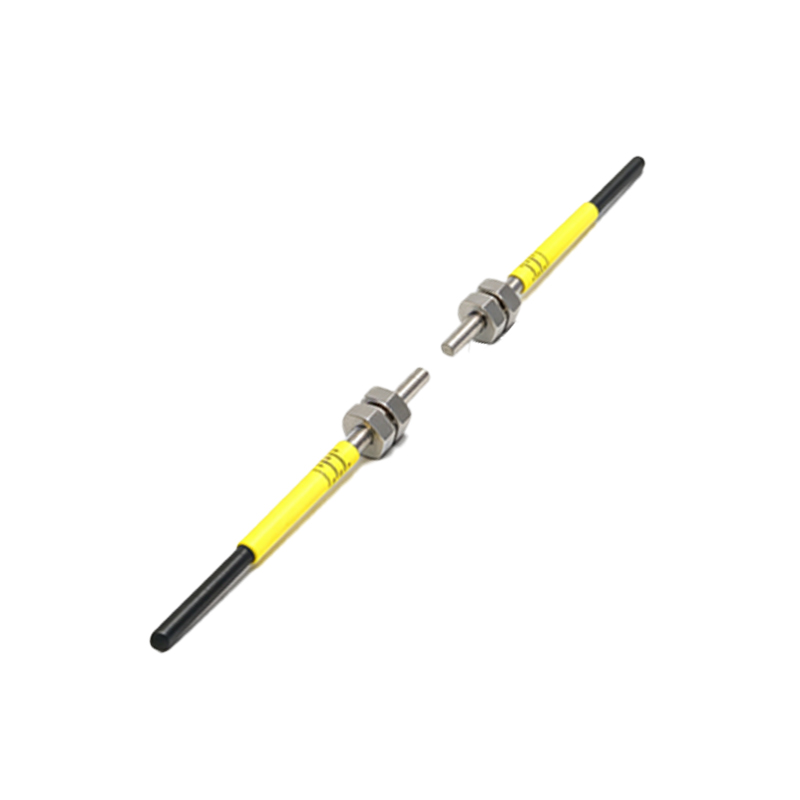
Reconnect the sensor to a test circuit with a 24V DC supply and a load resistor. Verify the output: when the sensor detects an object, the output should switch cleanly (e.g., from 0V to 24V). Use an oscilloscope to check for noise or voltage drops. Measure current draw; a healthy sensor typically consumes 10-30 mA. If the short is resolved, the resistance across power terminals should exceed 100 kΩ. Run the sensor for 30 minutes to confirm stability. Document all readings for future reference.
Preventive Maintenance Tips
To avoid recurring shorts, implement these practices: use sealed connectors (IP67 rated) in wet environments, install surge protectors on power lines, and periodically clean sensor lenses. Conduct monthly resistance checks on power cables. For high-vibration areas, secure wiring with cable ties. Finally, train maintenance staff on proper sensor handling—excessive force during installation can damage internal components. These steps extend sensor life and reduce unplanned downtime.