Understanding Photoelectric Sensors
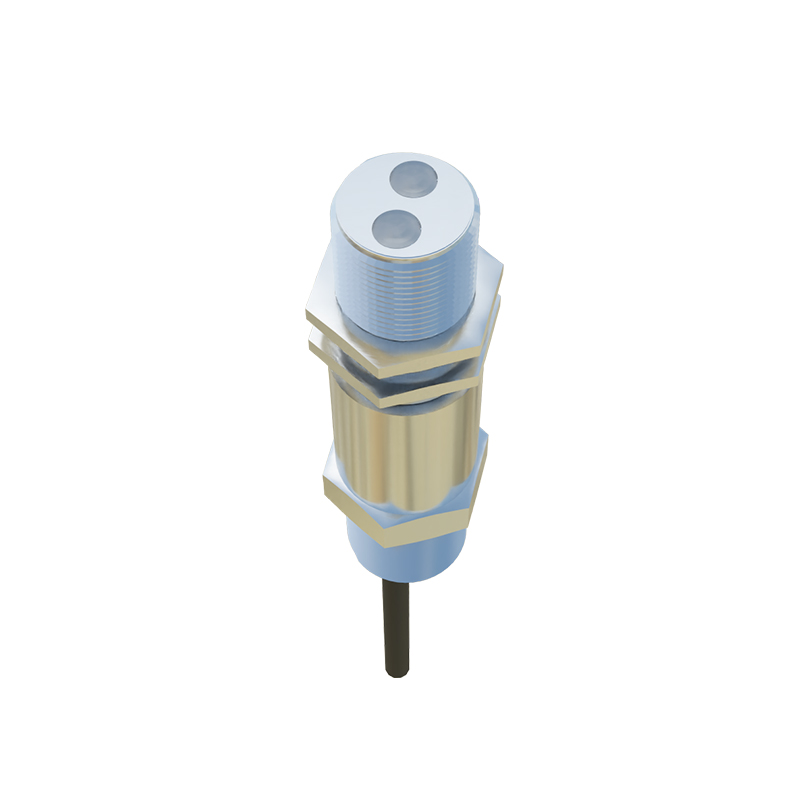
Photoelectric sensors are essential components in modern industrial automation, used to detect the presence, absence, or distance of objects without physical contact. They utilize a light transmitter and a receiver to achieve detection, making them ideal for high-speed production lines, packaging systems, and material handling. Common types include through-beam, retro-reflective, and diffuse sensors. Each type has distinct advantages and limitations, requiring careful selection based on application requirements such as range, ambient light conditions, and target material.
Common Detection Issues and Causes
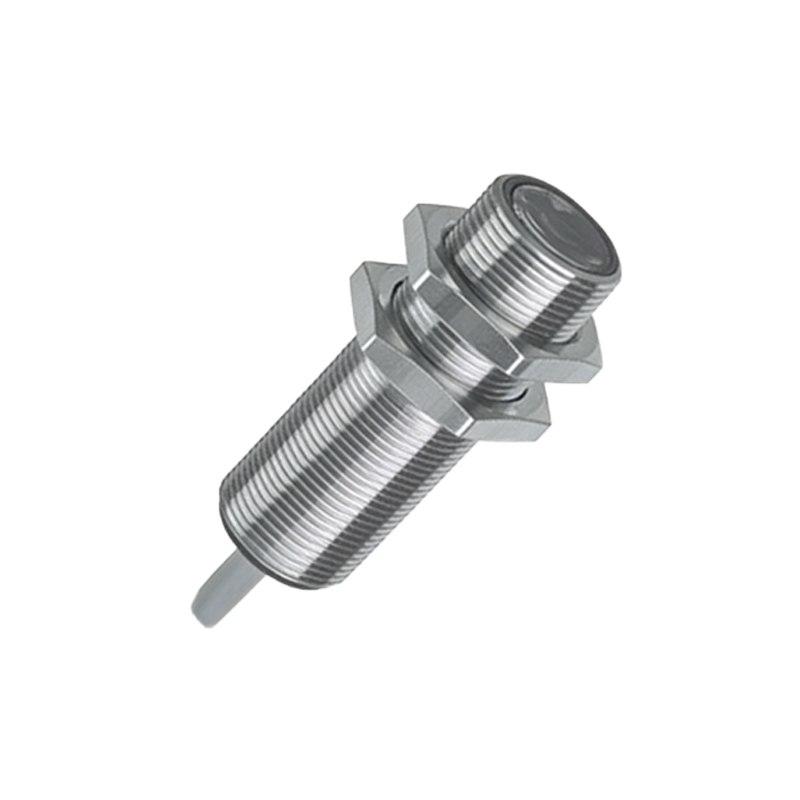
When a photoelectric sensor fails to detect reliably, several factors may be at play. Dust, dirt, or oil on the lens can significantly attenuate light transmission, leading to false readings. Misalignment between the emitter and receiver in through-beam sensors, or between the sensor and reflector in retro-reflective types, is another prevalent issue. Electrical interference from nearby motors, inverters, or high-frequency devices can cause signal noise. Additionally, environmental conditions like fog, smoke, or extreme temperatures can degrade performance. Finally, incorrect sensitivity settings or aging components may reduce detection accuracy.
Step-by-Step Detection Procedure
To systematically diagnose a photoelectric sensor, start with a visual inspection: clean the lens with a lint-free cloth and isopropyl alcohol, and check for physical damage. Next, verify power supply voltage and wiring integrity using a multimeter. For through-beam sensors, confirm that the emitter and receiver are aligned within the specified angular tolerance. For retro-reflective sensors, ensure the reflector is clean and properly oriented. Use the sensor's built-in indicator lights to assess status; a steady green or red light often indicates normal operation, while flashing signals may denote alignment or sensitivity issues. If available, connect a digital oscilloscope to monitor signal waveforms, looking for glitches or attenuation.
Advanced Troubleshooting Techniques
When basic checks fail, employ advanced methods. Perform a sensitivity adjustment using a potentiometer or digital interface; increase gain gradually while monitoring the output response to a test target. For diffuse sensors, the target's color and reflectivity can affect detection—dark or matte surfaces require higher sensitivity. Use a laser alignment tool for precise positioning in long-range applications. Consider replacing the sensor with a known-good unit to isolate the problem as either sensor or system-level. For intermittent faults, log data over time with a PLC or data acquisition system to identify patterns related to temperature, vibration, or load changes.
Preventive Maintenance and Best Practices
To minimize downtime, establish a routine maintenance schedule. Clean sensor lenses and reflectors weekly in dusty environments. Check alignment after any machinery relocation or vibration-intensive operations. Use shielded cables and proper grounding to mitigate electromagnetic interference. Regularly update firmware on smart sensors, and calibrate sensitivity based on process changes. Document all adjustments and failure patterns for future reference. Training operators to recognize early warning signs—such as reduced range or increased false triggers—can prevent catastrophic failures. Implementing redundant sensors for critical processes ensures continuous operation.