Understanding Slot-Type Photoelectric Sensors
Slot-type photoelectric sensors are widely used in industrial automation for detecting objects within a confined gap, often in applications like positioning, counting, or speed monitoring. These sensors consist of an emitter and receiver in a U-shaped housing, operating on the principle of interruption of a light beam. When the sensor fails, it can halt production lines or cause inaccurate readings, leading to efficiency losses. This article explores common failure modes and practical troubleshooting steps for electrical engineers.
Primary Failure: No Output Signal
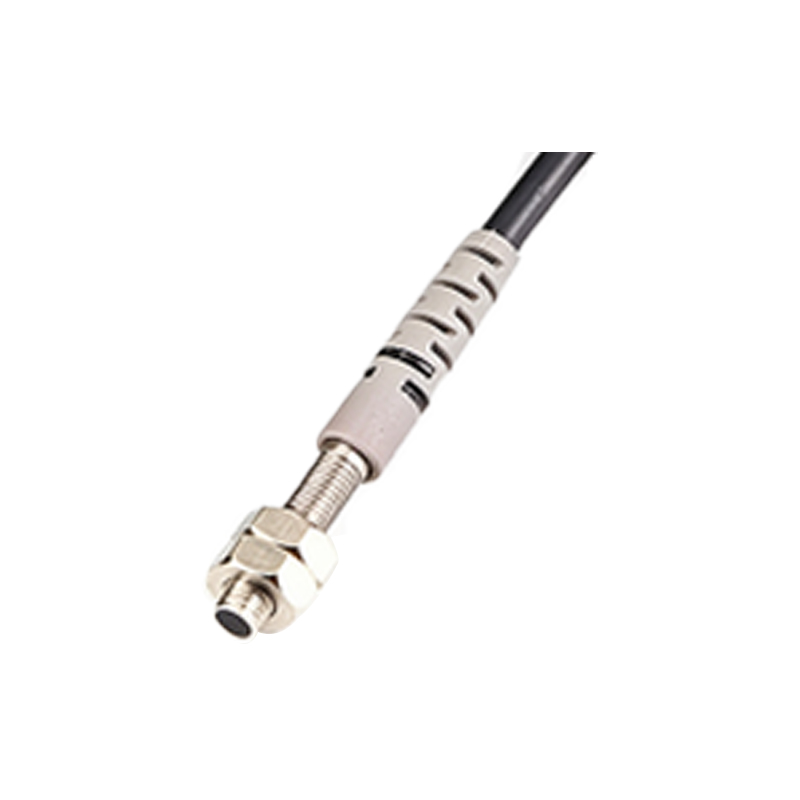
One of the most frequent issues is the complete lack of output signal. This could be due to power supply problems, such as voltage drops below the rated 10-30V DC range. Check the power source with a multimeter to ensure stable voltage. Additionally, verify the wiring connections for corrosion or loose terminals, as these can disrupt the electronic circuit. Another common cause is a burned-out LED emitter or a damaged phototransistor, often resulting from overcurrent or electrostatic discharge. Replace the sensor if internal components are compromised.
Intermittent or Erratic Behavior
If the sensor triggers intermittently or produces false outputs, environmental factors are likely culprits. Dust, oil mist, or condensation on the lens can scatter the light beam, causing unreliable detection. Use a clean, lint-free cloth with isopropyl alcohol to gently clean the U-shaped slot. Also, check for mechanical misalignment; even a slight shift in the mounting bracket can cause the beam to miss the receiver. Ensure the target object is within the specified sensing range (typically 5-30mm) and that it is not translucent or reflective in a way that bypasses the detection principle.
Persistent False Triggering or No Response to Objects
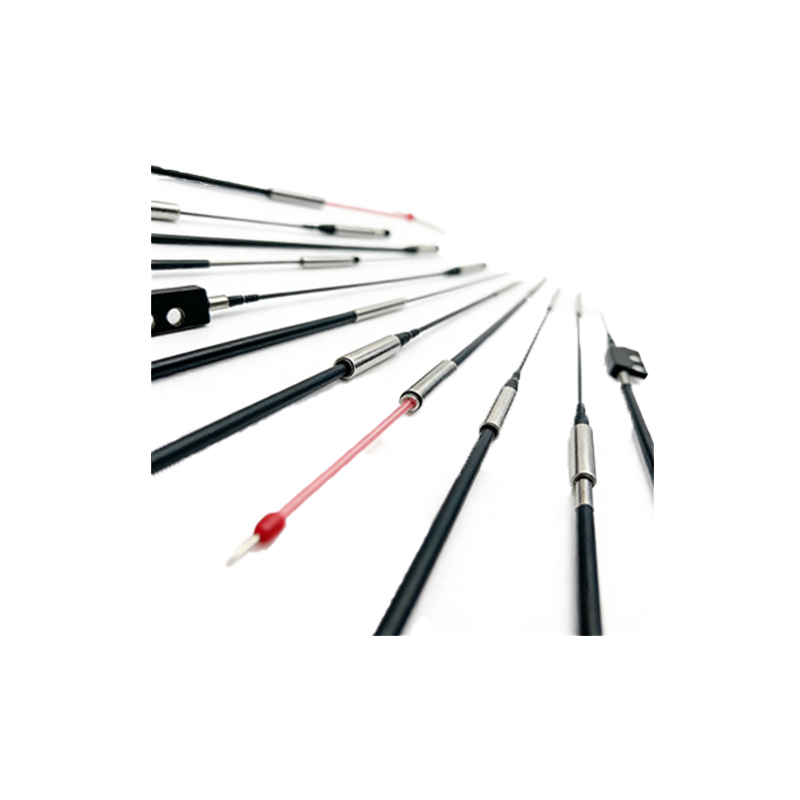
When the sensor fails to detect objects or triggers without any obstruction, the issue may be with the amplifier or sensitivity adjustment. Some slot sensors have a potentiometer for adjusting gain or threshold. Over-adjustment or drift over time can make the sensor too sensitive (false positives) or too insensitive (missed detections). Reset the potentiometer to factory specifications using a small screwdriver, and test with calibration objects. Additionally, inspect for external electrical interference from nearby motors or VFDs, which can induce noise in the sensor cable. Use shielded cables and proper grounding to mitigate this.
Physical Damage and Wear
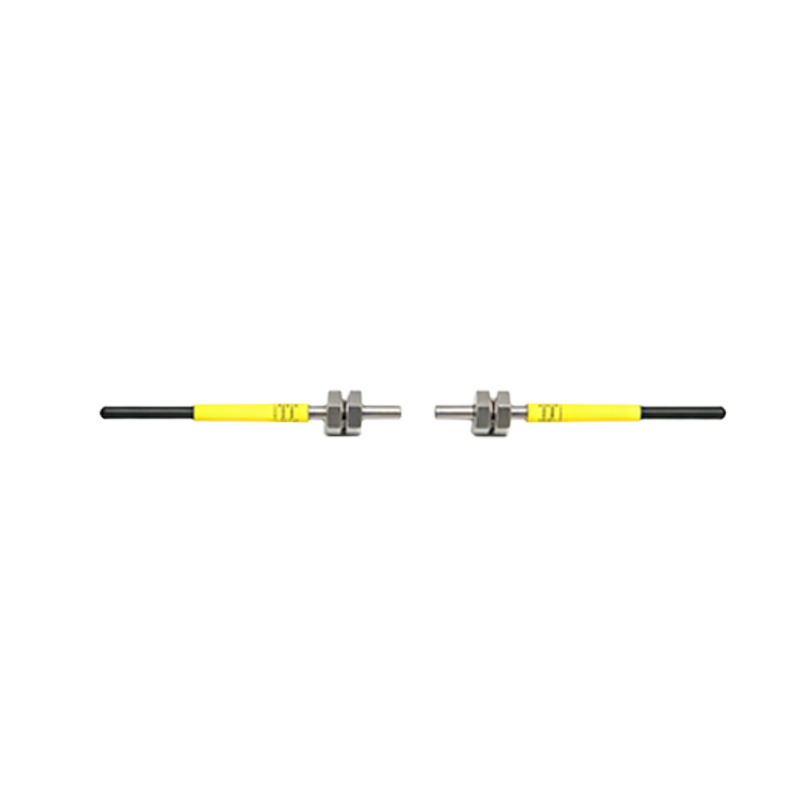
Mechanical stress, such as vibration or impact, can crack the plastic housing or misalign the internal optics. Look for visible cracks, bent brackets, or signs of overheating on the sensor body. In harsh environments, chemical exposure may degrade the lens or cable insulation. Replace any damaged components immediately. Also, consider the sensor’s IP rating; IP67-rated models are suitable for wet or dusty conditions, while lower ratings may fail under similar exposure.
Testing and Replacement Strategy
Before replacing the sensor, conduct a systematic test: verify with a known-good sensor in the same circuit to isolate the fault. Use a test jig that provides proper power and load (e.g., a 1kΩ resistor to simulate a PLC input). If the replacement works, the original sensor is defective. For critical applications, keep spare sensors on hand to minimize downtime. When ordering a replacement, match the output type (NPN or PNP), sensing distance, and connector style to ensure compatibility.
Preventive Maintenance Tips
To extend sensor life, implement a preventive maintenance schedule. Clean lenses monthly in clean environments or weekly in dusty ones. Check cable strain relief and connectors for wear. Document sensor settings and perform periodic calibration. Avoid exceeding the rated current or voltage, and install transient voltage suppressors if spikes are common. Properly trained operators can spot early signs of failure, such as slower response times, before a full breakdown occurs.