Understanding Photoelectric Sensor Fundamentals
Photoelectric sensors are crucial components in modern automation systems, converting light signals into electrical outputs for object detection, positioning, and counting. To improve their performance, start by evaluating the sensor type: through-beam, retro-reflective, or diffuse mode. Each has unique strengths—through-beam offers longest range and highest precision, while diffuse mode is cost-effective for short-range tasks. Ensure the sensor’s wavelength matches the target material’s reflectivity; for example, red light (660 nm) works well for standard applications, while laser sensors enhance accuracy for minute targets.
Optimizing Mounting and Alignment
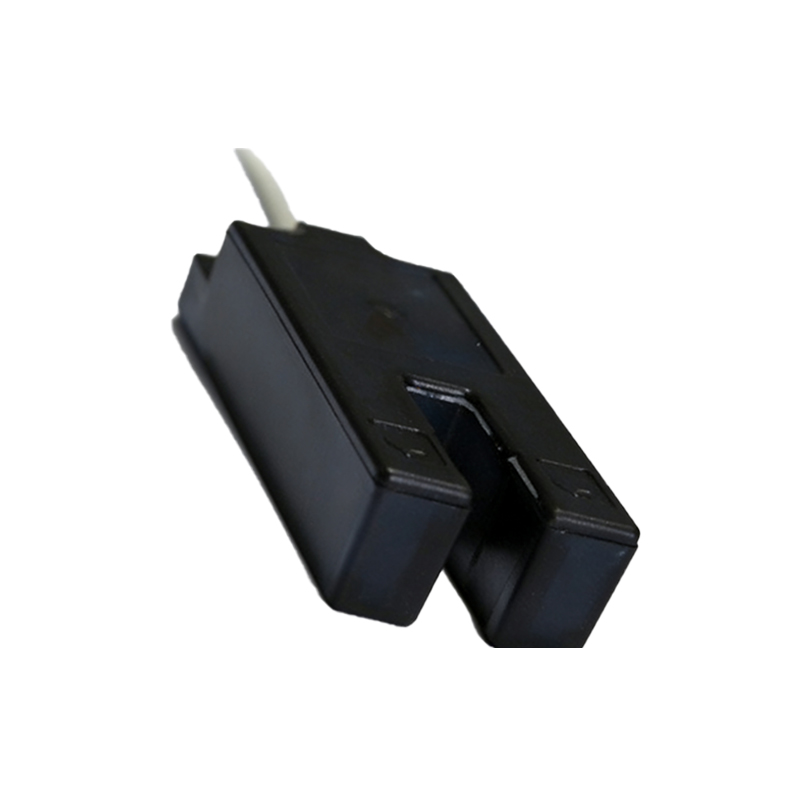
Proper physical installation minimizes false triggers and signal loss. Use rigid brackets to secure the sensor and reflector, avoiding vibration-induced misalignment. For retro-reflective sensors, maintain a clean optical path between the emitter and receiver, and align the reflector perpendicular to the beam. In diffuse mode, adjust the sensing distance to avoid background interference, especially near shiny surfaces. Implement a calibration routine using a test object that mirrors actual production items, ensuring repeatable detection.
Managing Environmental Challenges
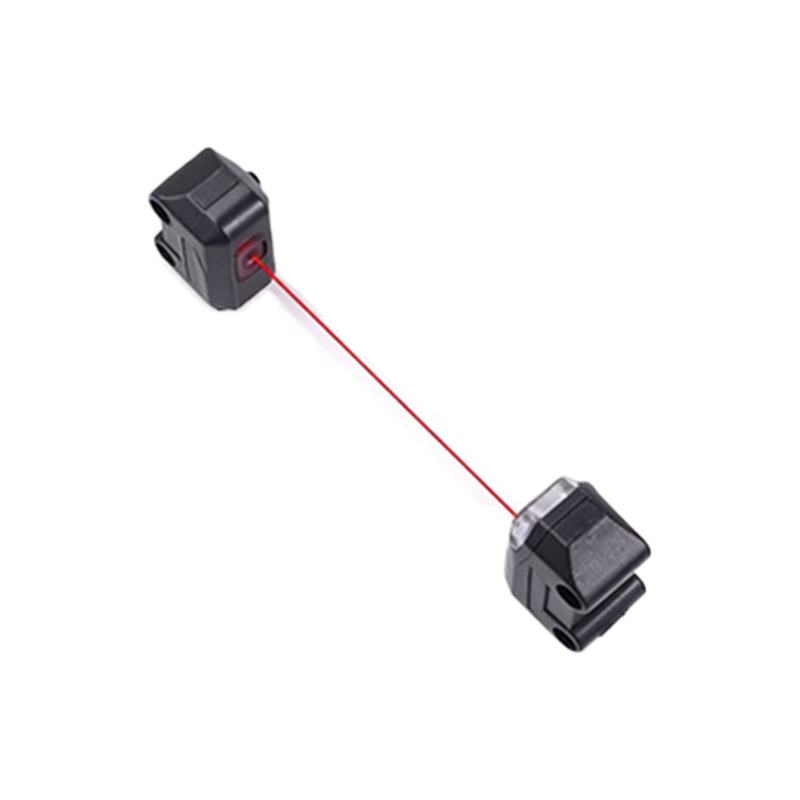
Industrial environments pose risks like dust, moisture, and ambient light. To counteract these, install sensor housings with IP67 or higher ratings for wet or dusty areas. Use hoods or shields to block stray light from welding arcs or sunlight. For high-temperature zones, select sensors with a broad operating range, such as -25°C to 60°C, and consider air purge systems to keep lenses clean. Regular maintenance—weekly lens cleaning with isopropyl alcohol—prevents performance degradation.
Leveraging Advanced Signal Processing
Modern sensors offer adjustable gain, response time, and output logic. To improve reliability, set gain to the minimum level that still ensures stable detection, reducing noise from reflective backgrounds. Use short response times (<1 ms) for fast-moving targets, but slower modes for transparent or glossy objects to prevent flutter. Implement hysteresis to avoid oscillation near detection thresholds. If the sensor supports IO-Link, use it for real-time diagnostics and parameter adjustment, enabling predictive maintenance.
Integrating with Control Systems
Effective integration enhances overall system performance. Connect sensors to PLCs via shielded cables to mitigate electromagnetic interference from motors or drives. For networked systems, use IO-Link or AS-Interface for centralized monitoring. Program the PLC to debounce sensor signals with a 10-50 ms delay, filtering out transient noise. In multi-sensor arrays, stagger trigger times to avoid crosstalk. Document sensor settings and failure modes in a maintenance log for rapid troubleshooting.
Testing and Iterating for Continuous Improvement
After implementation, conduct a performance audit using a data logger to capture detection counts, errors, and response times. Analyze the data to identify patterns like intermittent failures during temperature spikes. Adjust sensor placement or settings based on findings—for instance, adding a polarizing filter to handle glossy targets. Collaborate with suppliers to test new sensor technologies, such as background suppression or blue light variants for transparent materials. Iterate monthly to maintain peak efficiency.