Introduction to Photoelectric Sensor Pinouts
Photoelectric sensors are essential components in industrial automation, and understanding their pin configurations is critical for proper installation and reliable operation. These sensors typically use a standardized color-coding scheme for their wires, which can vary between different manufacturers and sensor types. Engineers must identify the power supply, output, and control pins to avoid wiring errors that could damage the sensor or the connected controller.
Standard Pin Color Codes and Their Functions
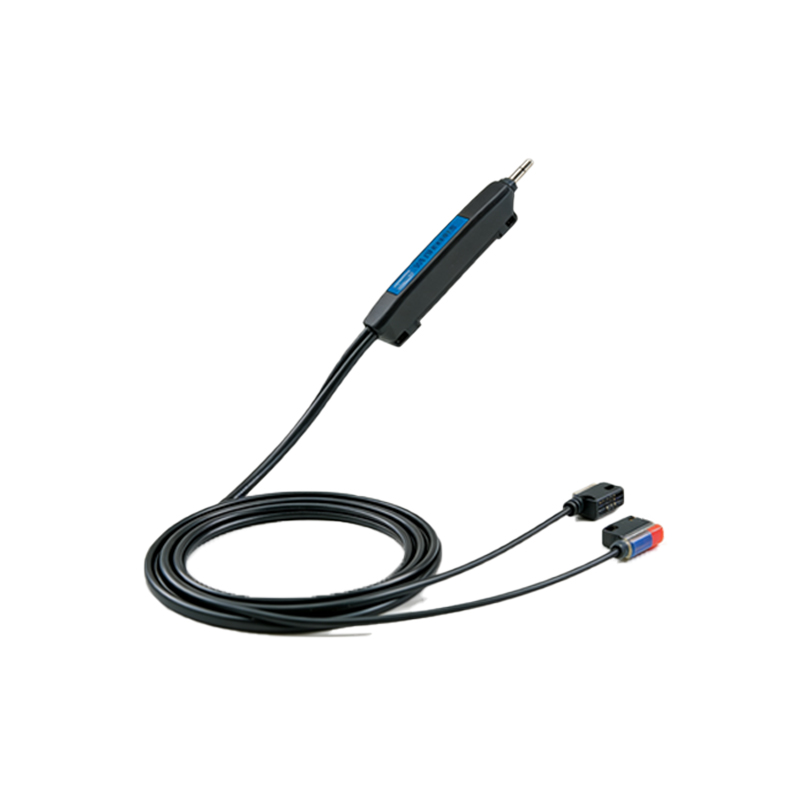
The most common standard for photoelectric sensor wiring is the IEC 60947-5-2 color code. For a typical DC three-wire sensor, the brown wire is connected to the positive power supply (typically 10-30 VDC), the blue wire to the negative (0V or ground), and the black wire serves as the output signal. In some sensors, white or gray wires are used for additional functions like test inputs or auxiliary outputs. For AC sensors, the wire colors and pin assignments may differ, so always consult the sensor datasheet.
Output Type and Pin Assignment
The output pin configuration depends on the sensor output type. For NPN (sinking) outputs, the black wire switches the load to ground when activated, requiring a pull-up resistor for logic-level compatibility. For PNP (sourcing) outputs, the black wire connects to the positive supply when activated. Some sensors offer push-pull or complementary outputs, which require careful pin mapping to avoid short circuits. Always verify the output type before connecting to a PLC or relay module.
Connector Types and Pin Numbering
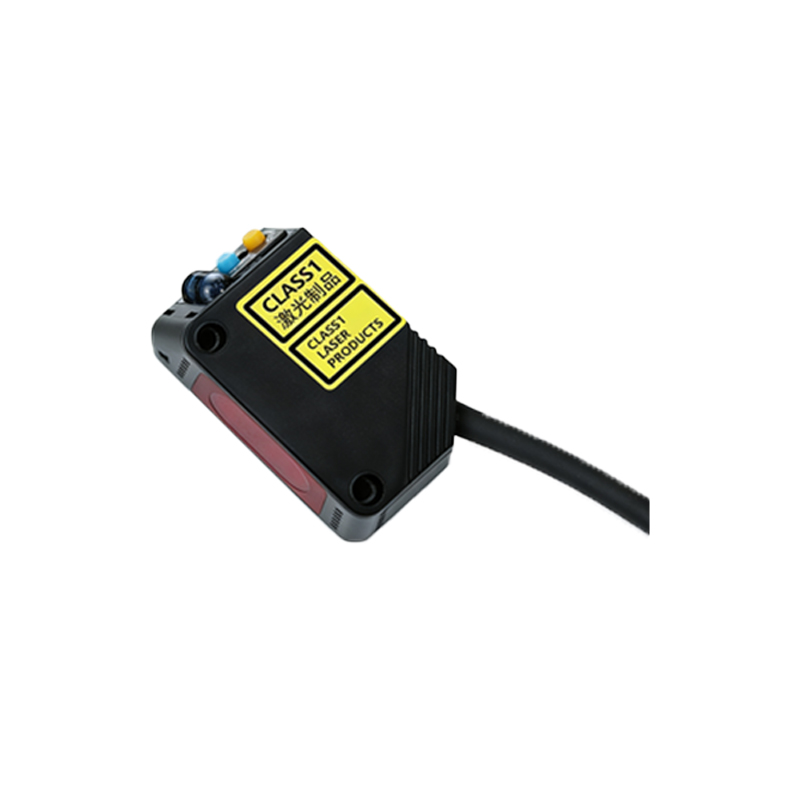
Many modern photoelectric sensors use M8 or M12 circular connectors with pre-assigned pin numbers. A standard M12 4-pin connector typically assigns pin 1 for brown (power+), pin 2 for white (auxiliary or test), pin 3 for blue (power-), and pin 4 for black (output). For 5-pin connectors, pin 5 is often used for a shield or additional output. When using field-wireable connectors, follow the manufacturer’s pinout diagram precisely to maintain EMC compliance and signal integrity.
Troubleshooting Common Pin Connection Issues
Incorrect pin wiring is a frequent cause of sensor malfunction. Symptoms include no output, false triggering, or sensor damage. Use a multimeter to verify voltage between brown and blue pins before connecting the output. Check for reversed polarity, which can destroy the sensor’s internal circuitry. If the sensor has a test input pin, ensure it is not left floating or connected to an incorrect voltage level. Always ground the cable shield at one end to prevent ground loops.
Best Practices for Sensor Wiring
When wiring photoelectric sensors, use shielded twisted-pair cables to reduce electrical noise interference. Keep sensor cables separate from power cables to avoid crosstalk. For long cable runs, calculate voltage drop to ensure the sensor receives sufficient power. Use ferrules on stranded wires to prevent short circuits in terminal blocks. Document all pin assignments on labels near connection points for future maintenance.