2026-06-09
Tech Hub
By 创始人
Enhancing Industrial Automation with GK105 Photoelectric Sensor A Comprehensive Guide
Introduction to GK105 Photoelectric Sensor in Modern Industry
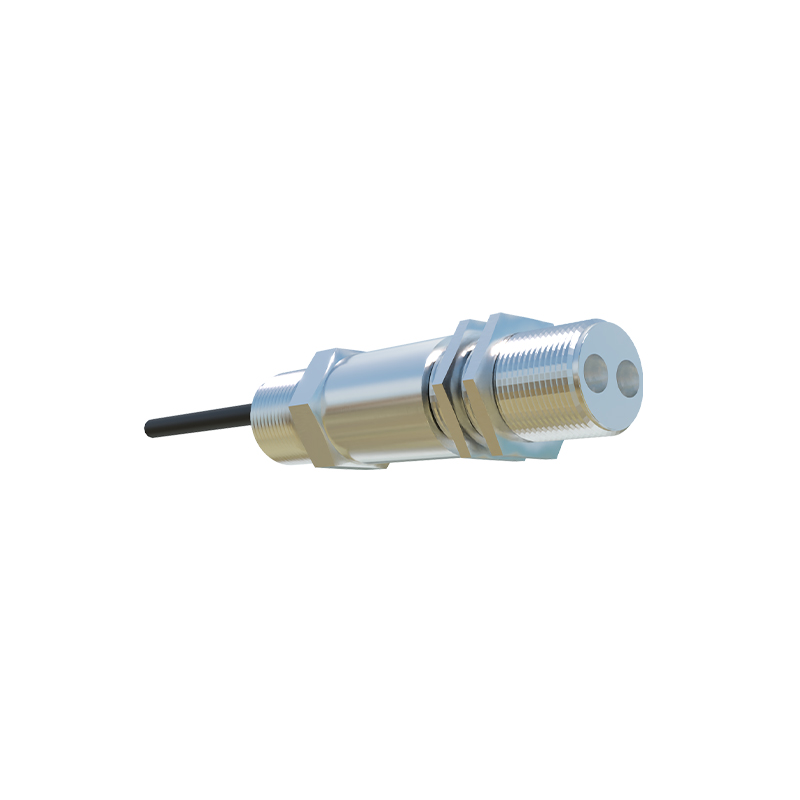
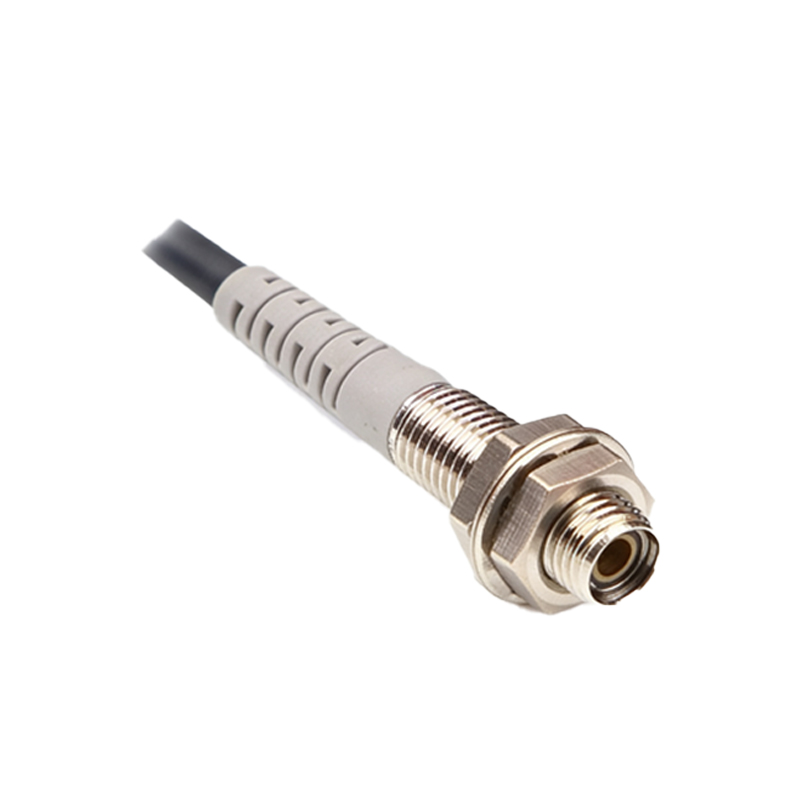
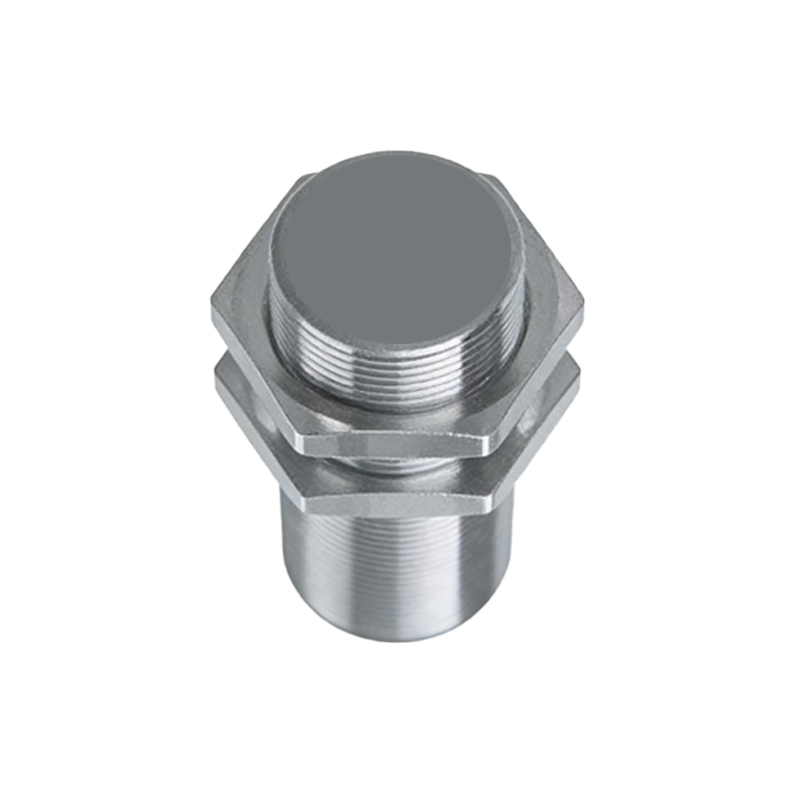
The GK105 photoelectric sensor is a critical component in industrial automation, designed to detect objects, measure distances, and monitor production lines with high precision. As a robust, non-contact sensing solution, it operates by emitting light beams and analyzing reflected or interrupted signals. This sensor is ideally suited for harsh environments, offering reliability in dust, moisture, and vibration-prone settings. For engineers, understanding its technical specifications and applications is essential to optimize system performance and reduce downtime.
Key Technical Specifications of GK105 Sensor
The GK105 features a detection range of up to 10 meters, with an operating voltage of 10-30V DC. It supports both NPN and PNP output configurations, making it compatible with most PLCs and controllers. The sensor utilizes a red LED light source (660 nm wavelength) for stable performance in ambient light conditions. Its response time is under 1 ms, ensuring rapid object detection. The housing is IP67-rated, providing protection against dust and temporary water immersion. These parameters make the GK105 ideal for conveyor belt monitoring, packaging inspection, and robotic guidance.
Common Applications in Manufacturing and Logistics
In manufacturing, the GK105 is widely used for presence detection on assembly lines, ensuring components are correctly positioned before further processing. For example, in automotive part assembly, it verifies the placement of brackets or fasteners. In logistics, it monitors package flow on sortation systems, triggering diverters or alarms for jams. Additionally, it serves in material handling to detect pallets or boxes in warehouse storage systems. Its ability to operate reliably in low-light or dirty environments reduces false signals and maintenance costs.
Installation Best Practices for Maximum Reliability
Proper installation of the GK105 is critical. First, mount the sensor at a 90-degree angle to the target surface to avoid specular reflection issues. Maintain a clean lens surface, using compressed air or alcohol wipes periodically. For through-beam models, align the emitter and receiver precisely using a laser pointer tool. Power connections should follow the manufacturer’s wiring diagram, with shielded cables to prevent electromagnetic interference. Test the sensor using the calibration screw to adjust sensitivity, ensuring it detects objects of varying sizes without triggering false alarms.
Troubleshooting Common Issues with GK105
Common problems include intermittent detection, false triggers, or no response. If the sensor fails to detect, check power supply stability (voltage must be within 10-30V DC). For false triggers, examine ambient light interference or reflective surfaces near the detection zone. Clean the lens if dust accumulates. If output remains constant, verify the NPN/PNP configuration matches the controller input. In extreme cases, use a multimeter to test the sensor’s output signal under load. Consulting the datasheet’s diagnostic LEDs will quickly indicate alignment or power issues.