Introduction to the S186E Photoelectric Sensor
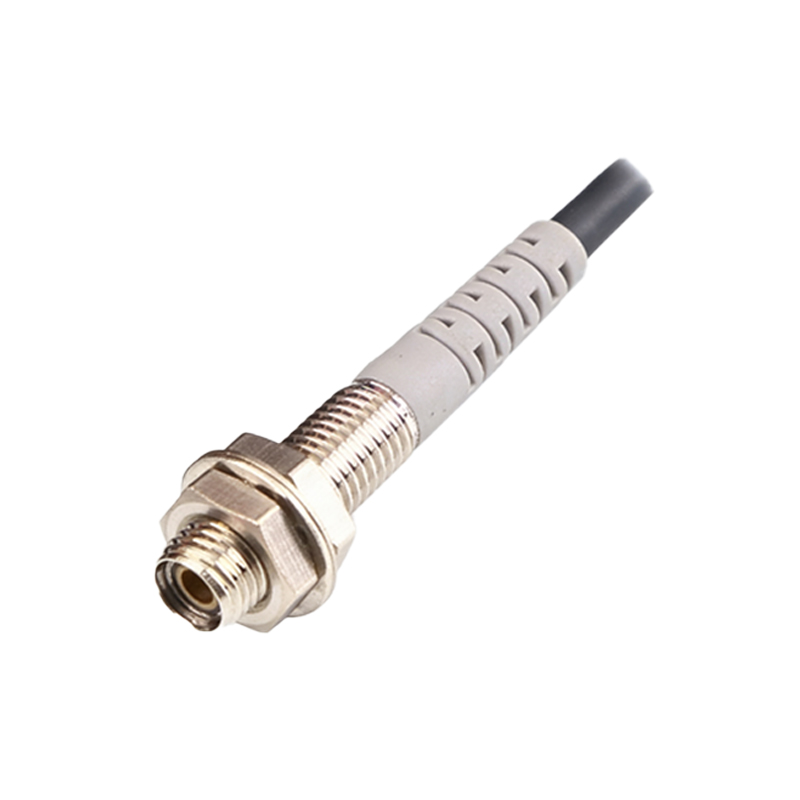
The S186E is a high-performance photoelectric sensor widely used in industrial automation for object detection, positioning, and counting. It operates on a reliable NPN output configuration, typically requiring a 12-24V DC power supply. Proper wiring is critical to ensure stable operation and avoid sensor damage. This guide provides a professional, step-by-step approach to wiring the S186E, following standard electrical engineering practices.
Required Tools and Safety Precautions
Before beginning, gather the following tools: a multimeter for continuity testing, wire strippers, a small flat-head screwdriver, and a DC power supply (12-24V). Always disconnect power before wiring to prevent short circuits or electric shock. Verify the sensor’s specifications in its datasheet, including the operating voltage range and output type. Use appropriately gauged wire (typically 22-18 AWG) and ensure the environment is free from excessive moisture or dust.
Understanding the S186E Wire Color Coding
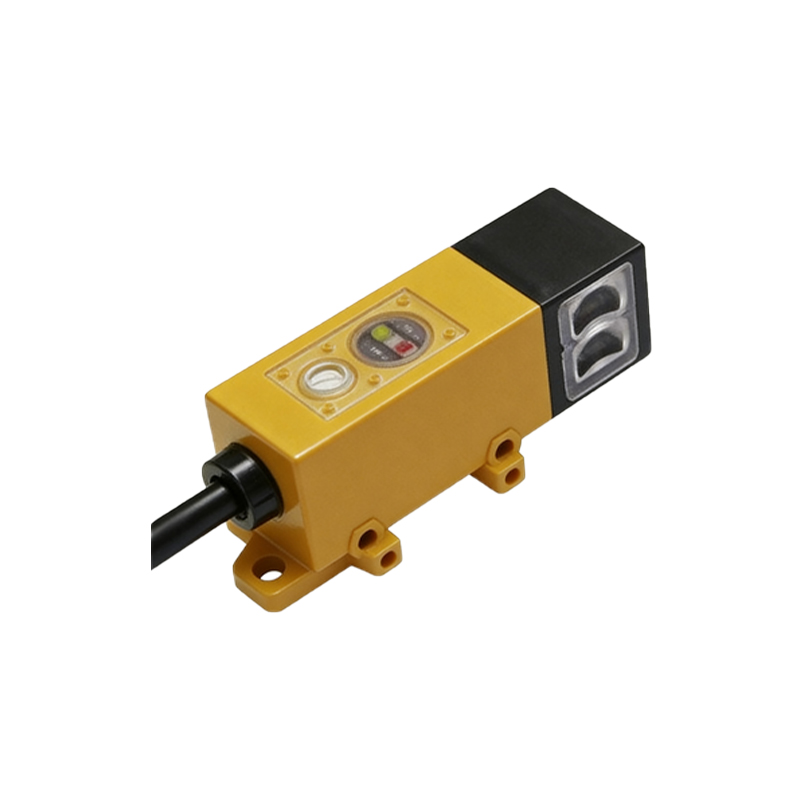
The S186E sensor typically has three wires: brown (power supply +), blue (power supply -), and black (output). In some variants, a fourth wire (white or gray) may be present for additional functions like synchronization or light-on/dark-on selection. Confirm the exact color code from the product manual. For standard models, the brown wire connects to the positive terminal of the DC power supply, and the blue wire to the negative terminal. The black wire is the NPN output, which connects to the load (e.g., PLC input or relay).
Connecting the Power Supply
Connect the brown wire to the positive terminal of the 12-24V DC power supply. Connect the blue wire to the negative terminal. Use a multimeter to verify the voltage between the brown and blue wires is within the specified range (typically 12-24V DC). Do not exceed the maximum voltage, as it can permanently damage the sensor. For long cable runs, use a shielded cable to reduce electromagnetic interference.
Wiring the NPN Output to a PLC or Load
The black wire is the open-collector NPN output. It switches low (less than 1V) when the sensor detects an object. Connect the black wire to the input terminal of a PLC (e.g., a sinking input) or to one side of a DC relay coil. The other side of the load must be connected to the positive supply voltage. For example, if using a PLC with sinking inputs, the black wire goes to the input, and the PLC’s common terminal connects to the positive supply. Verify the load current does not exceed the sensor’s maximum output current (typically 100mA). A series resistor may be needed for LED indicators.
Testing the Connection and Troubleshooting
After wiring, power on the system and test the sensor. When an object is detected, the output (black wire) should drop to near 0V relative to the blue wire. Use a multimeter to measure the voltage between black and blue. If the sensor does not respond, check the power supply voltage, wire continuity, and load compatibility. Common issues include reversed polarity (brown/blue swapped) or an open circuit in the output. For models with a sensitivity adjustment, ensure the potentiometer is set correctly for the target object’s reflectivity.
Advanced Configuration: Light-On vs. Dark-On Mode
Some S186E models allow switching between light-on (output active when light is received) and dark-on (output active when light is blocked). This is often controlled by a fourth wire or a dip switch. If a fourth wire is present (e.g., white), grounding it to blue may activate one mode. Consult the datasheet for specific wiring. For example, in dark-on mode, the output is active when the sensor sees no reflected light, which is useful for detecting clear objects.
Conclusion and Best Practices
Proper wiring of the S186E ensures reliable operation in industrial environments. Always double-check connections with a multimeter before applying power. Use strain relief on cables to prevent wire breakage. For harsh conditions, consider adding a surge suppressor across the power lines. Regular inspection of the sensor lens and connections will prolong its lifespan. If issues persist, replace the sensor and re-verify the wiring diagram.