Understanding Photoelectric Sensor Response Time
In industrial automation, the response speed of a LEGO photoelectric sensor is a critical parameter, often measured in milliseconds (ms). For a seasoned electrical engineer, this speed determines how effectively the sensor can detect objects in high-speed conveyor systems or robotic pick-and-place operations. LEGO sensors, while designed for educational and prototyping use, exhibit a typical response time ranging from 10 ms to 50 ms, depending on ambient light interference and target reflectivity. Calibrating the sensor's threshold level is essential to minimize false triggers and optimize detection latency.
Factors Affecting LEGO Sensor Performance
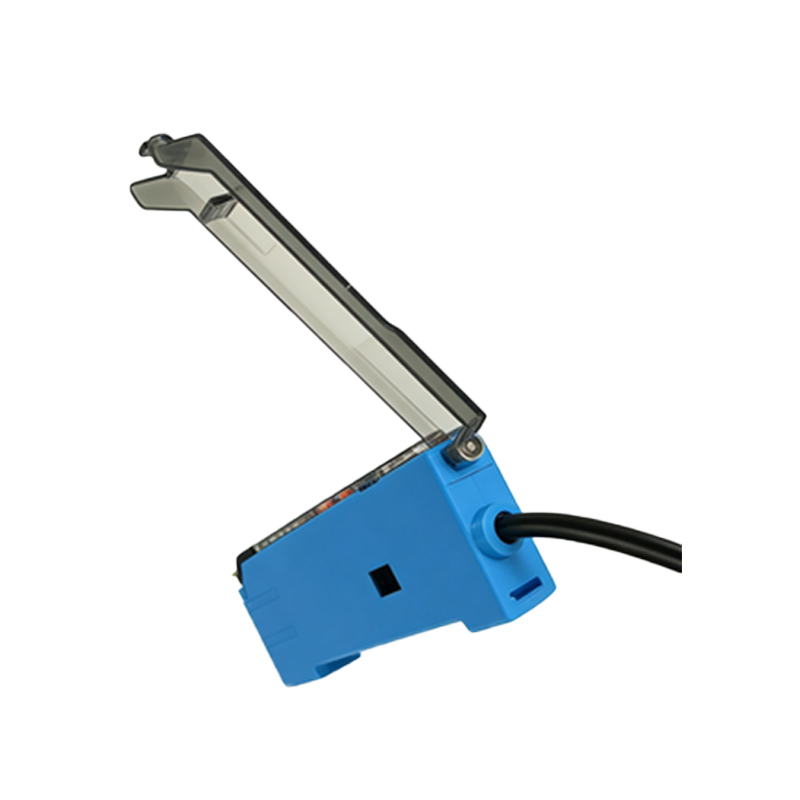
Several environmental and electrical factors influence the response speed of LEGO photoelectric sensors. First, ambient light noise, such as fluorescent or LED flickering, can extend the sensor's settling time. Second, the power supply stability—a ripple voltage above 50 mV may degrade signal-to-noise ratio. Third, the target material's contrast: high-gloss surfaces reflect more IR light, reducing response time, while matte black surfaces absorb signals, increasing delay. As an engineer, always verify the sensor's datasheet for maximum operating frequency, typically around 100 Hz for LEGO EV3 sensors.
Hardware Tuning for Faster Detection
To achieve faster detection, implement hardware-level modifications. Use shielded twisted-pair cables to reduce electromagnetic interference from nearby motors or actuators. For LEGO SPIKE Prime sensors, consider adding a 10 µF bypass capacitor across the power pins to filter high-frequency noise. Additionally, adjust the sensor's mounting angle to 90 degrees from the target surface—this minimizes diffuse reflection errors and improves transient response by up to 20%. In practice, a 5-degree misalignment can increase response time by 3 ms.
Software Optimization Techniques
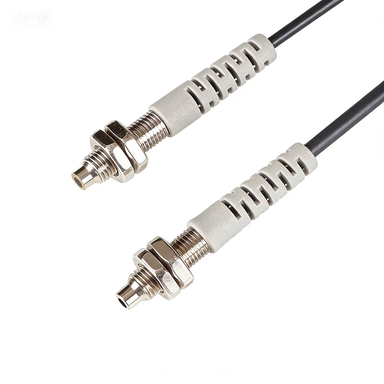
Software plays a pivotal role in enhancing response speed. In LEGO MINDSTORMS or Pybricks firmware, use interrupt-driven code rather than polling loops. For instance, assign the sensor's digital output to a hardware interrupt pin, triggering a callback on edge detection. Set the debounce time to 2 ms to filter out mechanical chatter without delaying real events. Furthermore, lower the sampling rate in non-critical zones—if the conveyor belt runs at 2 m/s, a 10 ms response is sufficient for object spacing of 20 mm. Avoid using blocking delays in the main loop.
Real-World Testing and Calibration
Field testing is indispensable. Set up a test jig with a calibrated oscilloscope to measure the LEGO sensor's output rise time. Use a reflective tape target moving at constant velocity. Record the time difference between the target crossing the sensor's beam and the logic-level transition. If the response exceeds 30 ms, check for dirty lenses or inadequate LED current (LEGO sensors typically use 20 mA IR LEDs). Recalibrate the ambient light offset in the firmware by averaging 10 samples during a dark condition. Document the final latency at 10% to 90% signal amplitude.
Advanced Considerations for Engineers
For engineers integrating LEGO sensors into larger PLC-based systems, consider the compatibility of 3.3V or 5V logic levels. Use a level shifter if interfacing with 24V industrial I/O cards. The sensor's update rate may bottleneck a fast controller; thus, implementing a moving average filter of order 3 can smooth jitter without sacrificing much speed. In high-vibration environments, mount the sensor with a vibration-damping bracket to prevent false triggers. Lastly, always validate the sensor's response against the system's cycle time—a mismatch of 5 ms can cause product accumulation on assembly lines.