Introduction to Slot-Type Photoelectric Sensors
Slot-type photoelectric sensors, also known as fork sensors, are essential components in industrial automation for detecting objects, counting, and positioning. They consist of a U-shaped housing with an emitter and receiver aligned across the slot. Understanding their pin definition is critical for correct wiring, integration, and troubleshooting in control systems. This article provides a detailed, engineer-oriented breakdown of common pin configurations, focusing on typical 3-wire and 4-wire models used in manufacturing environments.
Standard Pin Numbering and Color Coding
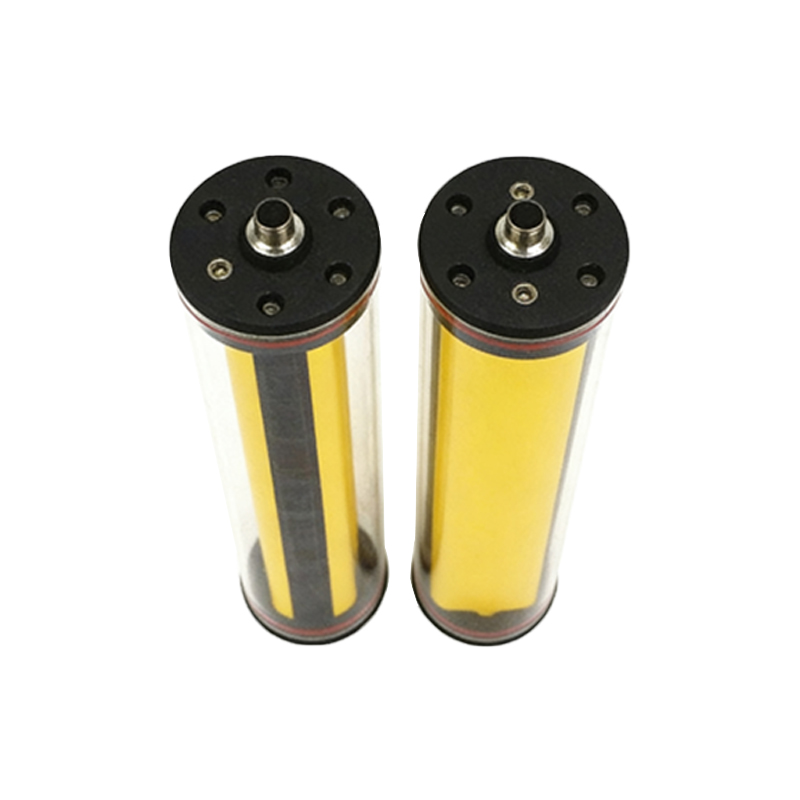
Most slot-type sensors follow the IEC 61131-2 standard for pin assignments. The most common configuration is a 3-wire system: Brown (Pin 1) for positive power supply (+10 to 30 VDC), Blue (Pin 2) for negative power supply (0V or ground), and Black (Pin 3) for the output signal. For 4-wire models, a fourth wire, typically White (Pin 4), is used for a second output or a selectable NO/NC function. Always verify the sensor datasheet, as manufacturers may use alternative color codes like gray or pink for auxiliary functions.
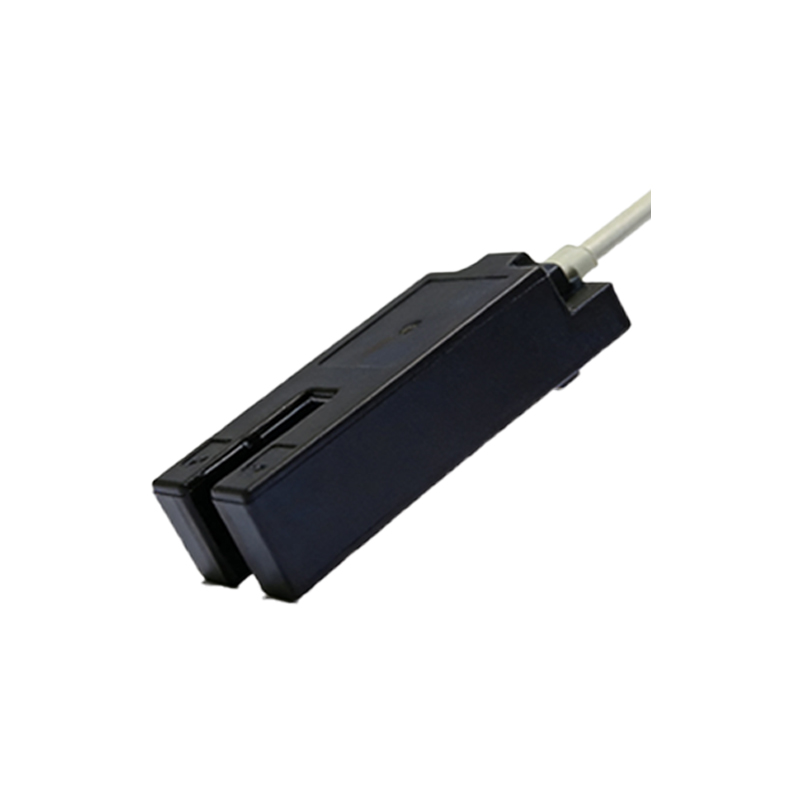
Output Types: NPN vs. PNP Definitions
The pin function heavily depends on output type. For NPN (sinking) sensors, the Black wire outputs a low signal (0V) when the slot is blocked. The load is connected between the positive supply and the output pin. For PNP (sourcing) sensors, the Black wire outputs a high signal (+VDC) when the slot is blocked, and the load connects between the output and ground. Miswiring NPN and PNP can damage the sensor or controller input; always check the part number suffix (e.g., -N for NPN, -P for PNP).
Power Supply and Ground Pins
The Brown wire (positive) must be connected to a regulated DC power source within the sensor’s specified voltage range, typically 10-30 VDC. The Blue wire (ground) must be connected to the system common. Ensure proper polarity: reverse polarity can cause immediate failure. Some sensors include overvoltage protection, but it is not universal. Use a multimeter to verify voltage between Brown and Blue before connecting the output.
Output Signal Pin Details
The Black (or White) output pin is the primary signal line. In normally open (NO) mode, the output is off when no object is in the slot, and switches on when the slot is blocked. In normally closed (NC) mode, the output is on when no object is present. For 4-wire sensors, the White wire often serves as a second output (e.g., dual NO/NC) or an alarm output. The output is typically a transistor open-collector type, capable of sinking or sourcing up to 100-200 mA. Always check the datasheet for maximum load current.
Special Function Pins: Teach and Lock
Advanced slot-type sensors may include additional pins for configuration. A Pink or Gray wire can be a teach input to adjust sensitivity or switching threshold. A Yellow wire might serve as a lock input to prevent accidental parameter changes. These pins are often active-low (pulled to ground) and should be left unconnected if not used. Refer to the manufacturer’s manual for specific pull-up or pull-down resistor requirements.
Troubleshooting Common Pin Issues
If the sensor does not operate, first check the power supply pins (Brown and Blue) with a voltmeter. Next, test the output pin (Black) with no object in the slot and while blocking the slot; a voltage change should be observed. For 4-wire sensors, verify the White wire function against the datasheet. Common faults include incorrect polarity, loose connections, or using the wrong output type for the controller input. Always use a shielded cable for long runs to prevent electrical noise interference on the signal pin.
Conclusion and Best Practices
Properly interpreting slot-type photoelectric sensor pin definitions ensures reliable system integration. Always confirm the pinout with the manufacturer datasheet, label cables clearly, and use a multimeter for verification before powering up. For complex systems, consider using pre-wired connectors or junction boxes to minimize wiring errors. Following these guidelines will reduce downtime and improve automation efficiency.