Understanding Button Type Photoelectric Sensors
Button type photoelectric sensors are compact devices widely used in industrial automation to detect the presence, absence, or position of objects without physical contact. They typically consist of an emitter and receiver integrated into a single cylindrical housing, often with a threaded barrel for mounting. These sensors operate on principles like through-beam, retro-reflective, or diffuse reflection, and their adjustment is critical for reliable performance in harsh environments. As an electrical engineer, you must first identify the sensor type and its application—such as conveyor belt monitoring or packaging line detection—before proceeding with calibration.
Pre-Adjustment Safety and Preparation
Before adjusting the sensor, ensure the power supply is disconnected to prevent electrical shock or damage to the sensor. Verify the sensor’s rated voltage (e.g., 10-30 VDC) and wiring configuration (e.g., NPN or PNP output). Use a multimeter to check continuity and correct connections. Gather necessary tools: a small screwdriver for potentiometer adjustments, alignment aids like reflective tape or target objects, and a cleaning cloth for the lens. Mount the sensor securely on a bracket or machine frame, ensuring the sensing surface is clean and free from debris. Document the initial settings for reference.
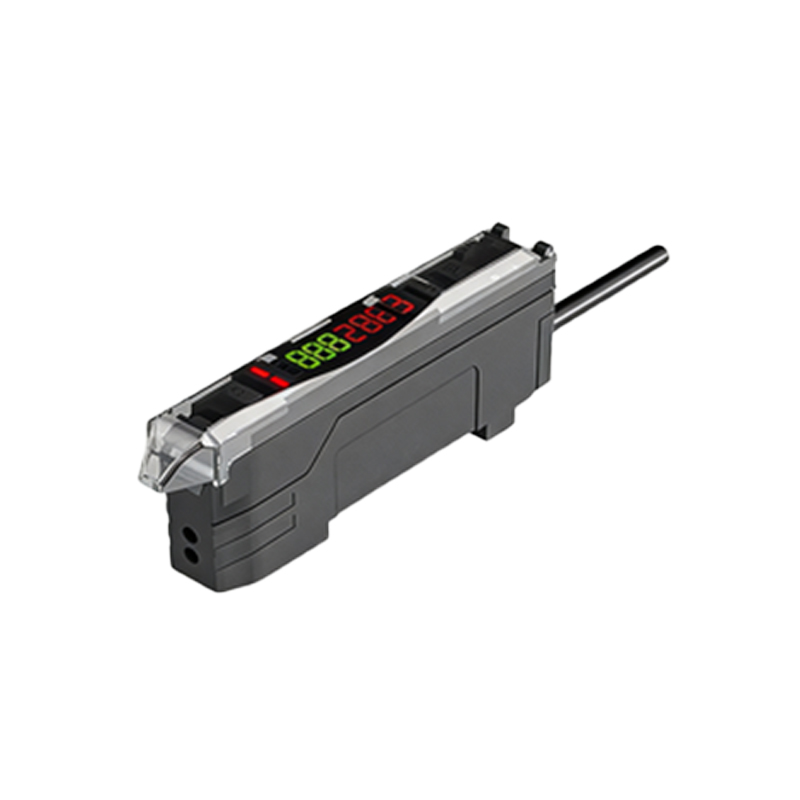
Basic Adjustment Procedure for Sensitivity
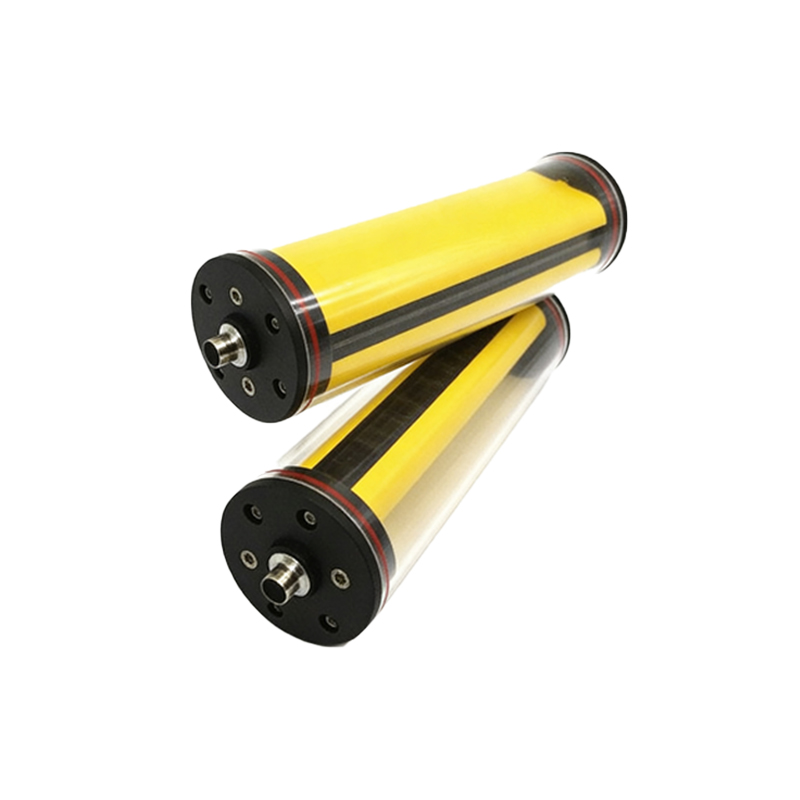
Most button type photoelectric sensors feature a potentiometer or a multi-turn trimmer for sensitivity adjustment. Turn the potentiometer clockwise to increase the detection range or counterclockwise to decrease it. For diffuse sensors, start with the knob set to the midpoint, then place a target object at the desired sensing distance (e.g., 50 mm). Slowly rotate the potentiometer until the sensor’s output LED turns on or off, indicating detection. For through-beam sensors, align the emitter and receiver first, then adjust the sensitivity to avoid false triggers from ambient light or dust. Use a screwdriver to make fine adjustments in 1/4-turn increments.
Aligning the Sensor for Optimal Performance
Proper alignment is crucial, especially for retro-reflective and through-beam types. For retro-reflective sensors, mount a reflector opposite the sensor, ensuring the beam path is unobstructed. Adjust the sensor’s angle using the built-in alignment indicator—usually an LED that flashes or changes color when misaligned. Tighten the mounting nut after achieving a stable signal. For through-beam sensors, use a laser pointer or visual alignment tool to center the emitter beam on the receiver’s lens. Check the signal strength with an oscilloscope or the sensor’s diagnostic output; a strong signal shows a clean square wave without noise.
Fine-Tuning for Environmental Factors
Industrial environments often introduce challenges like vibration, temperature fluctuations, or contamination. To compensate, adjust the sensor’s response time or frequency if your model supports it (e.g., using a DIP switch or potentiometer for speed). For high-speed applications, increase the response frequency (e.g., 1 kHz) to avoid missed detections. For dusty or wet conditions, reduce sensitivity slightly to prevent false triggers from particles on the lens. After adjustments, test the sensor under actual operating conditions, including startup, maximum speed, and varying light levels.
Troubleshooting Common Adjustment Issues
If the sensor fails to detect reliably, first check for electrical issues: verify supply voltage (e.g., 24 VDC ±10%), inspect wiring for shorts, and confirm the output load (e.g., relay or PLC input) is compatible. Mechanical issues include misalignment, loose mounting, or damaged reflector. Use a multimeter to measure the output voltage when the sensor is triggered—should be near 0 V (NPN) or supply voltage (PNP). Adjust the sensitivity again, but if the problem persists, consider replacing the sensor or adding a lens protector. Document all changes for future maintenance.