1. Power Supply Disconnection or Failure
The most frequent cause of a non-functional photoelectric sensor is an interruption in its power source. This can stem from a tripped circuit breaker, a blown fuse in the control cabinet, or a loose connection at the terminal block. For DC-powered sensors (typically 10-30VDC), verify the voltage at the sensor’s wires using a multimeter. For AC sensors, check for 24VAC or 120VAC at the source. A simple voltage drop below the rated minimum will cause the sensor to shut down entirely.
3. Damaged or Corroded Wiring and Connectors
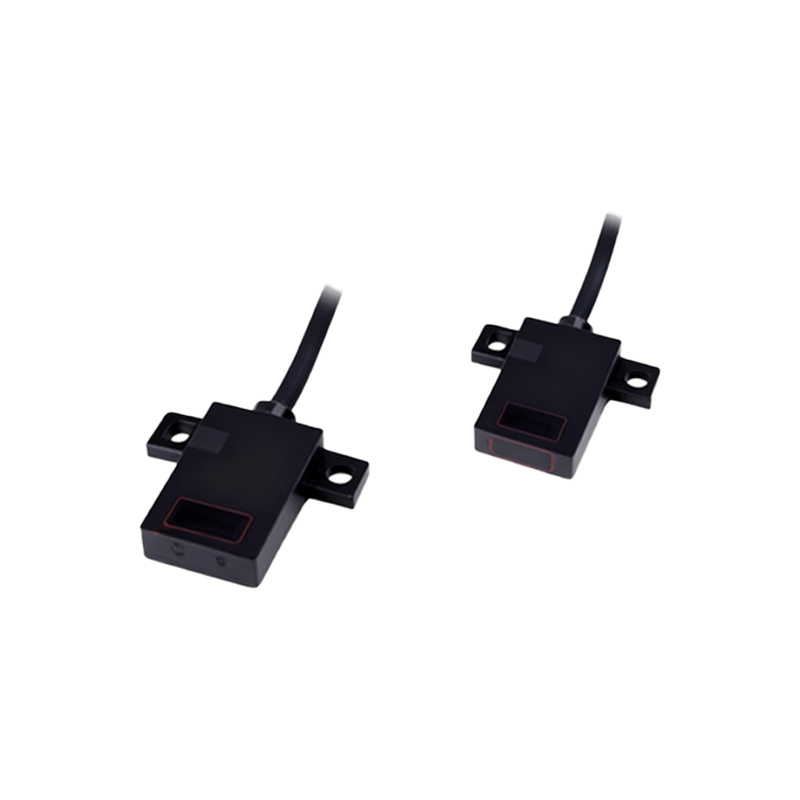
In industrial environments, cables are vulnerable to physical damage, chemical corrosion, and moisture ingress. Inspect the entire cable run from the sensor head to the controller. Look for crushed insulation, exposed copper, or signs of water inside the connector housing. Corrosion on pin contacts can create high resistance, starving the sensor of power. Use a multimeter to check continuity between the sensor’s power pins and the power supply output. If resistance exceeds a few ohms, the cable or connector needs replacement.
4. Overloaded Power Supply or Circuit
Many sensors share a single 24VDC power supply in a control panel. If too many sensors, actuators, or PLC output cards are on the same circuit, the total current draw may exceed the supply’s rating. This causes the supply voltage to sag or trigger overcurrent protection. Measure the voltage at the sensor while other loads are active. If it drops below the sensor’s minimum operating voltage (e.g., below 10VDC for a 12-24VDC sensor), the power supply is undersized or failing. Add a dedicated power supply for the sensor group.

5. Internal Component Failure Due to Overvoltage or Surge
Photoelectric sensors contain sensitive electronics like phototransistors and voltage regulators. A transient voltage spike from a nearby motor start or lightning strike can destroy these internal components, leading to a dead sensor. In such cases, the sensor may show no voltage on its output even when the power supply is correct. The only fix is to replace the sensor. To prevent recurrence, install transient voltage suppression (TVS) diodes or surge protectors on the power lines.
6. Incorrect Wiring Polarity or Configuration
For DC sensors, reversing the power supply polarity (connecting positive to negative and vice versa) will prevent operation. While many modern sensors have reverse polarity protection, older models do not and may be permanently damaged. Verify wiring against the sensor’s datasheet. Also, check if the sensor requires a specific load resistor or wiring configuration (e.g., NPN vs. PNP output). An incorrectly wired output can also starve the internal circuitry of power if the sensor is designed to draw power through the output line.
Diagnostic Checklist for Troubleshooting
If the sensor remains unpowered, follow this step-by-step process:
1. Measure voltage at the power supply output with a multimeter.
2. Measure voltage at the sensor’s power terminals while the sensor is connected.
3. Inspect all connectors and cables for physical damage or moisture.
4. Check the circuit breaker or fuse status in the control panel.
5. Isolate the sensor from other loads and test again.
6. Swap the sensor with a known working unit to rule out internal failure.