Understanding Photoelectric Sensor Basics
Photoelectric sensors are critical components in industrial automation, used for detecting objects, distances, and positions without physical contact. Proper wiring ensures reliable performance and prevents sensor damage. Before wiring, always verify the sensor type (through-beam, retro-reflective, or diffuse) and its output configuration (PNP or NPN). Consult the manufacturer's datasheet for voltage ratings (typically 10-30V DC) and load current limits. Incorrect wiring can lead to false triggers, electrical noise, or permanent sensor failure.

Identifying Sensor Cable Colors and Terminology
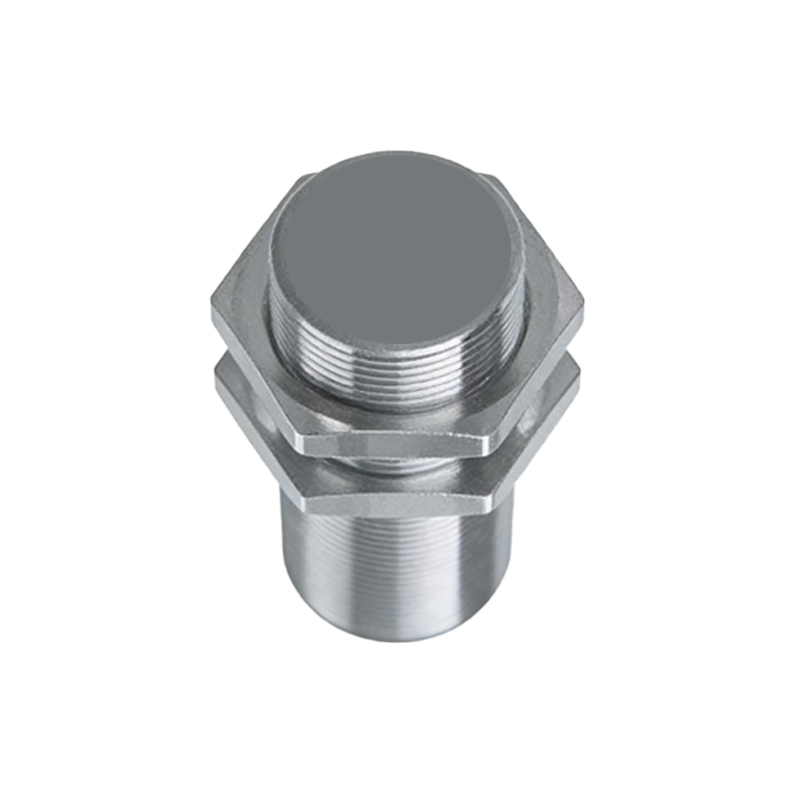
Standard photoelectric sensors use color-coded wires for power, output, and control. Common codes include: Brown (V+ or power supply positive), Blue (V- or ground), Black (output signal), and White (optional control lines like light-on/dark-on selection). Some sensors use M8 or M12 connectors with numbered pins—pin 1 is typically brown, pin 3 blue, and pin 4 black. Always double-check the wiring diagram specific to your sensor model, as international standards vary slightly.
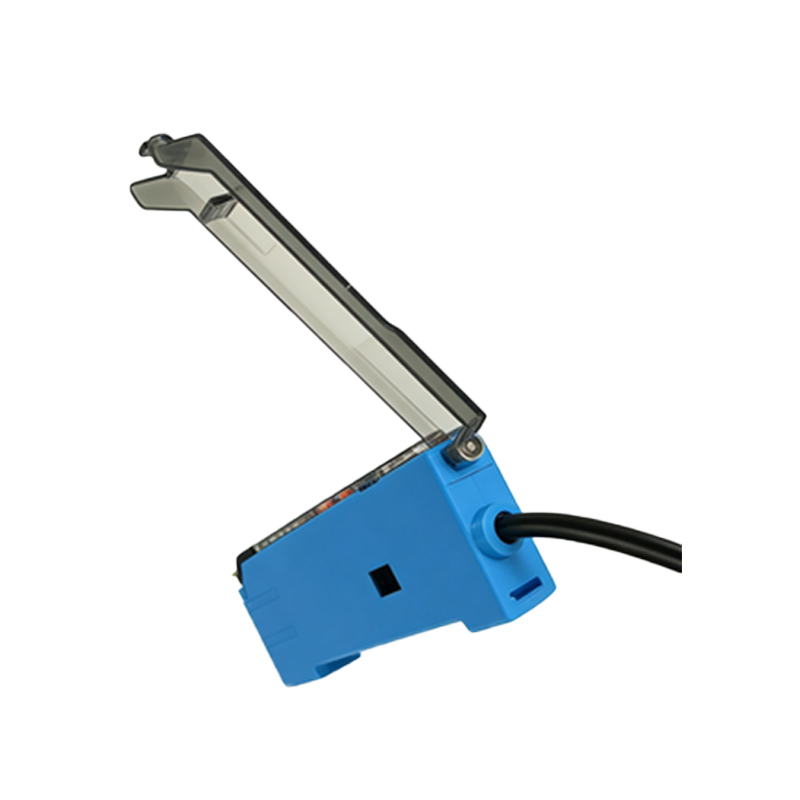
Step-by-Step Wiring Procedure for PNP Sensors
For PNP (sourcing) sensors, connect the brown wire to the positive terminal of the power supply (e.g., +24V DC). Connect the blue wire to the negative terminal (0V or ground). The black output wire should be connected to the input of a PLC, relay, or load. Use a pull-down resistor (typically 10kΩ) if the load requires a defined low state when the sensor is off. Ensure the power supply is disconnected during wiring to avoid short circuits. Test the connection by applying power and checking the output voltage between black and blue—it should be near the supply voltage when active.
Step-by-Step Wiring Procedure for NPN Sensors
For NPN (sinking) sensors, connect the brown wire to the positive terminal (+24V DC) and the blue wire to the negative terminal (0V). The black output wire connects to the load, which then connects to the positive supply. Use a pull-up resistor if the load requires a defined high state when the sensor is off. NPN sensors switch the output to ground when active, so measure voltage between black and brown: it should drop near 0V when triggered. Always verify the rated load current to avoid exceeding the sensor's sinking capacity.
Common Wiring Mistakes and Troubleshooting
Common errors include reversing power wires (brown and blue), which can destroy the sensor instantly. Mixing PNP and NPN outputs without proper load resistors causes erratic signals. Use a multimeter to check continuity and voltage before finalizing connections. For sensors with shielded cables, ground the shield only at one end (preferably the controller side) to prevent ground loops. If the sensor fails to trigger, check for voltage drops due to long cable runs—use thicker gauge wires for distances over 50 meters.
Best Practices for Industrial Environment Wiring
Use appropriate cable glands and connectors to maintain IP67 ratings in wet or dusty areas. Route sensor cables away from high-voltage power lines to minimize electromagnetic interference. Label all wires and connectors for easy maintenance. Implement a dedicated fuse or circuit breaker for each sensor to isolate faults. For complex systems with multiple sensors, use a common power supply with proper grounding to ensure consistent performance.